Developer Tools●●Solid
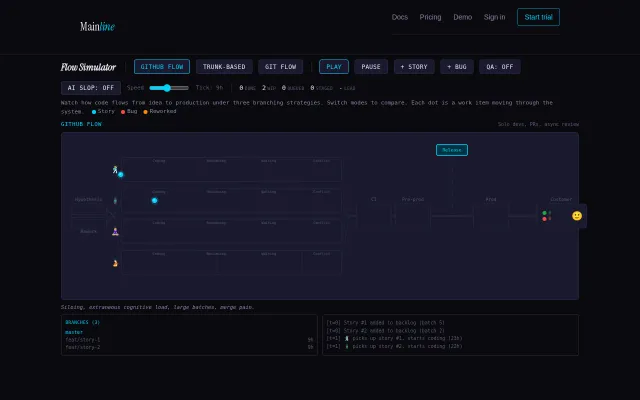
Flow Simulator – GitHub Flow vs. trunk-based development side by side
Watch PRs pile up in GitFlow then switch to trunk-based and see the difference.
Big BrainNiche Gem
natyoung
1019d ago
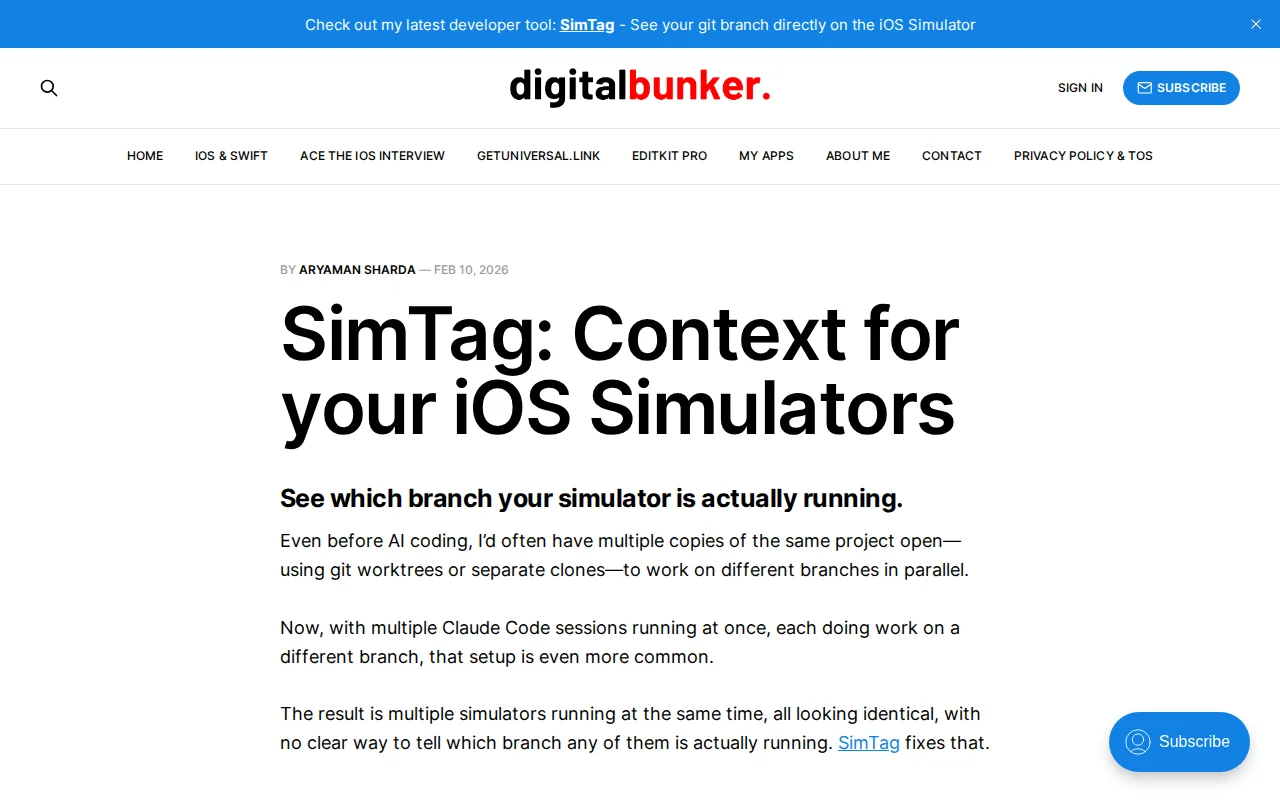
Branch context overlay for iOS Simulator; solves real pain for parallel workflows.
iOS developers using git worktrees, multiple clones, or parallel AI coding sessions
ContextLedger (AI handoff context CLI) · Xcode workspace management tools · Simulator enhancement utilities
Feature branch in one window. Hotfix in another. PR review in a third. With multiple AI coding sessions pushing builds to different simulators, it became very easy to lose track of what branch a running build actually came from.
The iOS Simulator gives you no branch context - every window looks identical.
I built a small free macOS utility that overlays the current git branch directly on the Simulator window.
It maps the running app to its artifacts in DerivedData, resolves the originating project path, then reads the active git branch from that directory and renders it as an overlay on the Simulator window.
No changes to your project are required - it just adds context at a glance.
This has already saved me from debugging the wrong branch several times.
Would love feedback from other iOS developers who've experienced this problem or use parallel AI workflows.
Blog post with more details: https://digitalbunker.dev/simtag-context-for-your-ios-simula...
Happy to answer technical questions.
Watch PRs pile up in GitFlow then switch to trunk-based and see the difference.
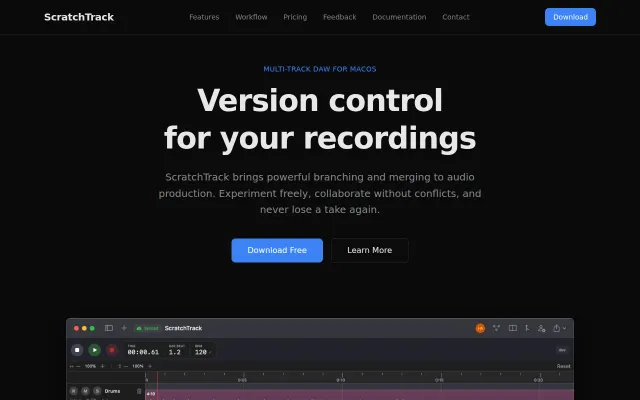
Git for audio: branching, merging, conflict resolution in a DAW.
Branch-aware session resuming that Claude Code should've built in.
Patches Codex CLI to show usage bars; solves a niche workflow problem.
Finally replaces the 25-year-old Enron corpus with deterministic org simulation.
Branch-aware session resume beats starting fresh every checkout.