Hey HN,
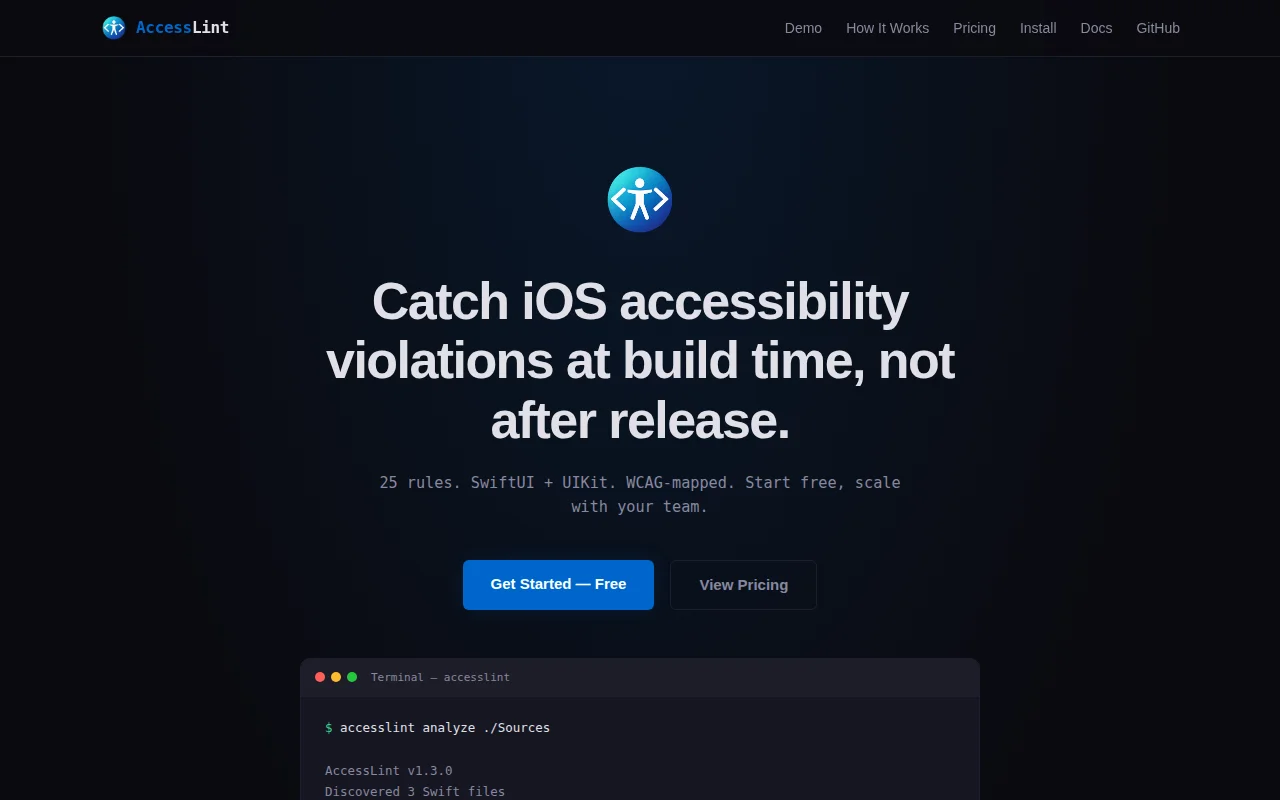
I built a static analyzer for iOS accessibility. It reads your Swift source files and reports accessibility violations — line numbers, severity, fix suggestions, and the WCAG success criterion each finding maps to.
25 rules covering SwiftUI and UIKit: missing VoiceOver labels, fixed font sizes that break Dynamic Type, images without decorative markers, buttons without labels, touch targets below 44pt, missing reduce motion checks, orientation locks, heading structure issues, and more.
The problem: every existing iOS accessibility tool requires a running app. Xcode Accessibility Inspector is manual — you tap through screens one at a time. VoiceOver testing is essential but slow and not automatable. Neither runs in CI.
AccessLint works at the source level, like SwiftLint but focused on accessibility. It parses your Swift files, applies the rules, and exits with a code your CI can gate on. Every finding maps to a WCAG 2.1 success criterion (1.1.1, 4.1.2, 1.4.4, etc.), so when your compliance team asks "are we WCAG AA?" you can point them at the report.
Install:
brew tap synctek-llc/accesslint && brew install accesslint
accesslint analyze --path ./Sources
It works in any CI that runs macOS — just install via Homebrew in your workflow and run the CLI. Exit codes let you gate PRs on accessibility regressions.
Free tier: 10 rules, terminal output. Team ($19.99/mo): all 25 rules, JSON and Markdown reports, cloud baselines for tracking regressions. Enterprise ($49.99/mo): custom rules and SSO.
I'm a solo founder building this at SyncTek LLC. Started because I kept finding accessibility bugs in production that a linter could have caught at the PR stage. Happy to answer questions about the rule engine, the analysis approach, or anything else.
Docs: https://accesslint.app/docs.html