Productivity●●Solid
Neomd – email TUI where you compose in Neovim and read in Markdown
HEY-style screener workflow in terminal email, but Neomutt already owns this space.
Niche GemCozy
articsputnik
102mo ago
TUI Markdown Reader
BeeLine gradients for line-tracking inside the terminal is a smart, low-friction UX touch, and the in-app filesystem browser plus a multi-document queue actually make navigating many notes pleasant. It’s not reinventing Markdown rendering, but the combo of search, hover URL previews, syntax-highlighted code blocks and keyboard+mouse controls makes it a very usable tool for anyone who lives in the shell.
Developers, sysadmins, technical writers and terminal-oriented users who read documentation or notes in the terminal
- Renders Markdown well: headings, lists, emphasis, blockquotes, rules, tables, and syntax-highlighted code blocks. - Multi-document queue: start with multiple files/directories, then move through docs in-app. - Filesystem browser (o): starts at current working directory, lets you traverse folders and open Markdown files. - Search: / to search, n/N next/previous, highlights all matches and current match. - Link support: hover shows URL, Enter/mouse click opens links. - Smooth TUI controls: keyboard + mouse scrolling, help overlay (h), quit (q), BeeLine mode toggle (b), plain mode toggle (m).
I vibe coded this for my own needs and I hope it can be useful to you.
HEY-style screener workflow in terminal email, but Neomutt already owns this space.
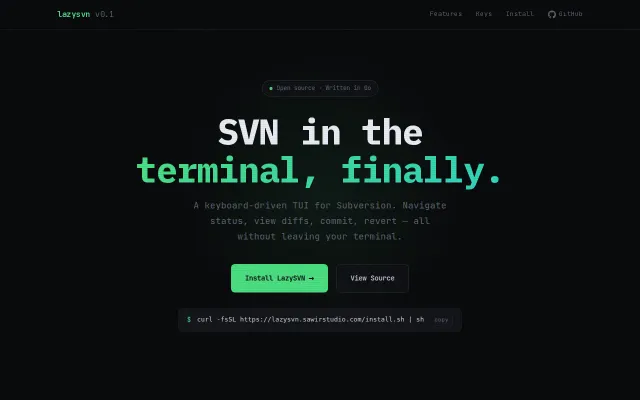
SVN TUI with vim keys and batch ops for teams stuck on Subversion.
Solid Rust abstraction for SCSI commands, but existing tools already rip CDs well.
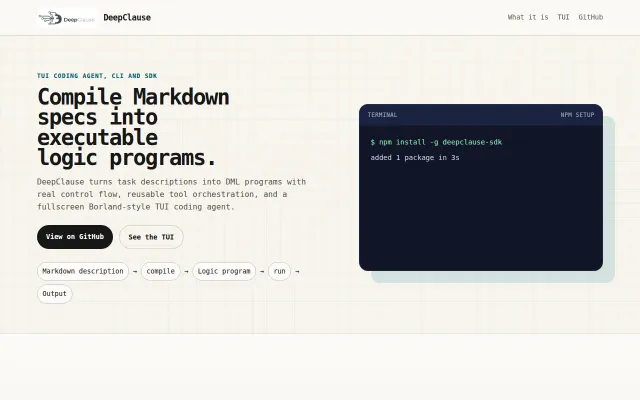
Prolog-based agent logic beats prompt chaining for real control flow.
Thanos particle effects for git branch deletion — fun novelty, not essential.
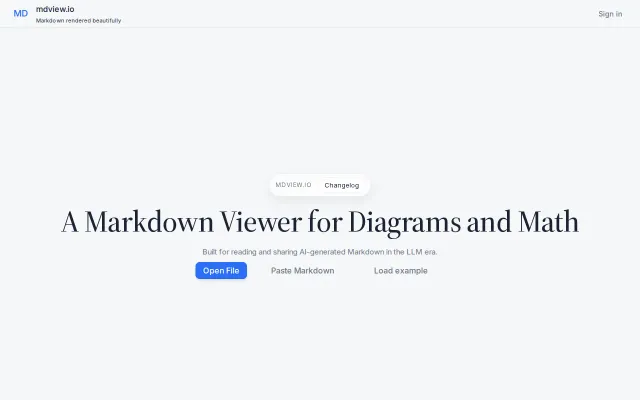
Yet another Markdown viewer in a crowded category with no clear differentiation.