Productivity●●Solid
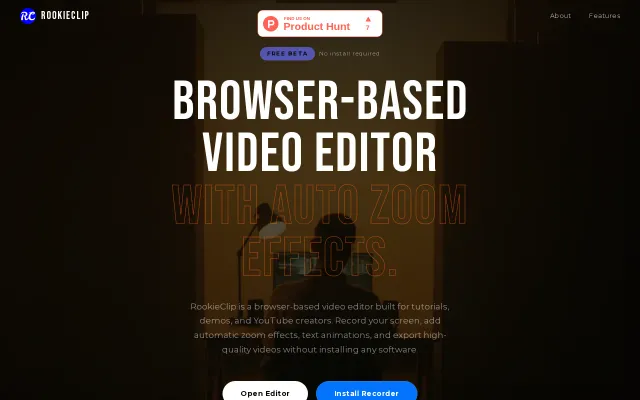
I built a screen recorder with automatic zoom effects
Browser-based screen recorder with AI-driven auto-zoom to replace heavy desktop software.
Solve My ProblemSlick
this-is-shreya
473mo ago
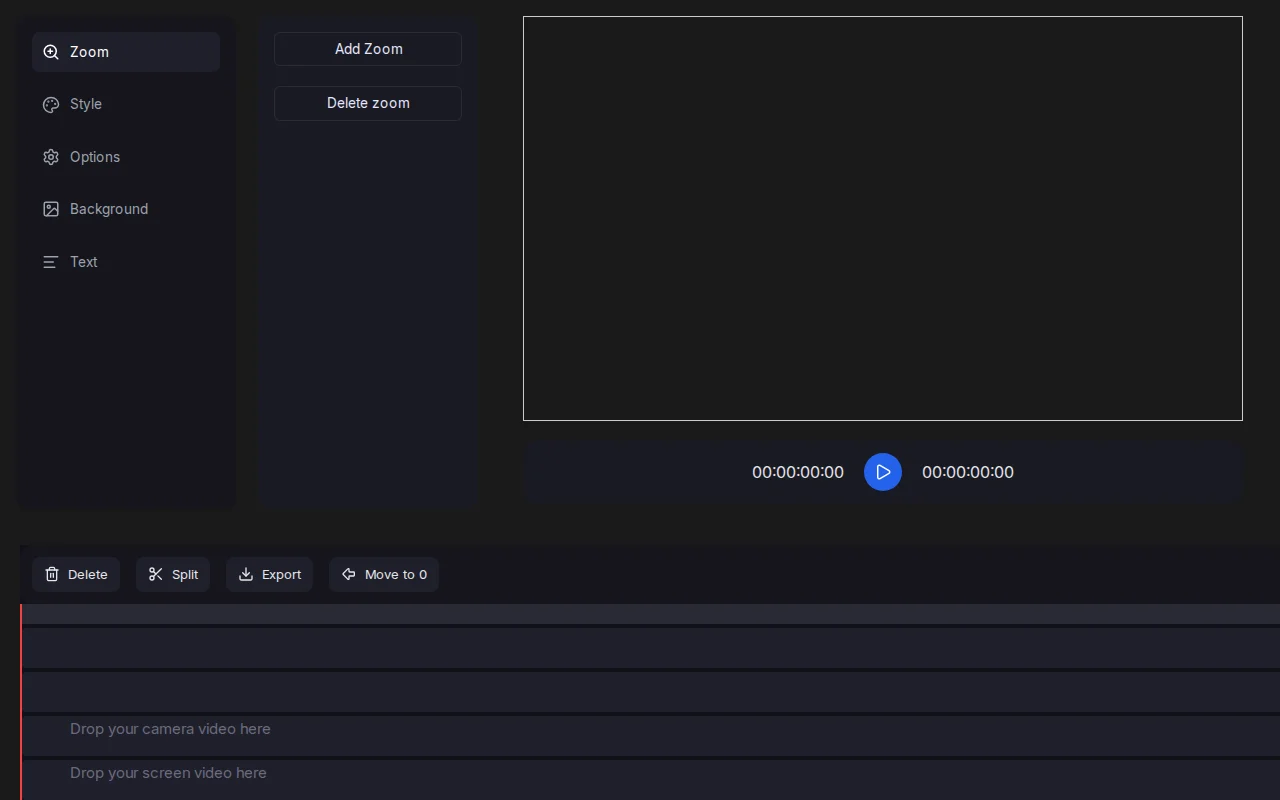
Interface leans into a focused workflow: separate tracks for camera/screen/images, an obvious 'Add Zoom' control, and timeline operations like Split / Move to 0 for fast edits. It looks engineered for creating tutorial-style zooms quickly, but it doesn't show advanced keyframing, audio tools, or anything that clearly outclasses established browser editors.
Small-scale content creators, YouTubers, educators, streamers and anyone who needs quick edits (zoom/pan) without installing desktop software
Browser-based screen recorder with AI-driven auto-zoom to replace heavy desktop software.
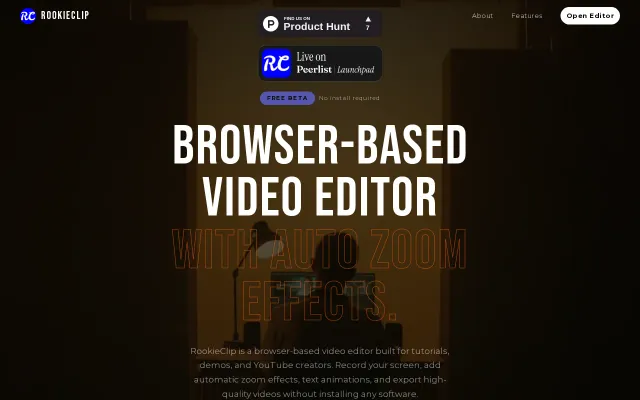
Screen Studio competitor running entirely in-browser with automatic zoom effects.
Click-driven zoom pipeline with outlier clamping beats manual editing in Loom or ScreenFlow.
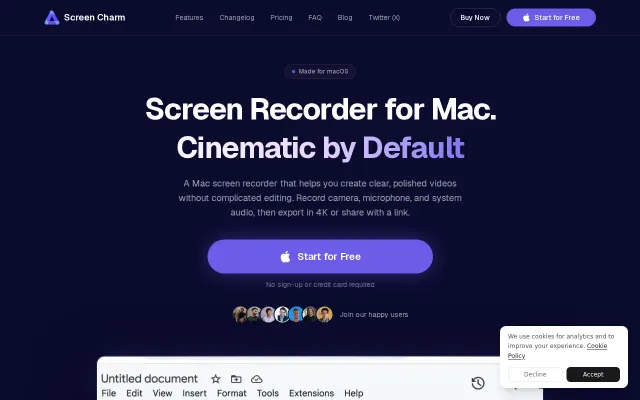
Loom alternative with auto-zoom, cursor clicks, and noise reduction—ships today on macOS.
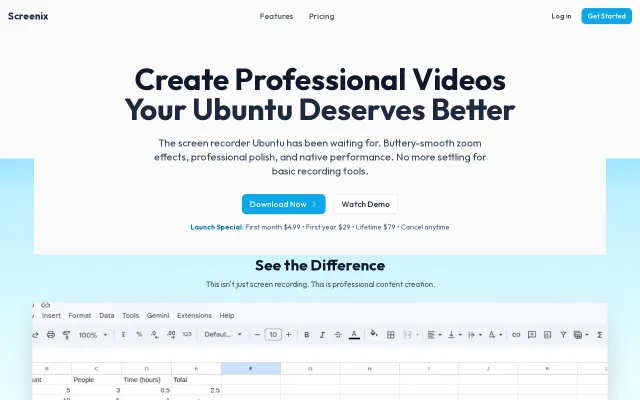
Ubuntu Screen Studio clone with better pricing; OBS comparison glosses over feature gap.
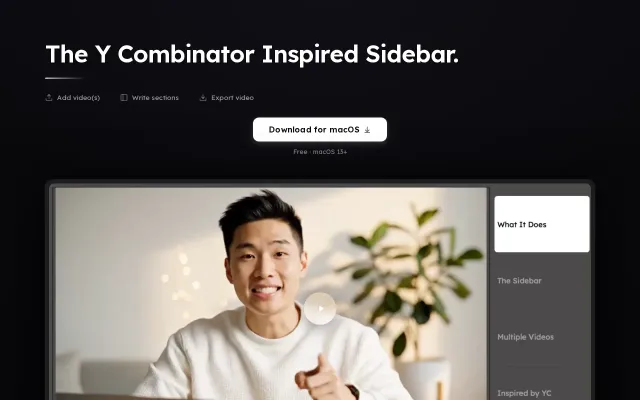
Recreates YC's right-hand chapter UI and bakes it into an exportable video workflow — drag in clips, write or AI-generate sidebar sections, then render a single video with the sidebar burned in. Clever shortcut for creators who want that specific branded look quickly; the kicker will be cross-platform support and export fidelity compared to full video editors.