Other○Pass
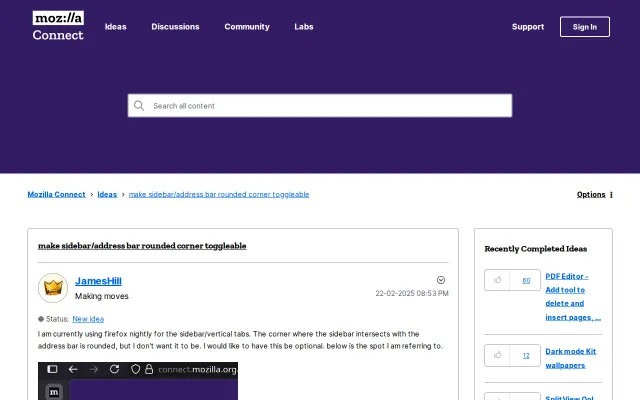
Disable Ugly Firefox Single Rounded Corner
Feature request, not a project — no code, just asking Mozilla to add a toggle.
righthand
2023d ago
An Android App I built to manage Private DNS easily
Makes flipping the system Private DNS on Android painless — includes a quick‑settings tile, an installable APK on GitHub Releases, and clear notes about the WRITE_SECURE_SETTINGS step so users know when ADB/root is required. It’s a pragmatic, single-purpose tool, but it’s held back by permission friction and lacks nicer features like per-app profiles, DNS validation or DoH support that would push it beyond a handy utility.
Android power users and privacy-conscious users who want fast access to system Private DNS settings
Can you give me some feedback on the app, about the necessary features for such an app?
Feature request, not a project — no code, just asking Mozilla to add a toggle.
It’s a focused, no-nonsense tray toggle for wondershaper that keeps the UI unprivileged and pushes privileged calls to a polkit helper—nice safety tradeoff. Real-world conveniences are here: presets with Mbps UX, interface autodetect, i18n, desktop notifications and sane input validation. GNOME needs an AppIndicator extension and the scope is strictly wondershaper, but for anyone who wants one‑click shaping this saves a lot of friction.
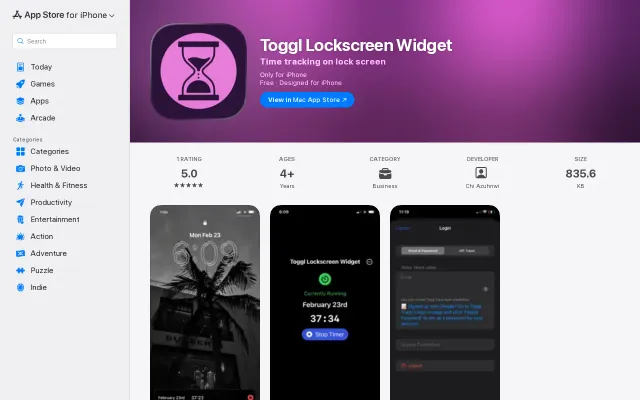
Toggl widget on iOS lock screen, but it's a native integration request.
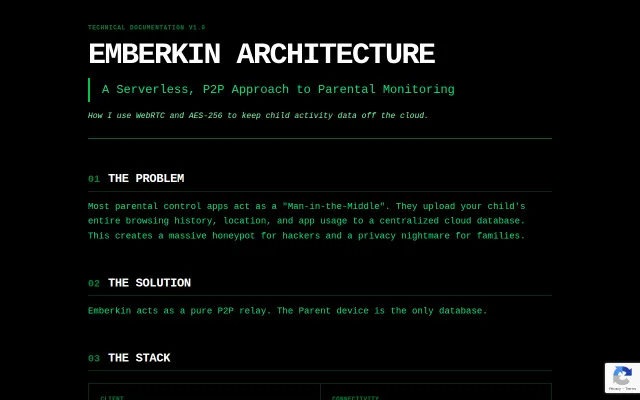
Routing all activity through a WebRTC data channel with NSD pairing so the parent device is the only database is a smart, not-obvious counter to the usual cloud-heavy parental-control model. The stack reads like someone who actually built this: ECDH handshakes, AES-256-GCM payloads, TURN fallback and minimal Firebase signaling. That said, 'custom implementation' of AES plus the app's reliance on Accessibility/Usage permissions are serious trust points — open-source crypto and an external audit are must-haves before you hand over sensitive data.
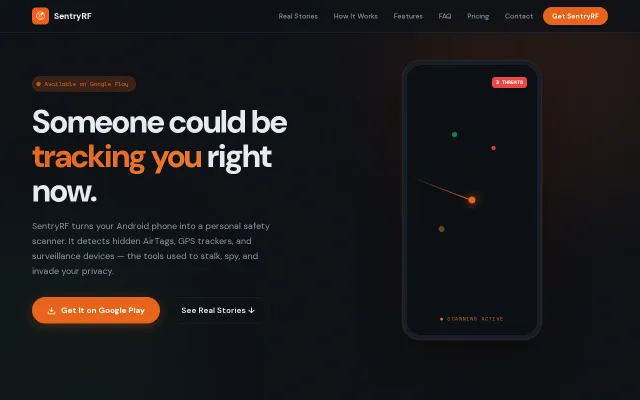
Uses RSSI time-series and sensor fusion — BLE plus magnetometer and ambient-light hints — to separate a 'passing' AirTag from a likely 'following' device, and then guides you to it with an audio 'Geiger counter' beacon. Smart, pragmatic feature choices (timeline, background protection, strictly local processing) make this actually useful in tense situations; caveat is hardware limits — claims about finding truly 'dead' GPS units or infrared cameras will depend heavily on your phone's sensors and will produce edge cases and false positives.
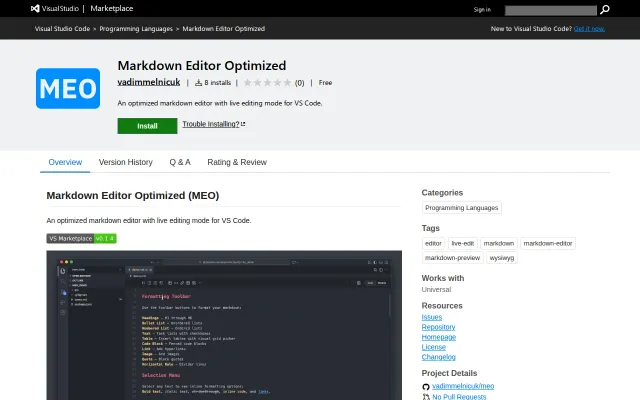
Live/source toggle for markdown in one tab beats VS Code's split-pane hell.