Developer Tools●●Solid
Openvid – open-source cinematic screen recorder and mockup editor
Open-source ScreenStudio alternative running entirely in the browser with 3D camera moves.
SlickSolve My ProblemEye Candy
cristianolivera
601mo ago
Create stunning screen recordings for free. Open-source, no subscriptions, no watermarks, and free for commercial use. An alternative to Screen Studio.
macOS-native screen recorder with timeline editing, but Loom/ScreenFlow dominate this space.
Creators, developers, and teams making product demos and walkthrough videos
Loom · ScreenFlow · CleanMyMac Screen Recorder
It started as a fork of OpenScreen, but I reworked a lot of the capture/editing pipeline for a more native macOS workflow.
Current features:
full-screen or window recording native cursor hide/show behavior on macOS camera overlay + microphone recording timeline editing (trim/crop/zoom/cursor effects/annotations) subtitle generation + rough-cut workflow multi-aspect export (16:9, 9:16, 1:1) and batch export audio export controls (gain, loudness normalization, limiter) It’s still in beta, so stability can vary by machine.
Repo: https://github.com/blueberrycongee/CursorLens Releases: https://github.com/blueberrycongee/CursorLens/releases
I’d really appreciate feedback on:
recording reliability across setups editing UX (especially rough cut/subtitles) export speed/quality tradeoffs
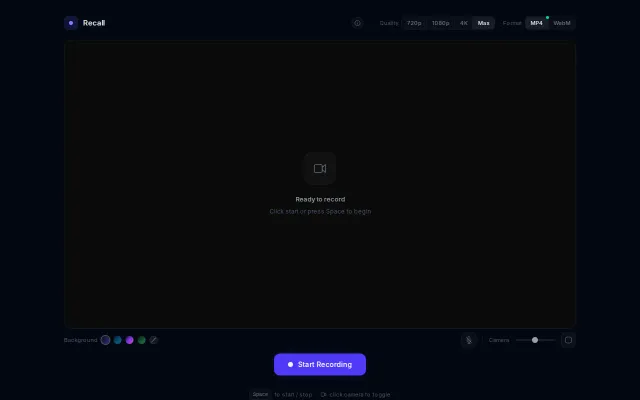
Open-source ScreenStudio alternative running entirely in the browser with 3D camera moves.
Everything runs client-side and the UI gives you real control — pick MP4 or WebM, toggle 720/1080/4K, pick gradients, and resize the camera overlay. It's not reinventing the wheel (Loom/OBS already exist), but the minimal, no-install flow plus thoughtful controls (format/quality toggles, mic and camera sizing) make it genuinely handy for quick recordings. Would be way more compelling with basic trimming or one-click cloud upload.
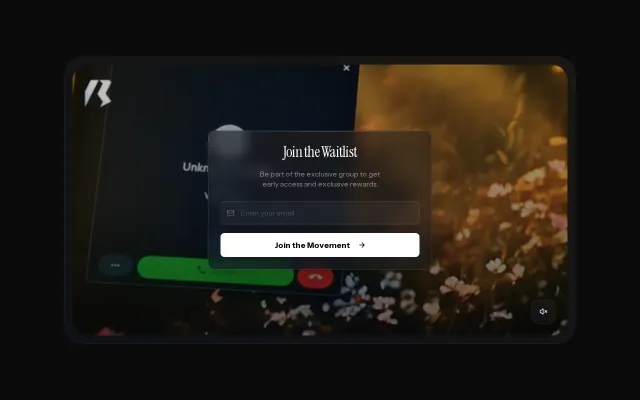
Auto-generated demo videos from feature flows; waitlist-only, unshipped vaporware.
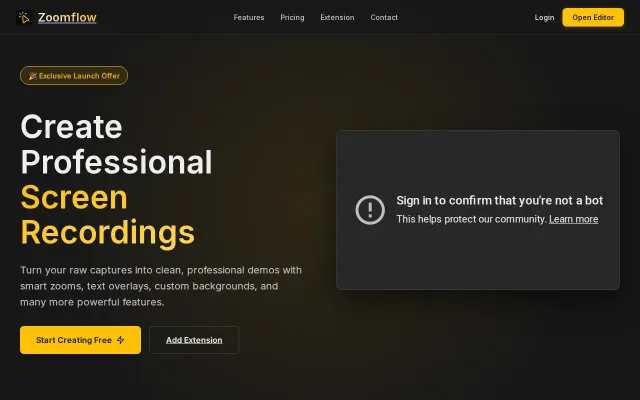
Auto-zoom to cursor removes editing friction, but Camtasia and Loom already do this.
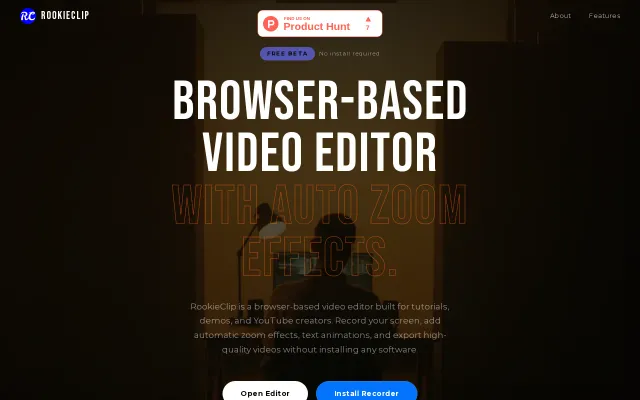
Browser-based screen recorder with AI-driven auto-zoom to replace heavy desktop software.
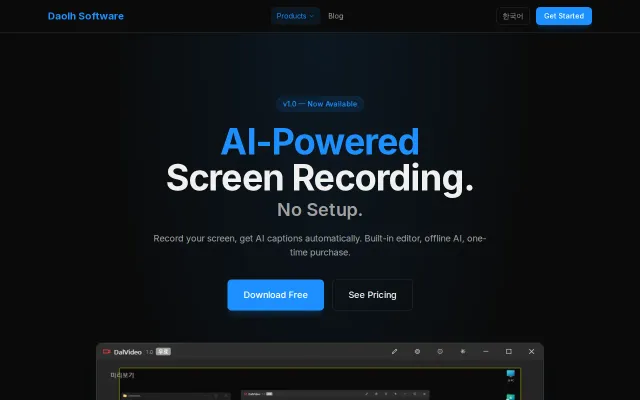
Offline Whisper captions beat Loom's subscription with one-time $30 purchase.