Productivity●●Solid
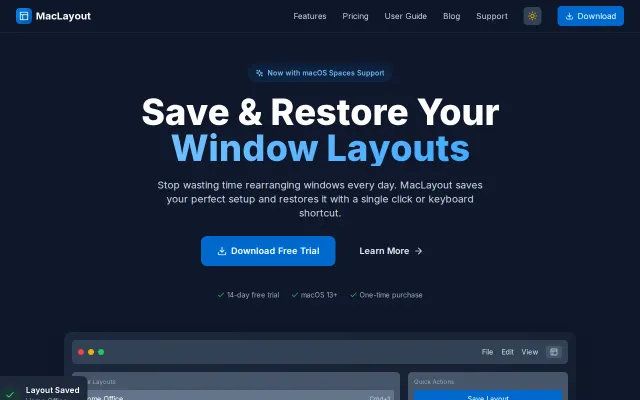
MacLayout – Save and restore window layouts on macOS
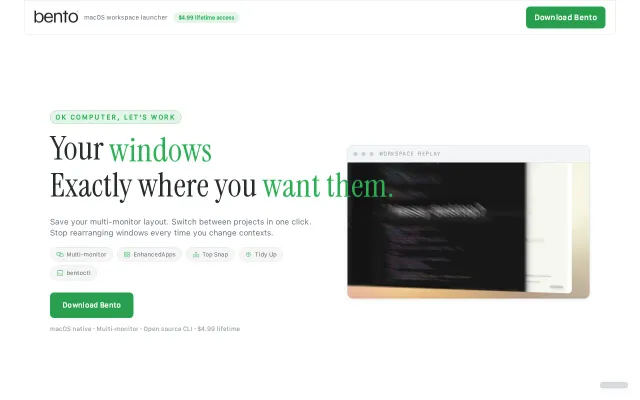
Restores full window layouts when monitors connect, unlike Rectangle or Magnet.
SlickSolve My Problem
danielpaulwhite
502mo ago
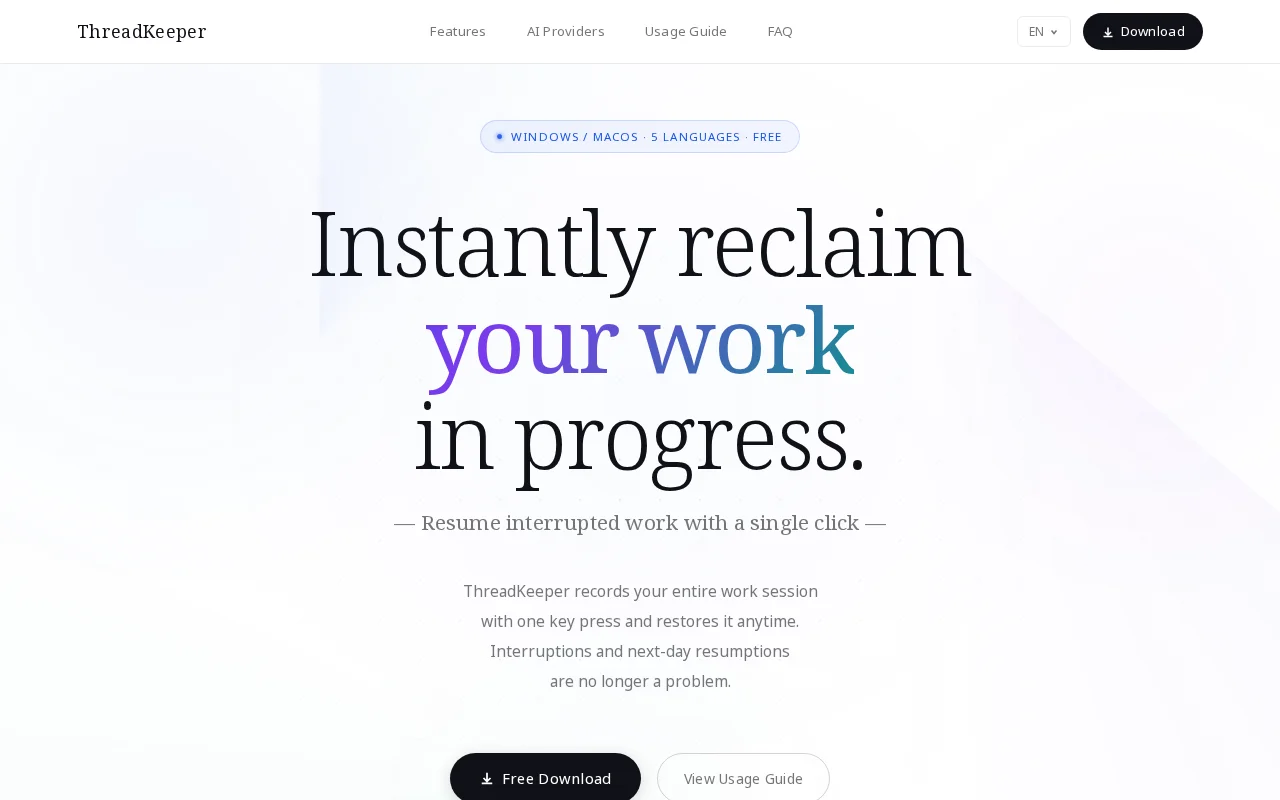
Ctrl+Shift+S snapshots your whole context, LLM summarizes it, one-click restore.
Knowledge workers, developers, Windows users dealing with frequent interruptions
Session restore in browsers · Workspace managers (i3, yabai)
I built ThreadKeeper, an open-source Windows app to solve a problem I constantly face: losing my working context due to interruptions.
When testing local LLMs or building AI agents, I usually have multiple terminal windows, IDEs, and 20+ browser tabs open. If I get interrupted, recovering that exact state takes immense cognitive load.
How it works: You hit Ctrl + Shift + S. It instantly captures your open windows, browser tabs, and clipboard (first 200 chars), and saves the state entirely locally (%APPDATA%). It then uses an LLM to auto-generate a summary of what you were doing. Later, 1-click restores all those apps and tabs.
Privacy First (Ollama Support): I didn't want my code or private keys going to the cloud. You can use external APIs (Gemini/Claude) via BYOK, but it fully supports Ollama for 100% offline, local summarization. Zero data leaves your machine.
The elephant in the room (SmartScreen): This is a free, MIT-licensed MVP. I haven’t purchased an expensive EV code signing certificate yet, so Windows SmartScreen will show a warning. I know this is a friction point, but the source code is fully open on GitHub for anyone to inspect or build themselves.
Website: https://www.thethread-keeper.com/ Github: https://github.com/tatsuabe69/thread-keeper
I’d love to hear your feedback or roast my code!
Restores full window layouts when monitors connect, unlike Rectangle or Magnet.
Restores Chrome tabs and terminal paths alongside window positions across multiple monitors.
Agents manage their own context window through a transparent local proxy.
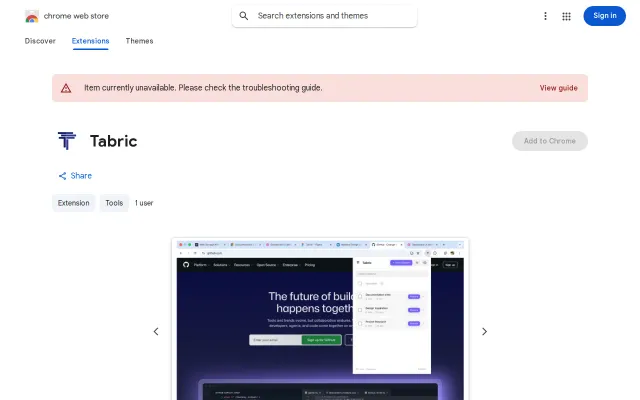
Snapshots with names, notes, quick-save and a one-click restore are exactly the workflow shortcuts tab-hoarders want. Local-only storage, JSON backup/restore, and draft recovery are thoughtful practical touches, but the space is crowded (Session Buddy, OneTab, Tab Restore) and Tabric doesn't introduce a striking new angle to elevate it above competent alternatives.
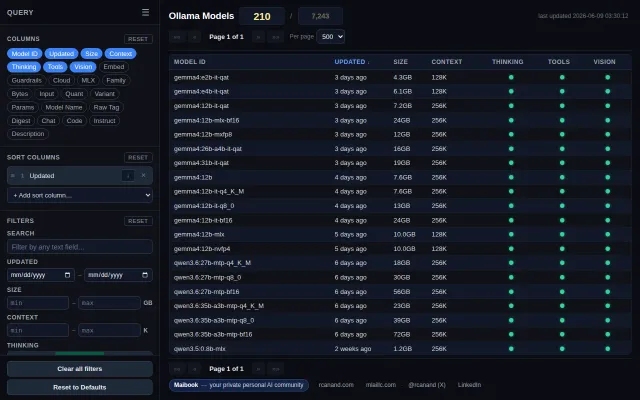
Better model discovery than the official Ollama library with auto-updating capability filters.
Tauri-based context menu beats Electron for RAM, but GitKraken/Fork already do this.