Developer Tools●●●Banger
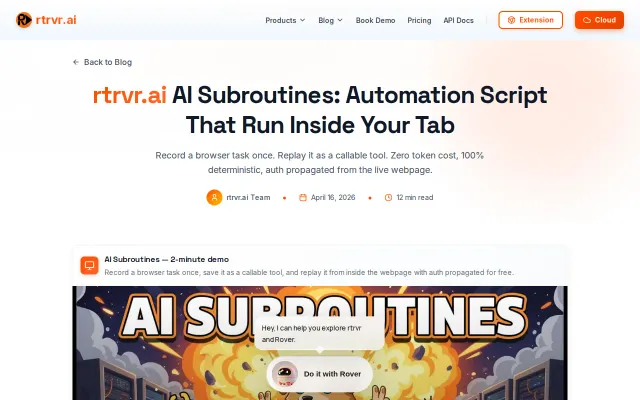
AI Subroutines – Run automation scripts inside the browser tab
Executes scripts inside the live tab to inherit auth, solving session management headaches.
Big BrainSolve My Problem
arjunchint
46172mo ago
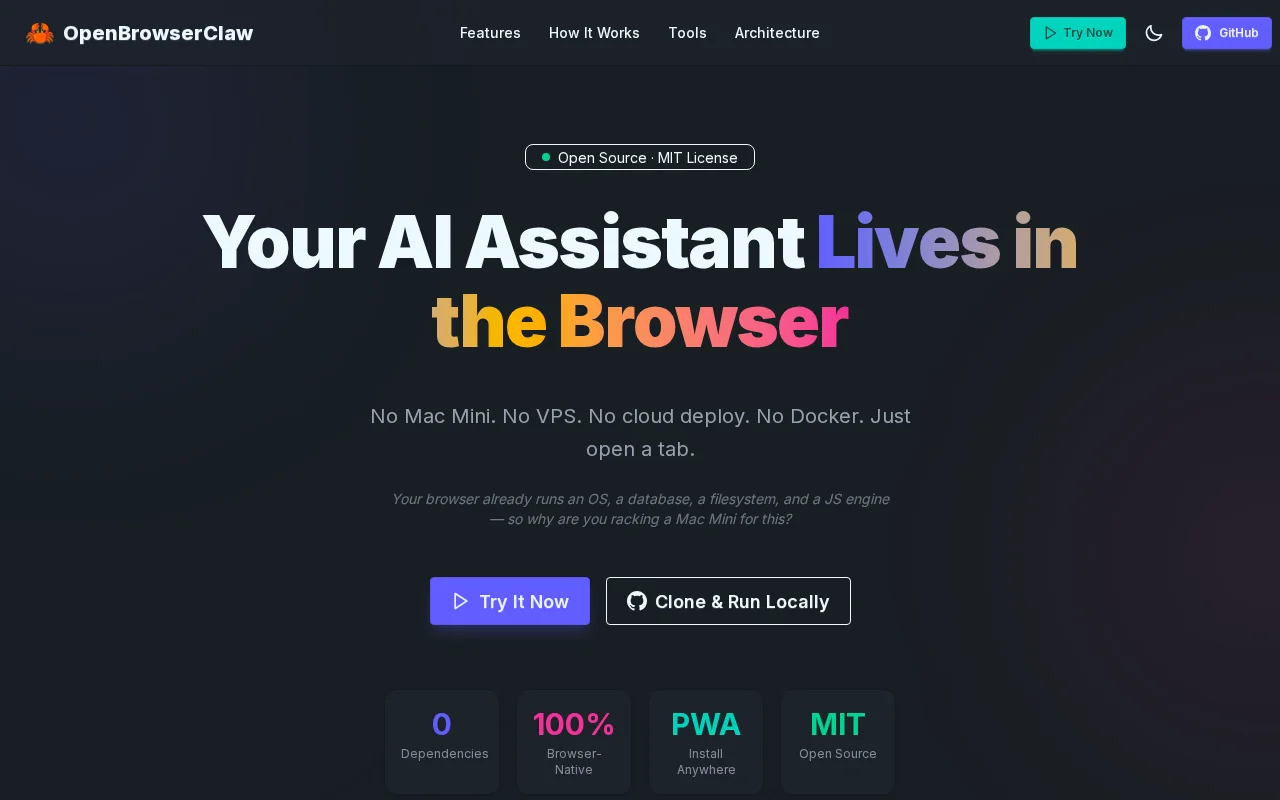
Full Linux VM plus Claude in-browser—no servers, no Docker, ship it in a tab.
Users wanting local AI agents without deployment overhead; privacy-focused developers
OpenClaw · n8n · Make.com
No Mac Mini. No VPS. No cloud deploy. No Docker. Just open a tab.
The idea: What if your AI assistant lived in a browser tab instead of a server? No infrastructure to manage, no background processes, no deployment headaches. Even on your phone you can just open the PWA, paste your Claude API key, and explore the magic of the Claw.
Repo: https://github.com/sachaa/openbrowserclaw
...or just try it here: https://www.openbrowserclaw.com/
Executes scripts inside the live tab to inherit auth, solving session management headaches.
The project automates the tedious bits: bundled Windows installer (QEMU + 7-Zip), a setup wizard for VM resources, headless boot with a progress/status window, and a one-click path to OpenClaw's web UI — all sensible UX touches for a niche technical audience. It’s a pragmatic containment play for running risky LLM code locally, but it’s not a novel approach and the heavy VM downloads plus manual QEMU steps on macOS/Linux limit broad appeal.
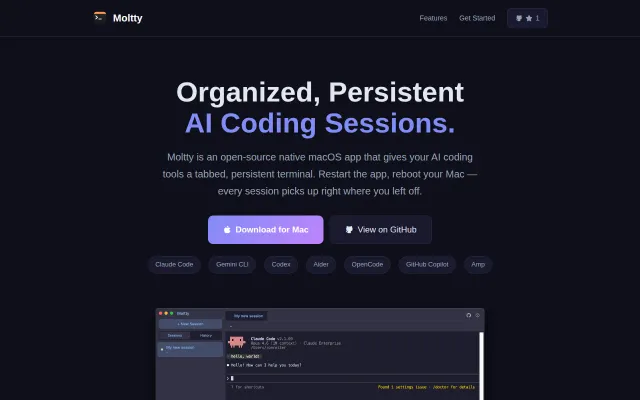
Tabbed AI terminal for macOS, but VS Code Continue and Cursor already do this integrated.
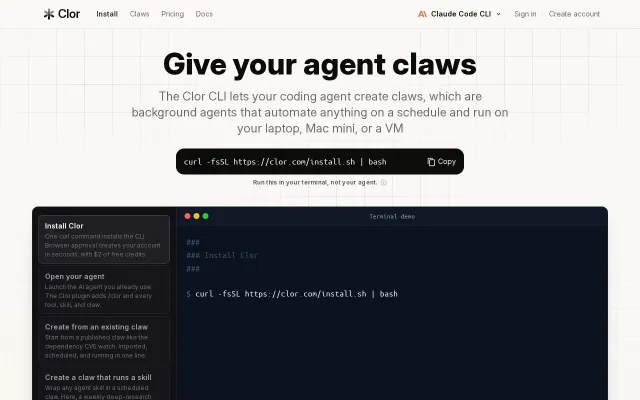
Scheduled AI agents for devs when Zapier and cron scripts already exist.
Zero-config iTerm2 status sync for Claude Code sessions beats manual tab polling.
Four Claude Code surfaces coordinate to run real Doom with MCP letting the AI play itself.