Developer Tools●●Solid
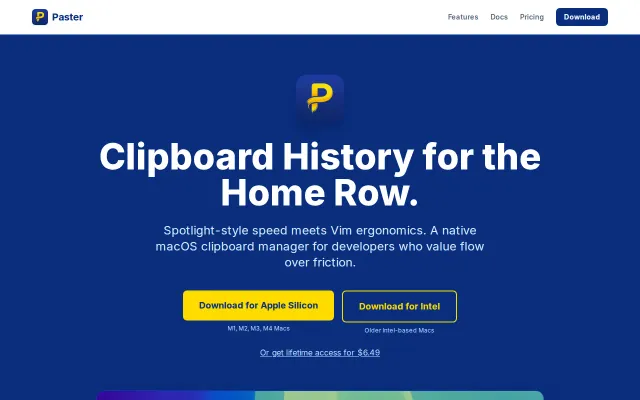
Paster – A keyboard-first clipboard manager for Vim users
Vim-keyed clipboard manager, but Alfred and Raycast already own this niche.
Niche GemSolve My Problem
luanderock
303mo ago
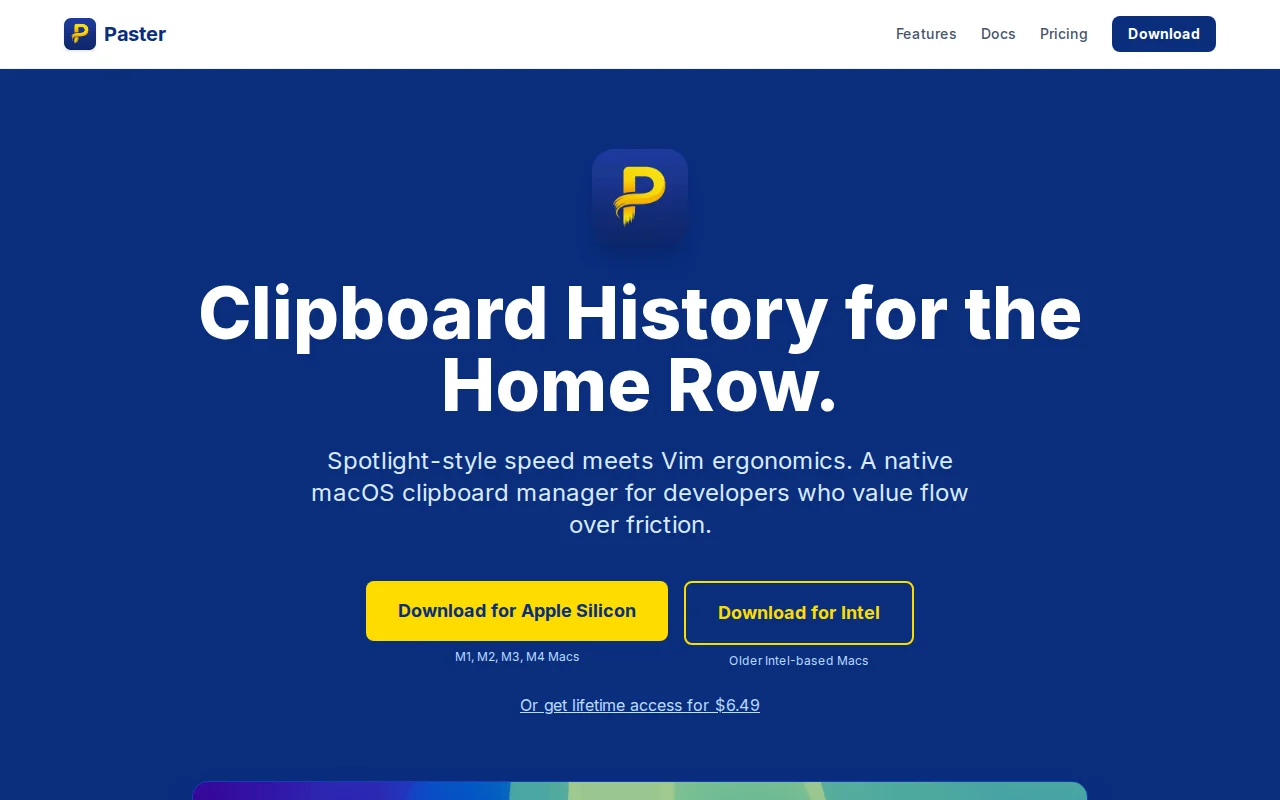
Vim navigation on clipboard history—niche solved elegantly, but clipboard managers aren't painful.
Vim users, terminal-first developers, macOS power users who type faster than they reach for trackpad
Raycast · Pastebot · Alfred
I’ve tried just about every clipboard manager for macOS, but I've always ran into the same two issues: either they were heavy Electron apps that felt sluggish, or they required me to take my hands off the keyboard to find what I needed. Raycast is what I used most of the time, but it's slow in loading screenshots and is search first, meaning I needed to leave the loved home row to scroll down through items.
I built Paster because I wanted something that felt like an extension of my terminal and had instant load of the content being copied. It's written in Rust to keep the latency as low as possible and uses a local SQLite database for history. It's completely private and does not have any telemetry, your data is your own. It does reach to it's domain to validate the license.
Some specific choices I made: - Navigation: I mapped it to j/k and / for search. If you use Vim or a terminal, it should feel like second nature. - Privacy: I’m not a fan of cloud-syncing my clipboard. Everything stays local on your machine. - Quick look: I've added a nice little bonus feature to view each clipboard item in a larger quick look window. Pretty handy for screenshots and offers syntax highlighting for text.
It’s currently a paid app with a 7-day trial. I’m really curious what the community thinks about the "Vim-for-everything" approach. For transparency sake, it's built with help from AI (Gemini) mostly for UI stuff which requires lots of boiler plate.
It's Macos only for now, I do intend to work on a Linux version but no promises.
Vim-keyed clipboard manager, but Alfred and Raycast already own this niche.
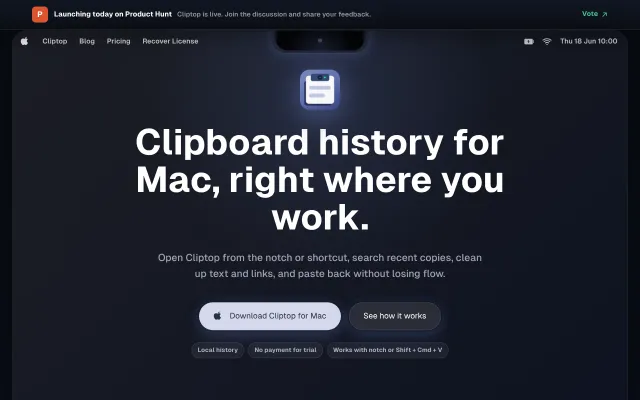
Yet another clipboard manager, but notch integration and one-paste password removal are nice touches.
Multi-pane Finder alternative, but Forklift, Commander One, and pathbar exist.
Vim file manager with preview and terminal—but competing against ranger, lf, yazi.
Yet another clipboard manager when Maccy and Raycast already do this free.
Vimium for your entire desktop with Hilbert curve hint distribution.