Developer Tools●●●Banger
Arc Browser + Agents IDE
Built-in browser bridge lets agents click DOM elements directly from the terminal pane.
Rabbit HoleBold Bet
ArmanTsaturian
101mo ago
Auto-split pane for Claude Code + shell eliminates 50-times-a-day context switching.
AI-assisted developers using Claude Code/Codex, terminal power users, DevOps engineers managing remote connections
Warp · Cursor IDE · Continue (VS Code extension for Claude Code)
So I built auto-snap into Yaw — launch any AI coding CLI and it detects it and splits the pane automatically. Agent on the left, fresh shell in the same directory on the right. Works with Claude Code, Codex, Gemini CLI, and Vibe CLI. You can install any of them through a built-in wizard.
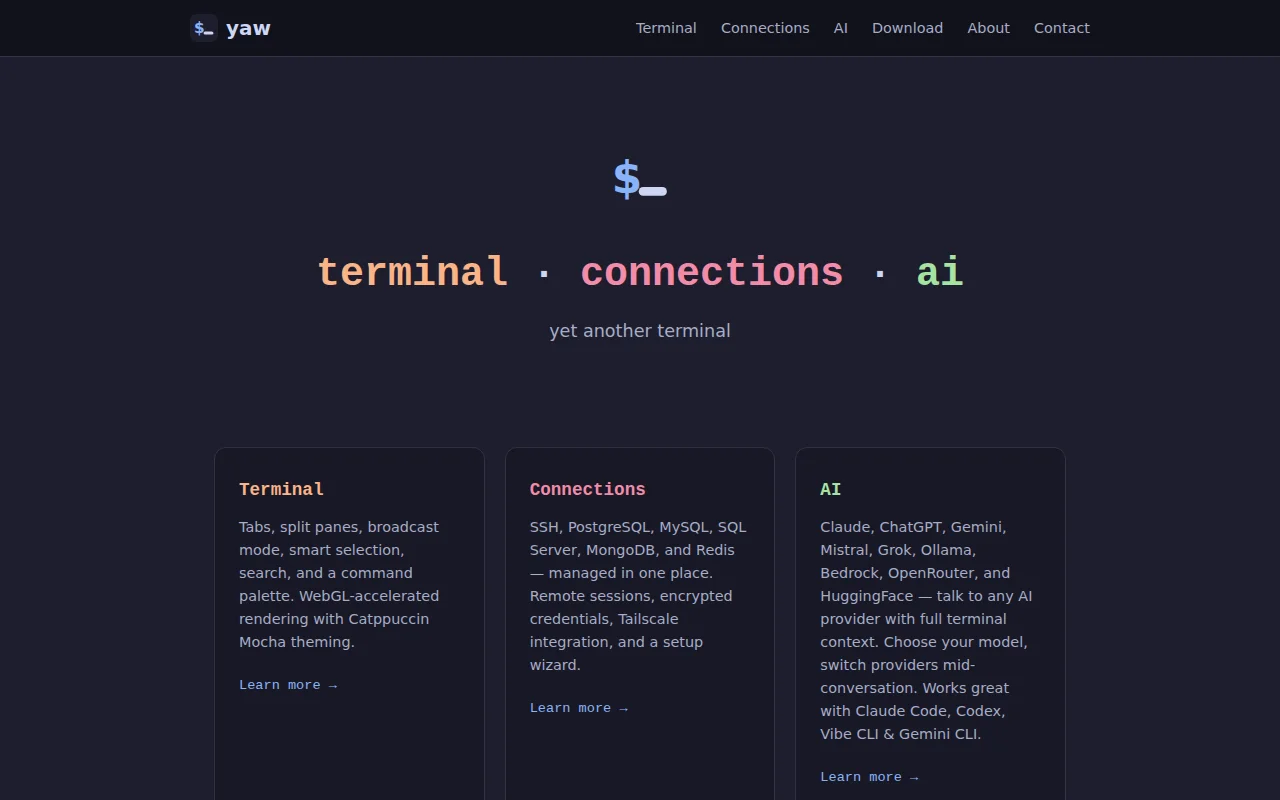
Yaw is also a full terminal (tabs, split panes, broadcast, search, session restore, WebGL via xterm.js) with a built-in connection manager for SSH, PostgreSQL, MySQL, SQL Server, MongoDB, and Redis — encrypted credentials, Tailscale auto-detection, remote Screen session management. And a chat panel that sends terminal output as context to Claude, ChatGPT, Gemini, Ollama, and six other providers.
Electron + xterm.js + React. v0.9.75, Windows and macOS.
Curious what other people's AI coding CLI setups look like — what's working, what's missing?
Built-in browser bridge lets agents click DOM elements directly from the terminal pane.
Git worktree isolation per agent prevents merge conflicts unlike Conductor.
Multi-agent tmux orchestrator with receipt ledger, but still early and narrow audience.
Orchestrates two AI tools you already pay for; requires both Codex and Claude.
Cross-agent orchestration with adversarial review patterns — enables workflows impossible with single agents.
Tmux + Claude Code + lazygit orchestration—tight workflow, but Claude Code adoption is unproven.