Developer Tools●●Solid
Goccc – Claude Code cost tracker with MCP visibility
Reads local JSONL logs, zero API calls, shows MCP status—faster than ccusage for Claude Code users.
Niche GemShip It
backstabslash
103mo ago
Parses local session files for multi-provider AI cost tracking; Anthropic/OpenAI billing pages don't break it down.
Developers using paid AI coding assistants (Claude Code, Cursor, OpenAI) who want cost visibility and optimization.
Anthropic Console · OpenAI Platform billing · Cursor IDE analytics
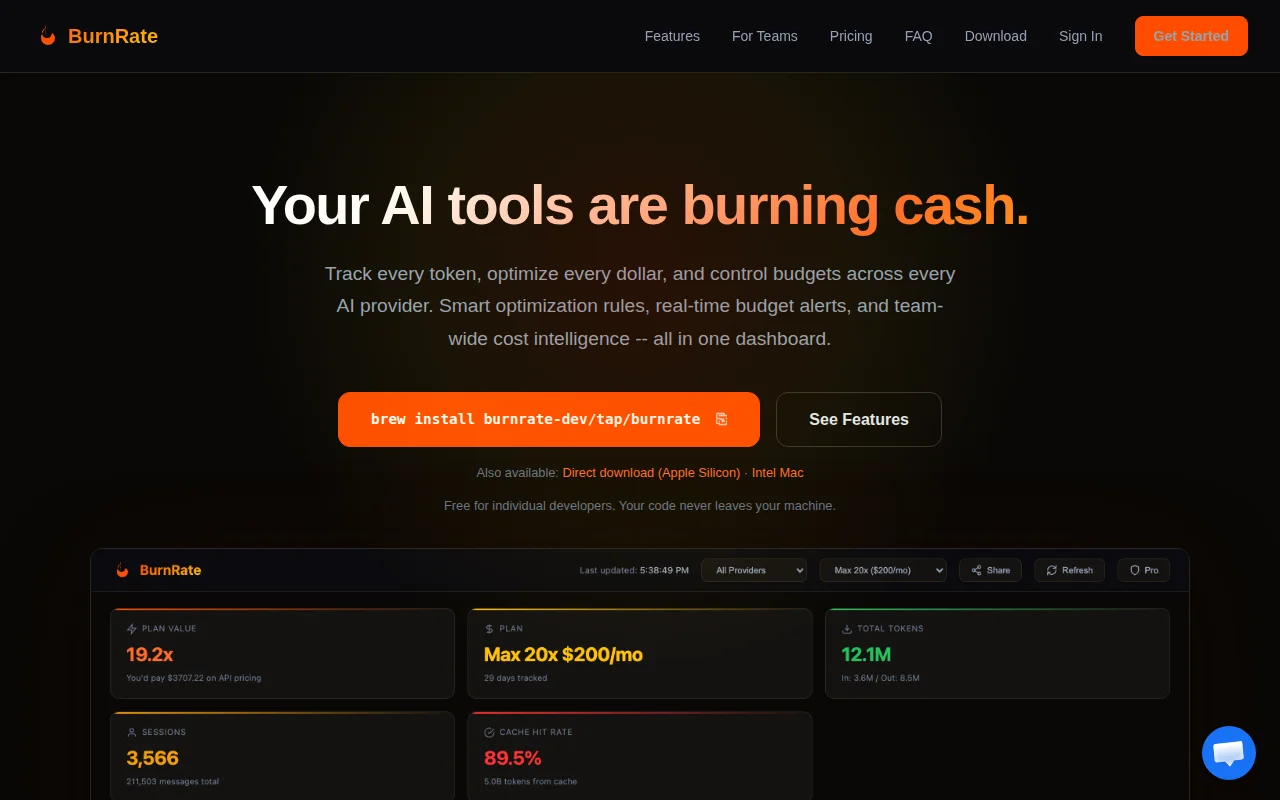
BurnRate is a local CLI that parses your AI coding tool session data and gives you a full cost analytics dashboard. It tracks Claude Code, Cursor IDE, and OpenAI Codex in one place.
Everything runs 100% on your machine. Your session data, token counts, costs, prompts — none of it leaves your computer. No API key to paste, no telemetry. It reads the local session files your tools already generate and does the math.
Out of the box you get: multi-provider cost tracking, 10 different analytics views (daily trends, per-session breakdown, model usage split, token efficiency), an optimization engine with 23 rules that suggests concrete config changes to reduce spend, usage limit monitoring so you know when you're approaching rate limits, side-by-side provider comparison, and budget alerts when you're on track to blow past a monthly cap.
For managers, there's a team dashboard where devs can optionally push anonymized usage snapshots to a shared view. Useful for understanding team-wide AI tool costs and figuring out which plans actually make sense. Free tier available, Pro is $9/mo, Team is $29/mo.Happy to answer any questions. Feedback welcome.
Reads local JSONL logs, zero API calls, shows MCP status—faster than ccusage for Claude Code users.
Reads local logs to explain bill spikes after Anthropic's cache TTL change.
Recomputes costs from raw tokens and diffs against API totals instead of trusting them.
Shows cache-read costs eating 66% of your Claude Code bill when dashboards only show totals.
Fast cost tracker for Claude Code, but the market is crowded and niche.
Claude Code session debugger with cost/token visualization, but audience is limited to Claude Code users.