Developer Tools●●Solid
Bring your own prompts in SSH remote shells
SSH integration where prompts execute locally but appear remotely is genuinely clever security-wise.
Big BrainSolve My Problem
tgalal
103mo ago
GenAI prompts as runnable programs
SSH integration means prompts work remotely without installing anything on target servers.
Sysadmins and developers managing remote servers with AI assistance
Cursor · Continue · Warp
promptctl ssh user@server
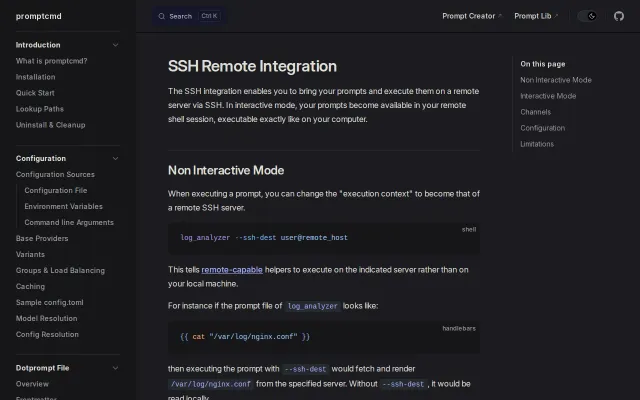
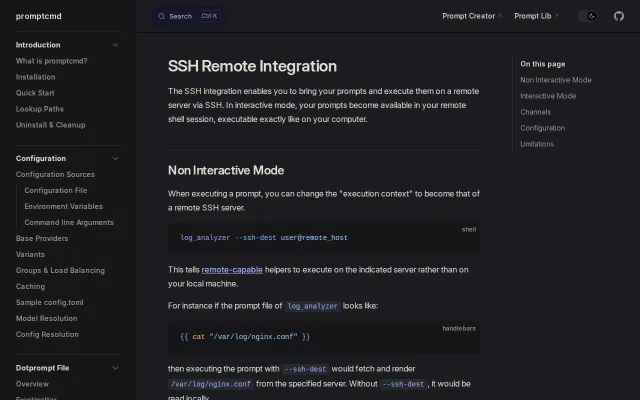
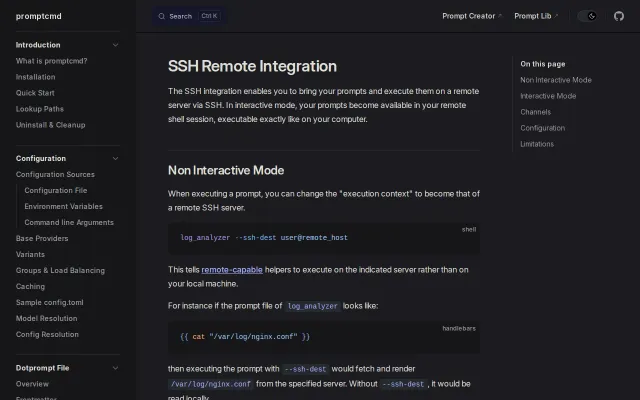
makes a set of locally defined prompts "appear" within the remote shell as executable command line programs.For example:
# on remote host analyze-config --help Usage: analyze-config [OPTIONS] --path <path>
Prompt inputs: --all --path <path> --opt --syntax --sec
would render and execute the following prompt:You are an expert sysadmin and security auditor analyzing the configuration file {{path}}, with contents: {{cat path}} Identify: {{#if (or all syntax) }}- Syntax Problems{{/if}} {{#if (or all sec) }}- Misconfigurations and security risks{{/if}} {{#if (or all opt) }}- Optimizations{{/if}} For each finding, state the setting, the impact, a fix, and a severity (Critical/Warning/Info).
Nothing gets installed on the server, API keys never leave your computer, and you have full control over the context given to the LLM.Github: https://github.com/tgalal/promptcmd/
Documentation: https://docs.promptcmd.sh/
SSH integration where prompts execute locally but appear remotely is genuinely clever security-wise.
Local prompts execute remotely over SSH with zero server setup and keys never leave your machine.
Local prompt execution over SSH channels means zero server-side installation.
Local prompts appear as remote commands over SSH — no server install, no key exposure.
Executes local LLM prompts on remote SSH shells without installing agents or opening firewalls.
Prompts execute locally over SSH — no API keys or LLM access on production servers.