Developer Tools●●Solid
WYSIWYG Markdown editor for any GitHub repo
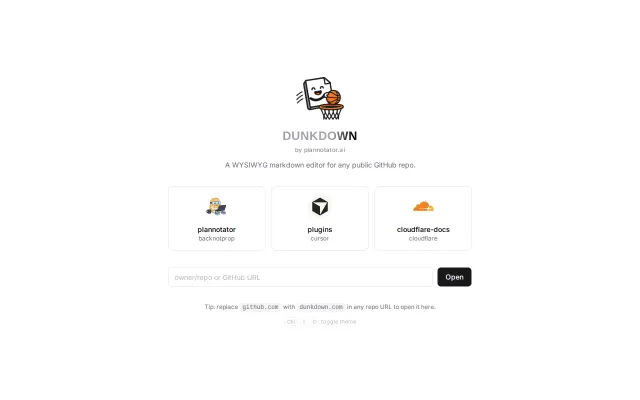
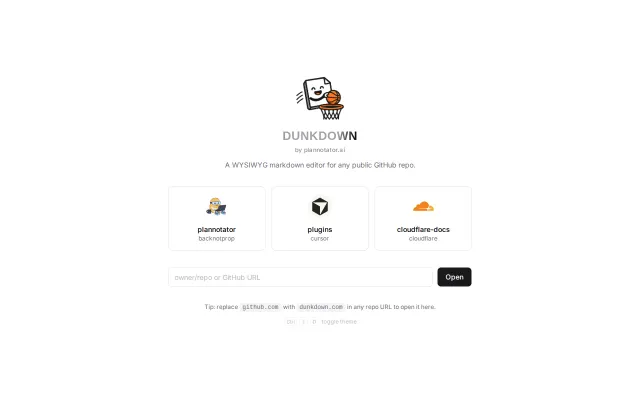
Edit any GitHub README visually by just swapping the domain in your URL bar.
Solve My ProblemCozy
ramoz
1017d ago

Git-based CMS for JSON and YAML files when TinaCMS and Decap already exist.
Non-technical teammates editing website content in Git repos
TinaCMS · Decap CMS · CloudCannon
SkyBlobs connects to a GitHub repo, reads your content files, and gives you a clean visual editor. You edit the text, see a live preview of how it'll look on the site, and either save directly to a branch or open a pull request. The files never leave your repo.
Here's how the workflow looks in practice: I invite my collaborator to the Github repository, they sign in with GitHub, see the content files laid out in a visual UI, make their changes, and open a PR. I review it like any other code change.
*What it supports today:*
- JSON, YAML, and markdown content files - Live preview (works best with Next.js and Vite projects currently) - Save to branch or open a GitHub PR - Nested key editing for i18n/translation files
The live preview runs your actual site framework in-browser using WebContainers so you see real output, not a mock.
*What it's not:*
This is not a full headless CMS. There's no content modeling, no schemas, no editorial workflows, no role-based permissions. It's deliberately simpler than that. If your content already lives in files in a repo and you just want people to be able to edit those files without opening VS Code, that's the use case.
I'd love to hear thoughts, especially from anyone who's dealt with the "my content is in Git but my editors can't use Git" problem. What did you end up doing? And if you try it out, I'm very open to feedback on what's missing or broken.
Edit any GitHub README visually by just swapping the domain in your URL bar.
Notion UI + GitHub storage, but missing auto-save and media upload.
GitHub URL swap for markdown editing when GitHub already has built-in editor.
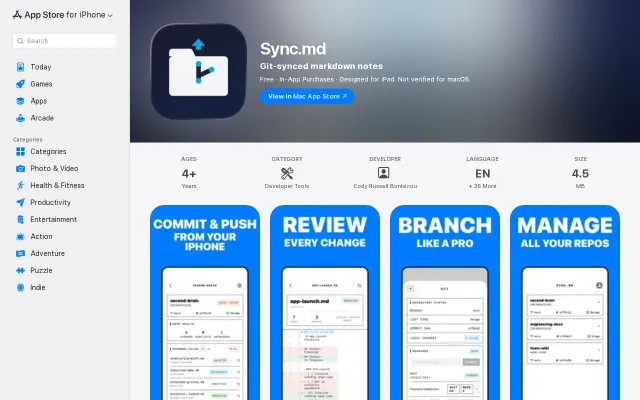
Real libgit2 on iOS with Obsidian x-callback-url sync, but Working Copy exists.
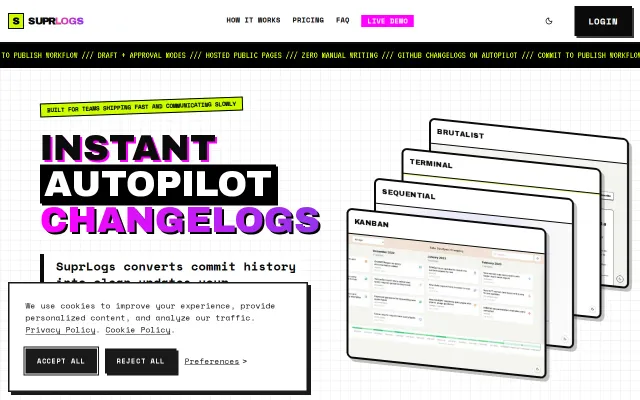
Yet another AI changelog generator when GitHub Releases already does this.
Simple Hugo CMS when Decap CMS and CloudCannon already solve this.