Developer Tools●●Solid
Claude Code Web – Run Claude Code Agent as an HTTP Endpoint
Exposes Claude Code agent over HTTP with OAuth; useful for CI and Slack bots.
Ship ItSolve My Problem
teilee
103mo ago
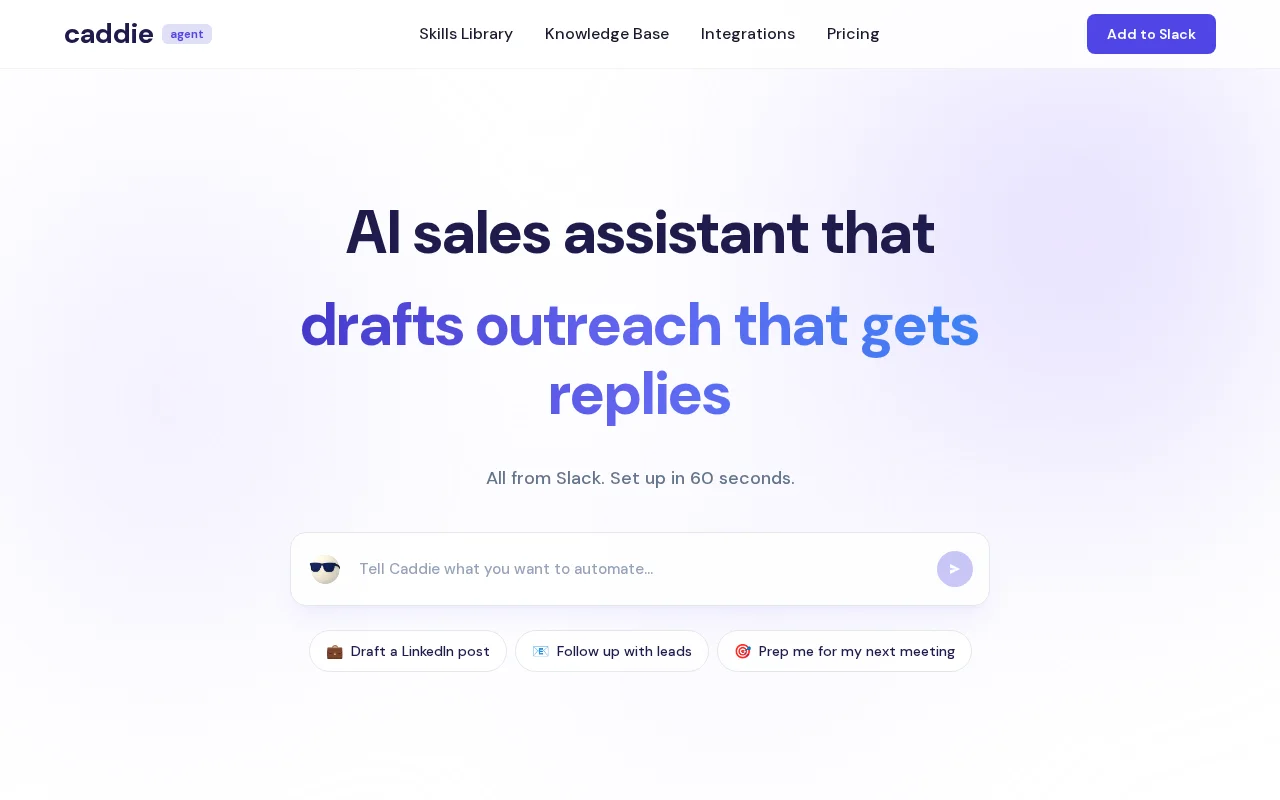
Yet another AI sales agent, but the Slack-native setup is genuinely fast.
Sales teams, GTM operators, solo founders
Clay · Lavender · Outreach
I'm Delaney, one of the founder of Caddie AI, a Slack bot with access to my Gmail, CRM, LinkedIn, calendar, and 90+ other tools.
The origin: I ran a hiring marketplace that did $100k in 8 months. The GTM work was relentless - logging notes to the CRM after calls, prepping for meetings by hunting through old emails, drafting outreach, following up with leads. Same 5-10 tasks every single day. So I started building an agent to handle it.
The first version worked, but only for me. My co-founder isn't technical and explaining how to configure an agent was its own project. Which tools to connect, how to write system prompts, what MCP even is. She's sharp, just had no reason to care about any of that. I kept trying to hand it off and kept failing. Eventually I stopped explaining and just rebuilt it so there was nothing to explain.
That version is what we're launching now. We built it for ourselves, used it to run all of our own GTM - outreach, CRM logging, meeting prep, Reddit/X research + automation, LinkedIn ghostwriting content, candidate pipeline tracking - and when we saw how much time it was saving us, the product became obvious so we're bringing it to market.
Here's how it works technically:
- Installs via Slack App Directory (60 seconds, OAuth) - MCP connects 100+ tools as callable functions - Gmail, LinkedIn, HubSpot, Attio, Google Calendar, Sheets, Reddit, Twitter, and more - A "skills" system lets you install pre-built workflows (morning standup, CRM note logger, LinkedIn ghostwriter, cold email drafter) or write your own with a plain English prompt - It persists a rules file per user - tell it your preferences once ("always lead with ROI in cold outreach, I work in CST") and it applies them automatically going forward - All write actions (send email, publish post, log to CRM) require explicit confirmation before executing
The design bet: most people won't configure a standalone agent tool. But if the agent is already where they work (Slack) and it just works the first time they type something, the activation problem goes away.
We're an official Slack partner and launched this week. About 50 users in free beta.
A genuine question for the thread: we default to "show draft, get confirmation" for all write actions. A few power users want to flip this off and let the agent just fire. What's the right default - safe-by-default or assume-trust? Curious how others have thought about the autonomy tradeoff.
Exposes Claude Code agent over HTTP with OAuth; useful for CI and Slack bots.
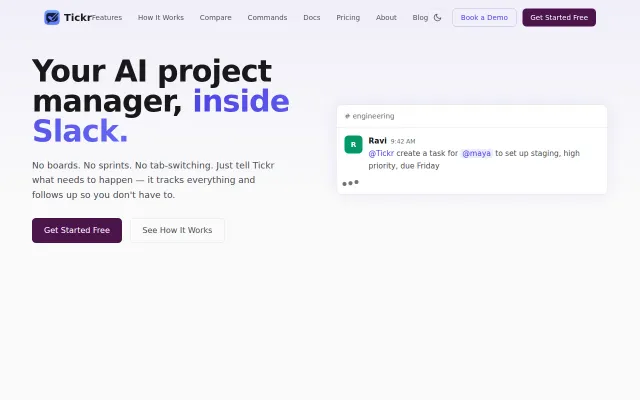
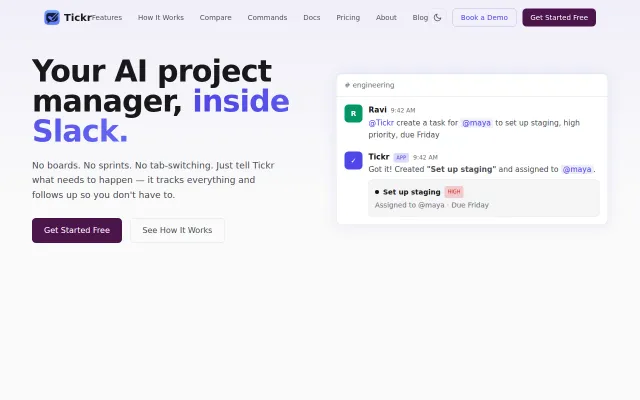
Nudges blockers, not blocked—flips Jira's punishment model on its head.
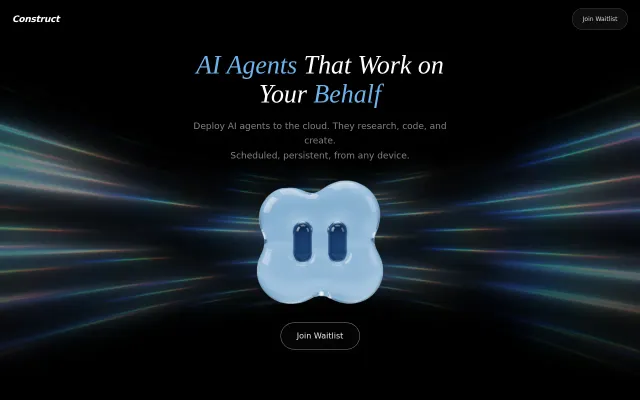
Persistent agent infrastructure beats API calls, but still waitlist-only with no public demo or shipping product.
Smart nudge engine that escalates to blockers, not assignees. Jira killer for Slack-first teams.
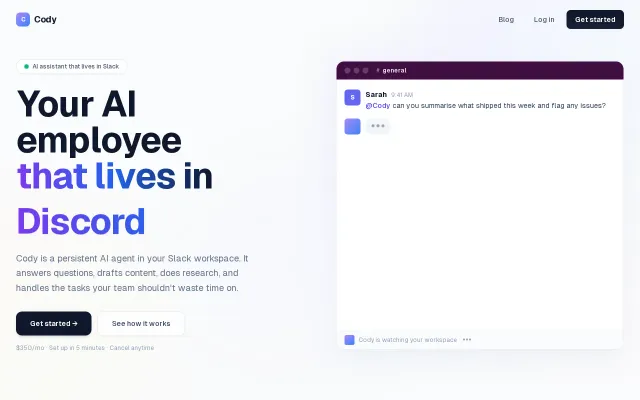
Slack bot automating team tasks, but Slack's own AI assistant and dozens of agent platforms already exist.
n8n-style nodes controlling a real browser in Docker, but computer-use agents remain unreliable.