Developer Tools●●Solid
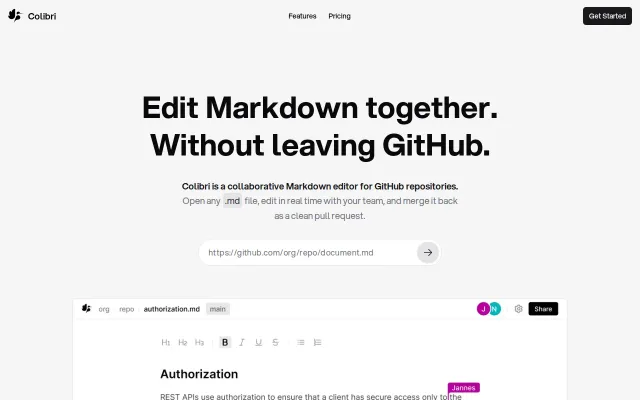
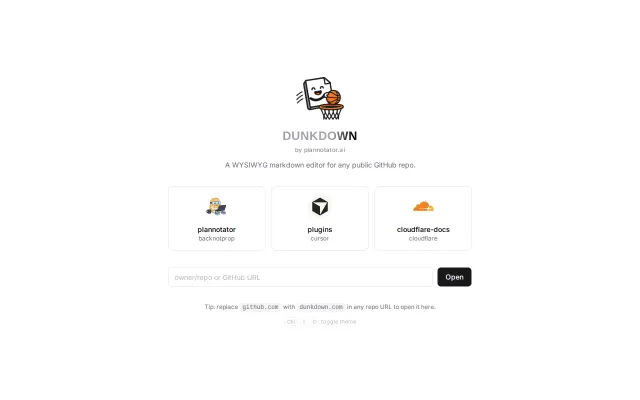
Turn any GitHub .MD into a collaborative editor by replace "g" with tune
Google Docs for GitHub .md files, but solves a real workflow friction point.
Solve My ProblemSlick
jannesblobel
323mo ago
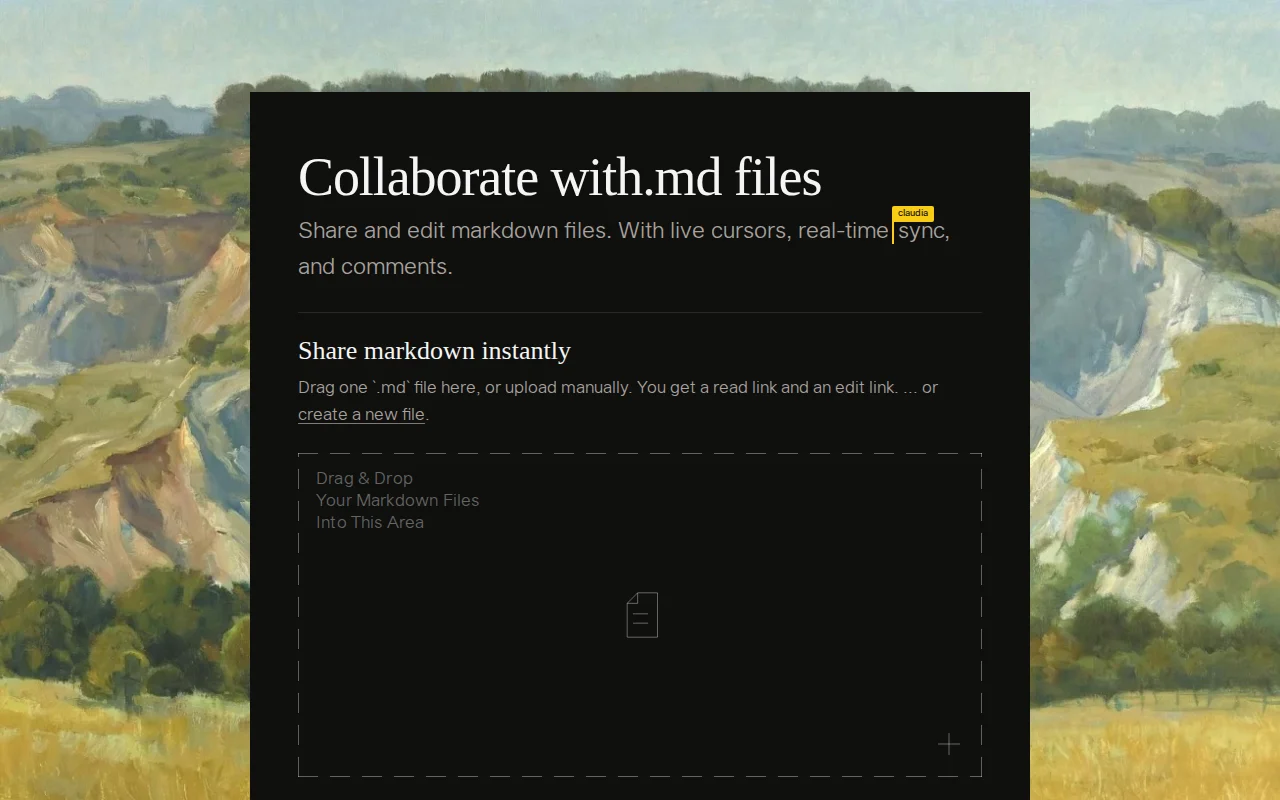
Collaborative markdown editing when Notion and GitHub wikis already exist.
Teams planning with markdown, AI-assisted developers
Notion · Obsidian Sync · GitHub Wiki
We couldn't find anything that made it easy to share and work on the same file, sooo we created a new markdown file to plan a markdown editing + collaboration tool and vibe-coded with.md
With.md lets you: - drag-and-drop your internal .md docs (no sign-in required) or sign in with github and access all the md files in your repo to organize, edit, and share repo-scoped markdown - share them with teammates to edit together (or get sign-off) - then, feed them back into your claude code / opencode / etc. - We also made shares easily parseable by agents. - You can create and edit markdown files from within your claude code & codex sessions. your agents can edit the files they created too! install the skill by instructing your agent to read `http://with.md/skill` & `http://with.md/skill/md`. we don't recommend installing the skill via npx, but if you prioritize convenience over security, you can install it via `npx skills add emotion-machine-org/with-md`. - You can convert urls to markdown. try opening a blog/docs/article by prepending `http://with.md` at the beginning. example: http://with.md{your-url-here} - http://with.md has a cursor/vscode/openvsx extension! install it and click on any markdown in your repo to view it with http://with.md
I would love to hear how it goes and/or if you have any feedback.
Google Docs for GitHub .md files, but solves a real workflow friction point.
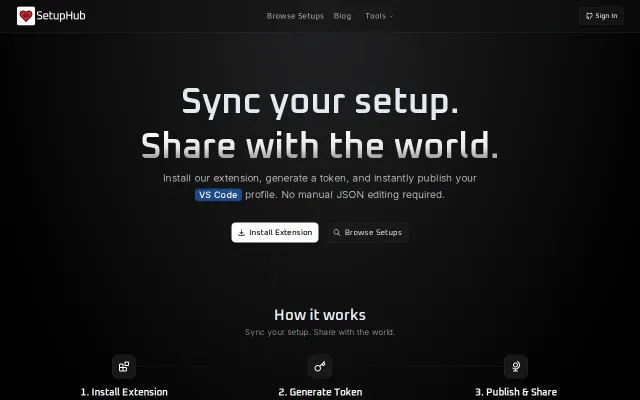
Yet another config sync tool when VS Code already has built-in settings sync.
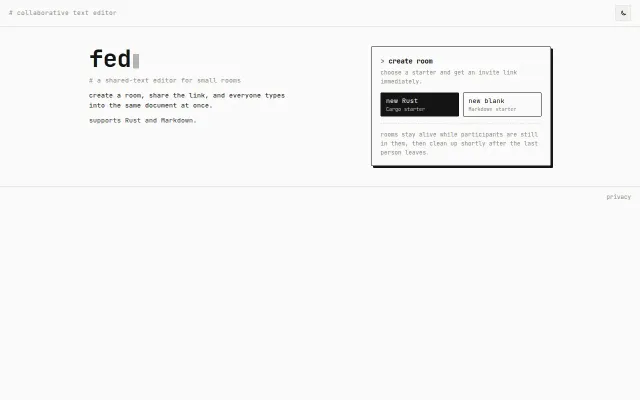
Yjs-powered Rust editor but Replit and GitHub Codespaces already do this better.
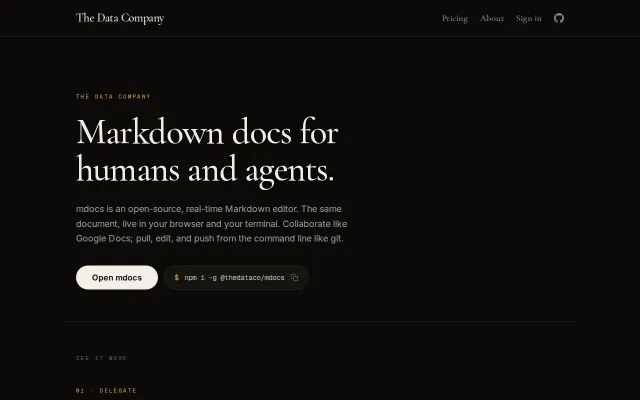
Three-way merge for docs is clever, but Notion and GitBook already own collaborative editing.
Editor-agnostic pairing that works where VS Code Live Share can't.
GitHub URL swap for markdown editing when GitHub already has built-in editor.