Security●●Solid
Local Vault – AES-256-GCM password manager in a single HTML file
One encrypted .vault file you carry anywhere with zero dependencies.
CozyNiche Gem
frederic123
102mo ago
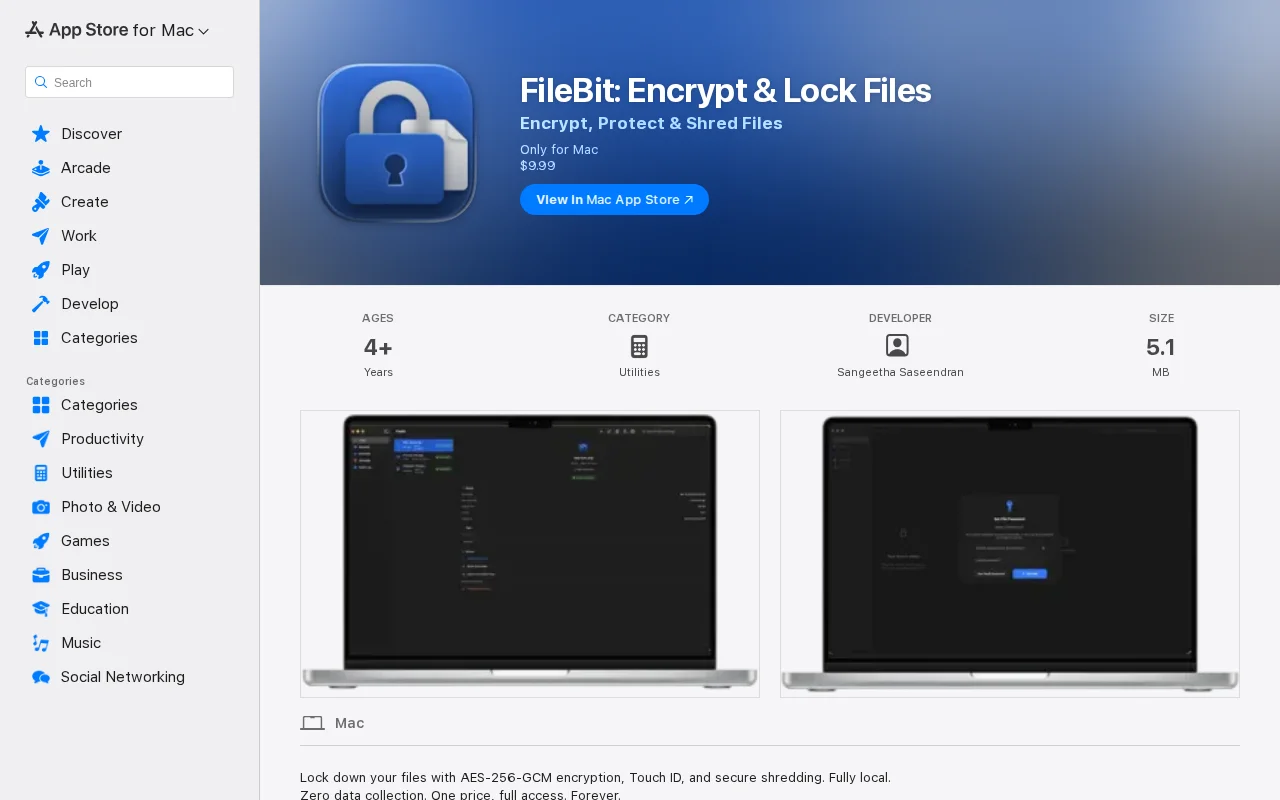
Solid local encryption but FileVault and Cryptomator already solve this.
Mac users needing local file encryption without subscriptions
Cryptomator · Veracrypt · FileVault
AES-256-GCM via Apple CryptoKit (hardware-accelerated) PBKDF2-SHA256 key derivation, 600k iterations Touch ID unlock vault key stored in Keychain with Secure Enclave biometric access control SHA-256 checksum stored in metadata, verified on every export 3-pass overwrite shredding (0x00, 0xFF, random bytes via SecRandomCopyBytes) Full App Sandbox with no network entitlements the app cannot make network requests
One tricky part: CryptoKit doesn't expose PBKDF2 directly so I had to bridge to CommonCrypto for key derivation then hand the key back to CryptoKit. Also spent a lot of time getting SecAccessControlCreateFlags right for Touch ID with password fallback the docs are sparse. macOS 15+ required.
Available on the Mac App Store.
https://apps.apple.com/us/app/filebit-encrypt-lock-files/id6...
One encrypted .vault file you carry anywhere with zero dependencies.
Air-gapped QR-code encryption, but paid tiers ($99+) for basic features existing tools offer.
Cross-corpus Zstd dictionary + per-record AES-256-GCM, but cryptography audit is missing.
Your own S3 bucket with client-side encryption beats yet another cloud vault.
Scoped, revocable AI agent access to encrypted personal data—solves real password/context sprawl problem.
Agents read sk_test_ fakes on disk while you see real keys in-editor with Touch ID gating.