Developer Tools●●Solid
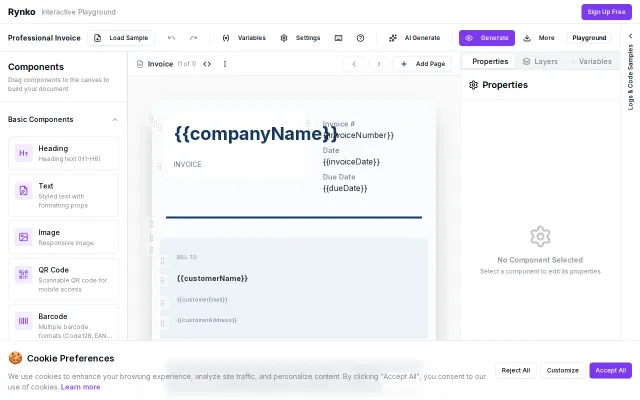
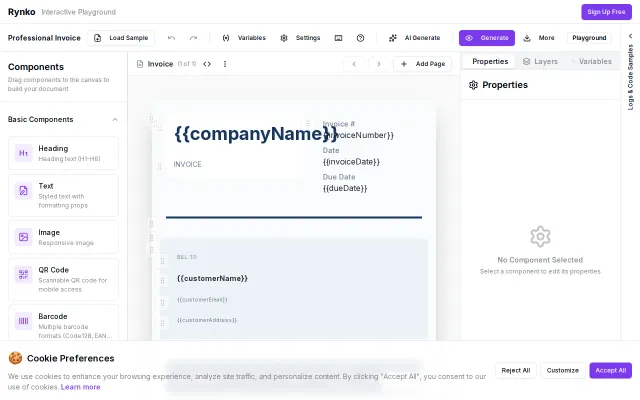
Rynko Playground – 400ms JSON-to-PDF and Excel Engine
Visual drag-and-drop template builder for JSON-to-PDF beats hand-coding PDFKit configs.
Ship ItSolve My Problem
ksrijith
103mo ago
Landing page returns 404 — cannot evaluate a product that doesn't load.
People working with multiple PDF documents simultaneously
PDFescape · Smallpdf · Adobe Acrobat
The thing I'm sharing here is Studio: https://localpdf.online/app/studio
Most PDF apps are built around isolated tools — merge, split, rotate, delete pages, edit text, and so on. That works fine for one-off tasks, but a lot of real PDF work isn't one-off. Usually it's more like: open a few files, compare them, pull pages from one into another, remove junk, reorder things, make a couple of edits, then export the result.
That workflow always felt awkward to me in traditional PDF editors because you keep bouncing between separate tools and separate screens.
So I built Studio around a different model — a drag-and-drop workspace for PDFs. Instead of doing one tool at a time, you can:
- Drop multiple PDF files into one workspace - Arrange documents on a canvas - Drag pages between documents - Copy, reorder, and delete pages - Edit inside the same working area - Export when you're done
Everything still runs locally in the browser on the user's machine — no file uploads, privacy by default, performance depends on the user's hardware, not a remote queue.
Under the hood: the UI is a canvas-style workspace, page operations are composed locally, and the output PDF is rebuilt on-device rather than sent to a backend for processing.
I've also been testing it on larger documents, because this kind of interface only matters if it still feels usable once the file stops being a tiny 3-page PDF.
What I was aiming for was something that feels less like filling out forms and more like actually working with documents.
I'd especially love feedback on: 1. Does this feel meaningfully different from existing PDF editors? 2. Is drag-and-drop organization actually a better mental model for PDF work? 3. If you work with large PDFs, what workflows would you stress test first?
Happy to answer technical questions too.
Visual drag-and-drop template builder for JSON-to-PDF beats hand-coding PDFKit configs.
Visual AI workflow builder, but Flowise and LangFlow already dominate this crowded category.
28-component drag-drop PDF/Excel builder, but Zapier, Make, and n8n already own this space.
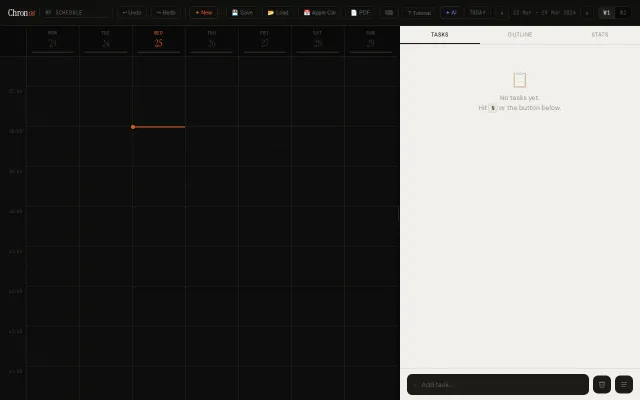
Single HTML file scheduler with task-first workflow, but manual save/load limits adoption.
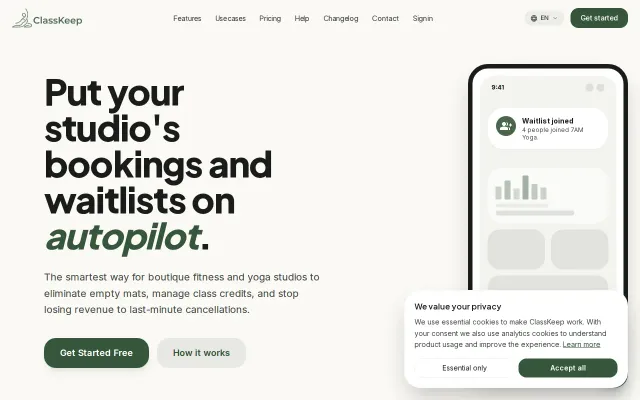
SMS waitlist automation fills cancelled seats faster than Mindbody.
Single-file multi-agent workspace with MCP tools, WebGPU offline mode, full data sovereignty.