Productivity●Mid
gifree – simple online GIF editor
Yet another online GIF editor when ezgif already dominates this space.
Cozy
ahme
212mo ago
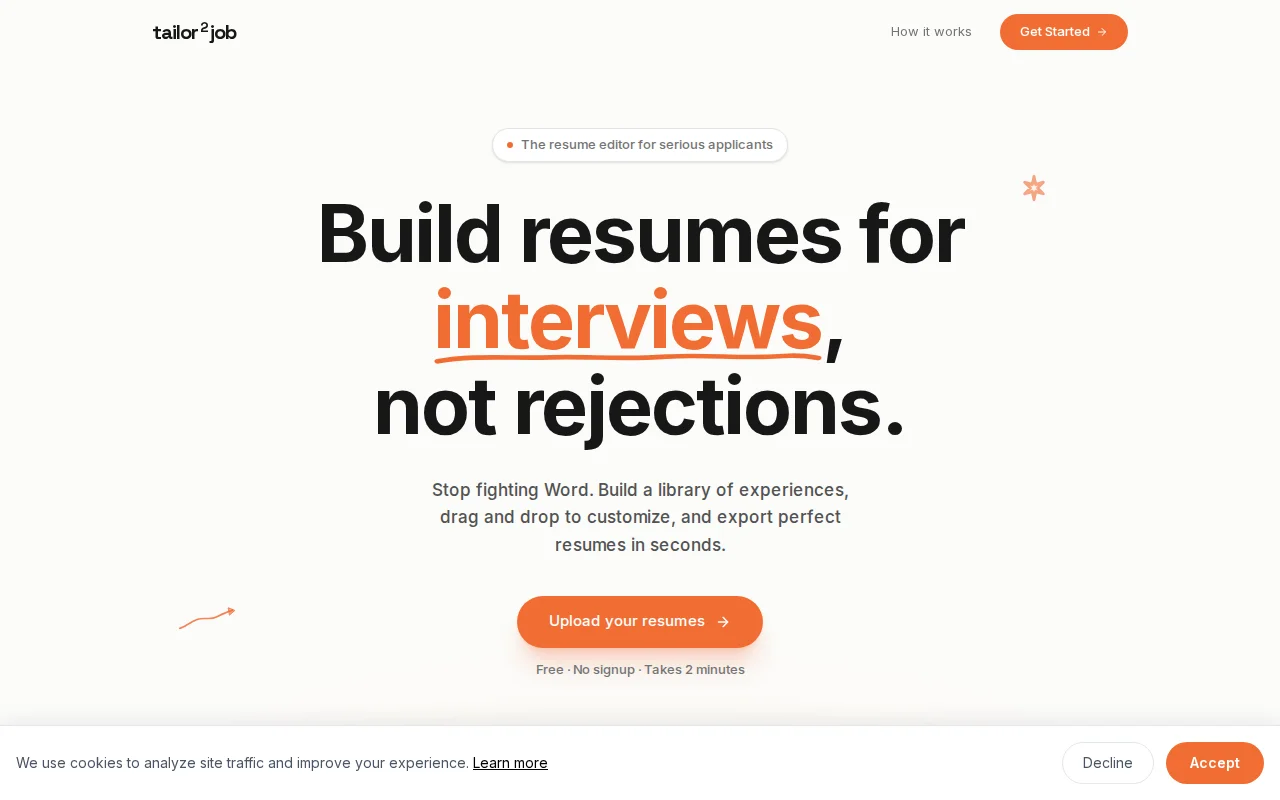
Free resume builder with AI bullet optimization when Resume.io and Zety already dominate.
Job seekers and students applying for internships
Resume.io · Zety · Novoresume
I have recently been applying for summer internships and got frustrated when tailoring my resumes in Word. I started learning Python last autumn, but had absolutely zero experience with web development or deploying something to the front/backend. I wanted to experiment with the new coding agents to build a resume editor that would make my application process less painful.
Here it is: www.tailortojob.app
How I built it: A friend helped me set up the initial infrastructure because I struggled to connect everything with Claude alone (newer models might be more helpful; that was 4 months ago). The stack is Vercel, Render, and Supabase. Once the front- and backend were set up, I used agents iteratively over the last 4 months to build the actual application (I have probably spent on average about 10 hours per week, so a total of about 180-200 hours)
My Agent Workflow: High/Low Model Split: What worked best was using larger models (Opus 4.6 has been a game-changer) to brainstorm an implementation plan in Markdown, and then handing that off to smaller models to do the actual coding. I felt this gave me a good balance between performance and costs. I recently started exploring Claude's planning mode, which I am considering using instead of my old approach.
UI Struggles: While Claude’s newer UI skills are great for quickly building a frontend, I found it often struggled with perfectly aligning hover overlays with other elements on the page (maybe my prompts were not precise enough; it often took me a couple of tries to get it right)
Knowledge Cutoffs: When asking agents to implement new LLM APIs (like GPT 5.1 mini), they would often tell me they did not exist, and I should use models like 4o. This was especially annoying when I asked Claude to find errors in my code. It would often tell me that I am using models that do not exist. I learned I had to manually feed Claude the new API documentation during the session to get it working.
My Biggest Lesson: The "Tutorial Trap" Because AI makes it so easy to simply build whatever you can think of, I believe prioritization becomes extremely important. Case in point: I spent 5 hours the night before launching to my friends, building a detailed interactive tutorial. In the end, not a single person used it. Several friends even told me they could not figure out a feature, knew the tutorial existed, and still chose to just give up rather than watch it. I was really surprised.
My approach definitely was not perfect, but it was impressive to see what is possible nowadays with hardly any prior coding experience.
I would love for you to try out the editor and let me know how I can make it more useful. I am also very curious to hear tips from this community on how I can refine my agent workflows.
Thank you for your time and help!
Yet another online GIF editor when ezgif already dominates this space.
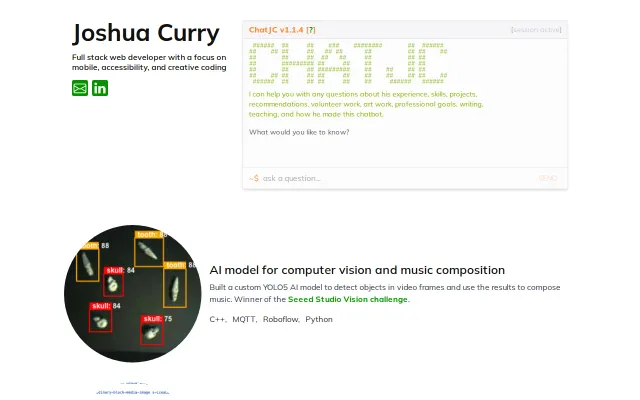
Clever resume gimmick but only useful for one person's portfolio.
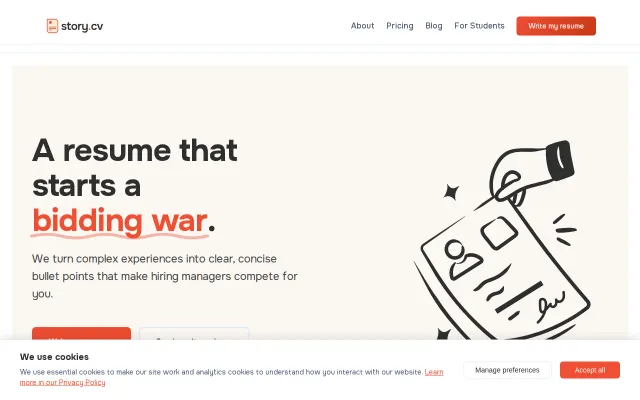
Yet another AI resume writer in a sea of Kickresume and Enhancv clones.
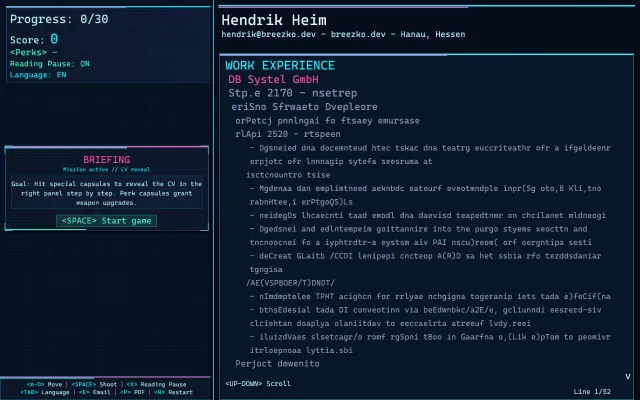
Space Invaders résumé is fun to play but hiring managers want PDFs, not high scores.
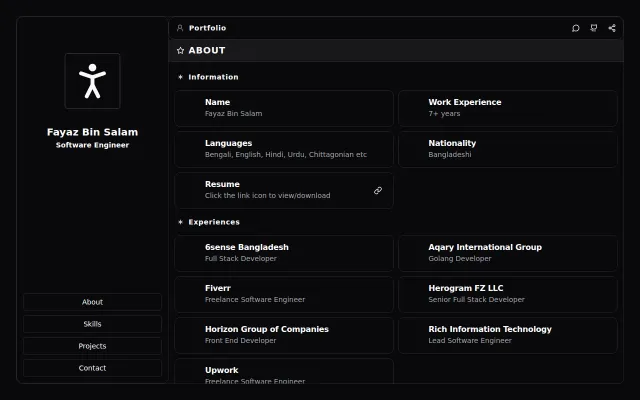
Clean portfolio template, but it's a personal showcase not a tool others can use.
Yet another dev newsletter competing with Bytes and TLDR.