Developer Tools●●●Banger
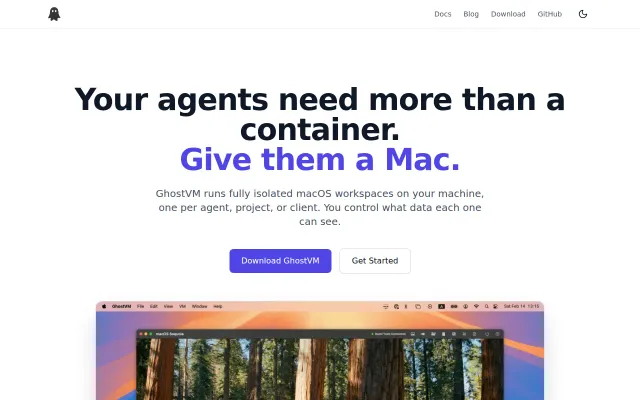
GhostVM – macOS Containers on Apple Silicon
Native macOS VMs with APFS snapshots beat Docker for agent isolation.
WizardrySolve My ProblemNiche Gem
CarolineWang
703mo ago
Apple Container CLI integration makes local GitLab CI actually fast on MacOS.
GitLab users wanting faster local CI feedback
gitlab-runner · act · localtonet
It tries to achieve as much compatibility with Gitlab pipelines as it makes sense to help developers get a fast feedback loop by running their jobs locally. On MacOS it uses the Apple Container CLI to spin up fast containers - you can customize the VM specs for this, but it's also compatible with Docker and Podman. On Linux it works with Podman, Docker or Nerdctl. You can use a local Ollama AI Agent or Codex to troubleshoot a failing job right in the job window. The prompt that gets sent to the AI agent for troubleshooting can also be customized. Claude code support is going to land some time this week.
Right now it's used to run its own Gitlab pipeline and a few other projects that i'm working on. The tool is in its infancy so it might be rough around the edges.
An MCP feature is going to land somewhere today or tomorrow that would allow you to hook it up to your AI agent of choice, which might provide more value for people using AI agents as their daily driver.
Native macOS VMs with APFS snapshots beat Docker for agent isolation.
This is a practical glue layer over Apple's container CLI that bundles three handy steps into one command: create from an image, copy host folders into /sandbox/host, and run an init script inside the container. It's a tidy shortcut for people orchestrating many short-lived macOS sandboxes, though it's narrowly useful (macOS-only) and could use richer examples and error handling to feel more robust.
Fully local transcription with auto meeting detection beats cloud services on privacy.
Dry-run by default with confirmation phrases for deletes — actual safety thinking.
Local Markdown OCR via CLI and HTTP, though macOS Live Text overlaps heavily.
Full LLM pipeline in one window when LM Studio only does inference.