Productivity●●Solid
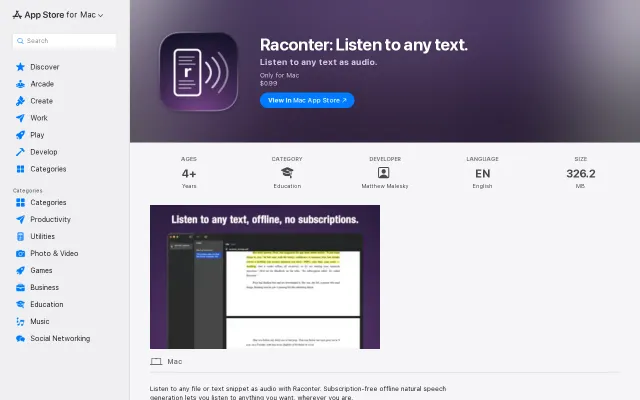
macOS Kokoro-TTS powered document reader – listen to any text
Runs Kokoro TTS offline for $0.99, undercutting subscription readers like NaturalReader.
CozySolve My Problem
mattcheston
102mo ago
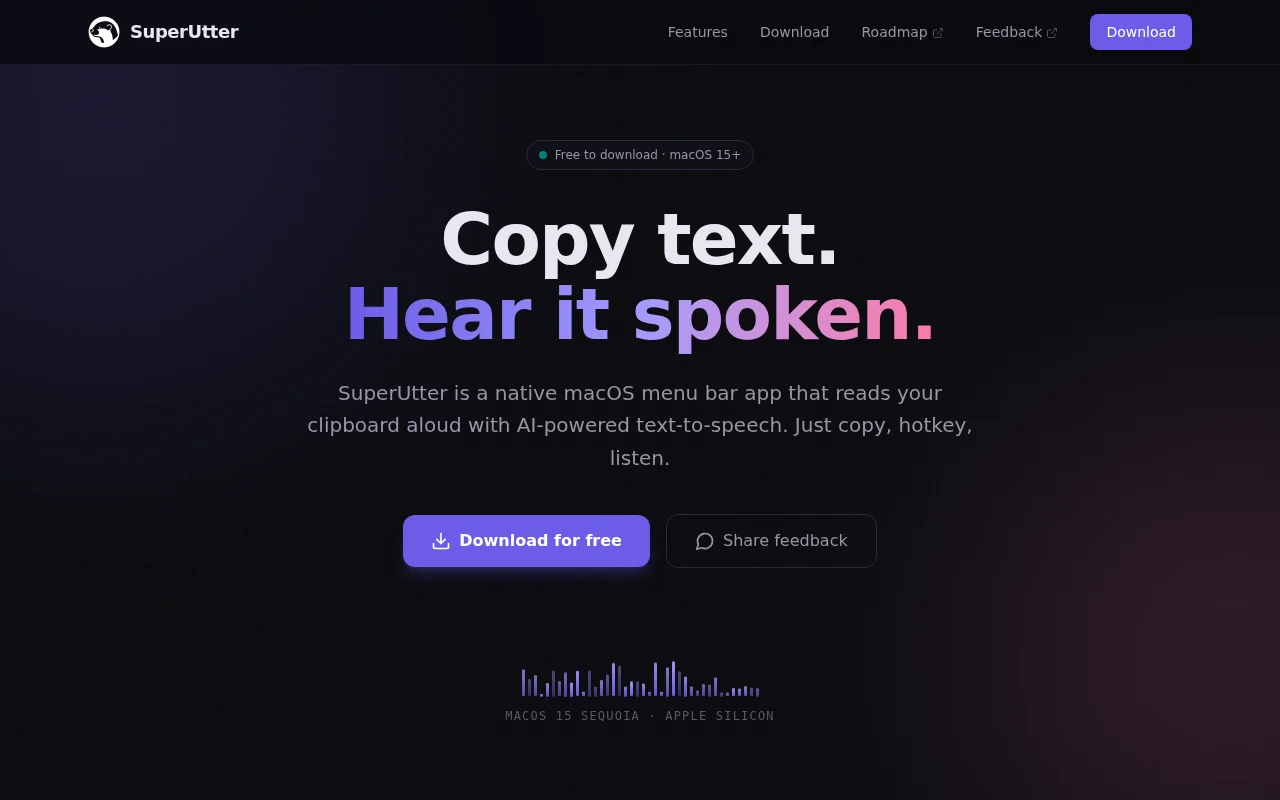
Kokoro CoreML TTS in menu bar, but macOS already has built-in TTS.
Mac users wanting quick text-to-speech for snippets
Speechify · NaturalReader · macOS Speak Selection
I’ve been seeing a lot of great speech-to-text (STT) tools lately, but I found myself wanting the opposite: a dead-simple way to turn text into high-quality audio without leaving my workflow.
I built SuperUtter to be a non-obtrusive macOS utility for reading back short snippets of text.
Key features: * Local-first: It uses the Kokoro model to generate high-quality speech locally on your Mac. No latency, no cost, and works offline. * Cloud option: If you prefer ElevenLabs, you can plug in your API key.
Workflow-focused: Designed for short snippets—emails, code comments, or quick proofreading—rather than long-form articles.
Would love to hear your feedback!
Runs Kokoro TTS offline for $0.99, undercutting subscription readers like NaturalReader.
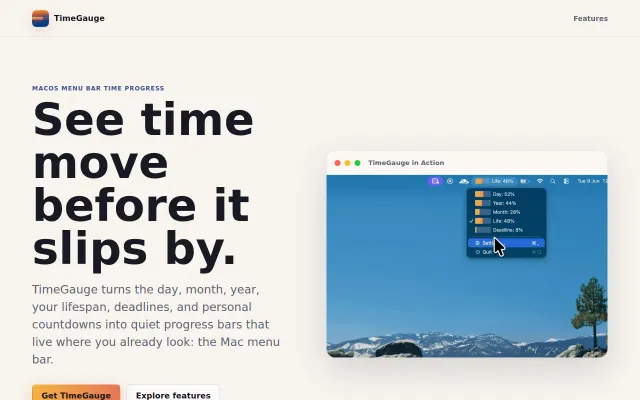
Native Swift menu bar timers with App Sandbox privacy and negligible battery footprint.
Menu bar terminal when iTerm2 and Warp already have this.
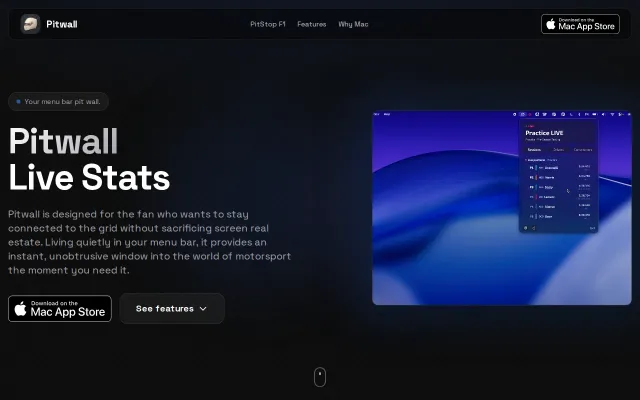
Native macOS menu bar for live F1 timing when browser tabs eat your RAM.
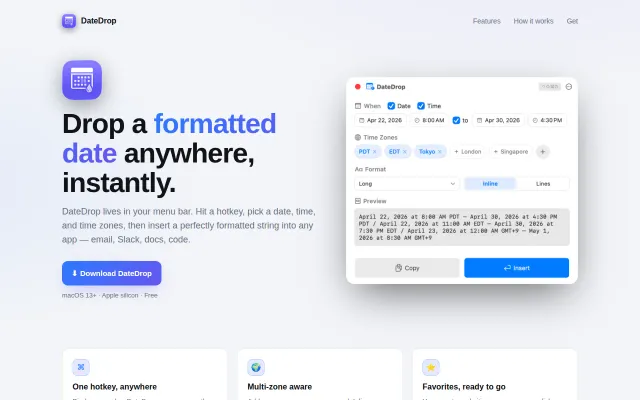
Native macOS menu bar tool that inserts formatted dates directly into any text field.
Menu bar battery monitor is useful, but macOS already shows this natively now.