AI/ML○Pass
TruthLens – Free multi-signal deepfake image detector
404 error page—no working demo or accessible code to evaluate.
AnubhavCraft27
1126d ago
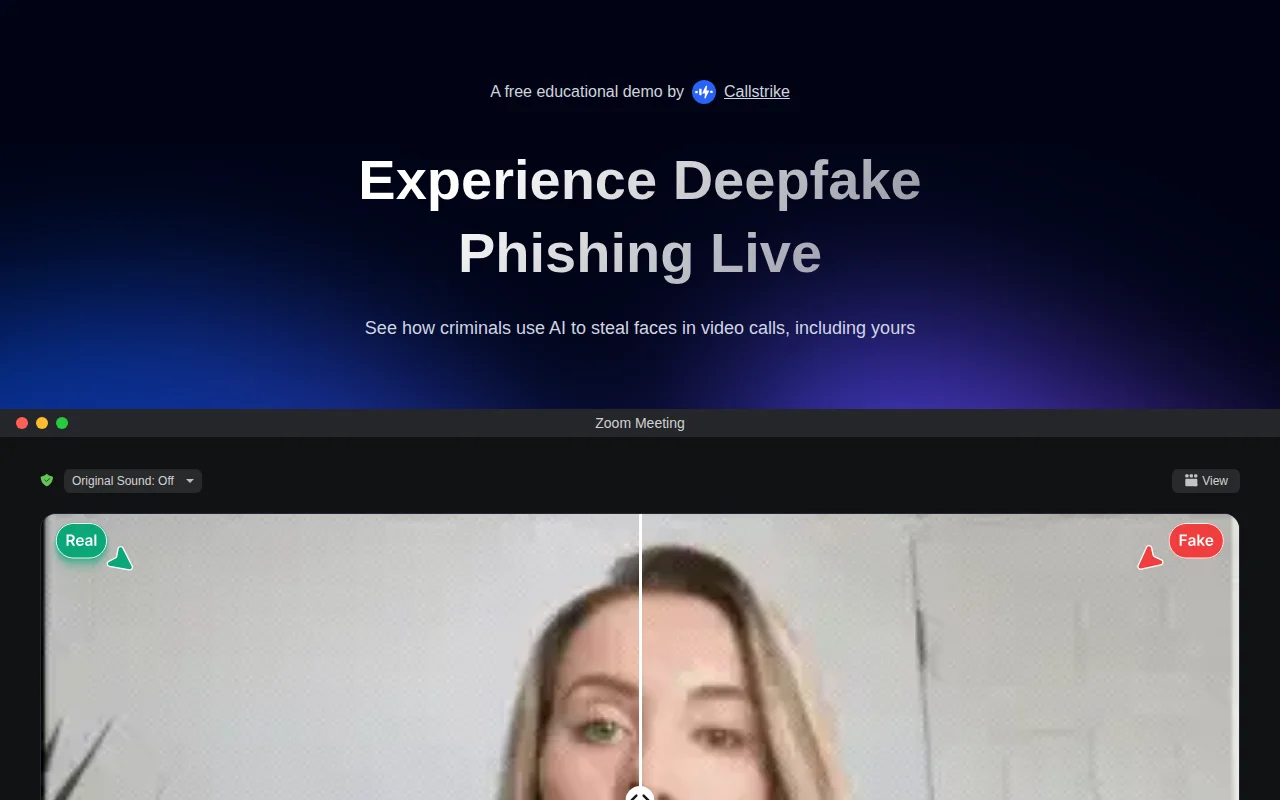
Browser-based face swap demo that's really a marketing tool for security training.
Security trainers, companies running phishing awareness programs
Reface · DeepBrain AI · Synthesia
404 error page—no working demo or accessible code to evaluate.
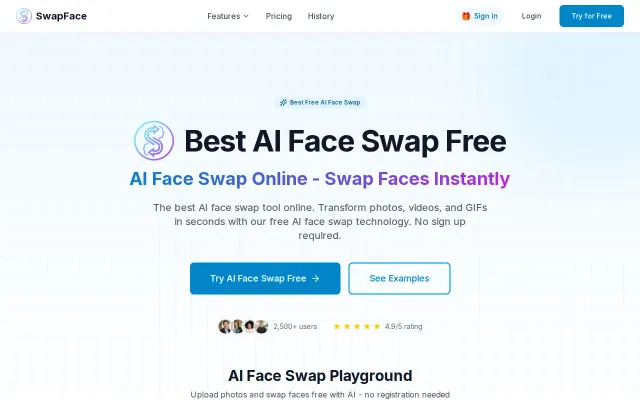
This is the kind of thing people will fire up for a laugh — real‑time swaps for live streams and videos with local processing (Apple Silicon + NVIDIA support) is the key selling point. The landing page copies familiar flows — upload, pick source/target, download — and the ‘no signup, local processing’ pitch is smart for privacy-minded users, but the space is crowded with mature open‑source alternatives (DeepFaceLab, Avatarify). If the app truly delivers low‑latency, HD swaps on consumer hardware it’s useful; otherwise it risks being another pretty front end over standard models.
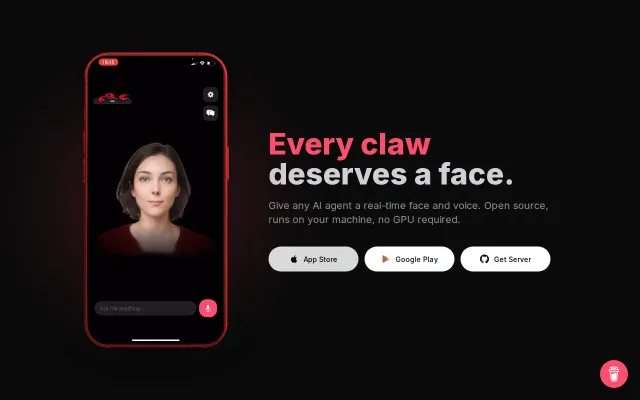
CPU-only face animation at 30 FPS when most agent embodiment tools require cloud GPUs.
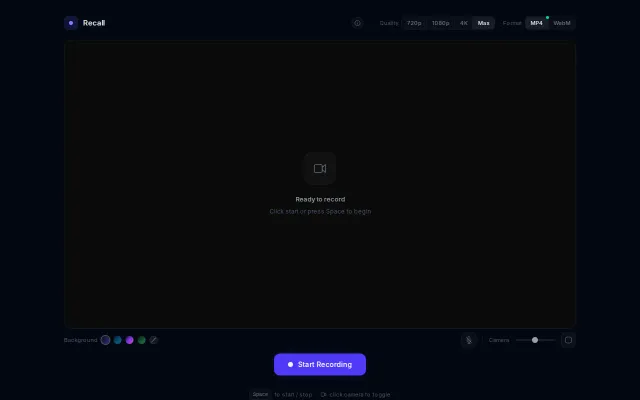
Everything runs client-side and the UI gives you real control — pick MP4 or WebM, toggle 720/1080/4K, pick gradients, and resize the camera overlay. It's not reinventing the wheel (Loom/OBS already exist), but the minimal, no-install flow plus thoughtful controls (format/quality toggles, mic and camera sizing) make it genuinely handy for quick recordings. Would be way more compelling with basic trimming or one-click cloud upload.
Contextual rules beat allow/deny lists—rm -rf __pycache__ is fine, rm ~/.bashrc is nah.
Trust Center in 2 minutes, but Vanta and Drata already own this category.