AI/ML●●Solid
DocMason – Agent Knowledge Base for local complex office files
Provenance-first RAG beats anonymous text chunks, but Cursor and Continue already own this space.
Big BrainNiche Gem
Jet_Xu
1102mo ago
JavaScript (and TypeScript) in Excel Made Simple
File-to-function mapping beats manual Office Scripts registration, but undocumented APIs limit production use.
Excel power users building forecasting and risk analysis applications
xlwings · PyXLL · Office Scripts
The key feature is that JS module exports from ".xlsx.js" (or ".xlsx.ts") files become automatically available in corresponding "*.xlsx" files as functions (as long as Webcellar is running).
Another example of a feature is that Webcellar automatically handles dimensionality and data type conversion between Excel and JS. For example, JS objects are converted into Excel entities (i.e., single cell values with properties that can be accessed).
Webcellar has primarily been developed to meet my needs in application development, with use cases primarily relating to, for example, forecasting, risk analysis, decision analysis etc. Using Excel to manage the relevant application data (e.g., editing a cell or sorting by a column) is quite straightforward and often reduces the time I have to spend on developing a user interface. However, Excel application development is affected by the limitations of formulas and Visual Basic (a programming language embedded in Excel). In this context, using JavaScript in Excel by way of Office Add-Ins seems promising, but the development of Office Add-Ins can be unnecessarily cumbersome. Thus, I developed Webcellar to simplify the use of JavaScript (and TypeScript) in Excel.
View the Github repository for the Webcellar source code, a demo (also as an annotated screenshot) and more information: https://github.com/Acmeon/Webcellar
Note: Almost none of the code is AI generated. AI code is only used in one file, `.webcellar/taskpane-init.html`, to capture requested Office.js URLs.
I would be happy to answer any questions that you may have.
Provenance-first RAG beats anonymous text chunks, but Cursor and Continue already own this space.
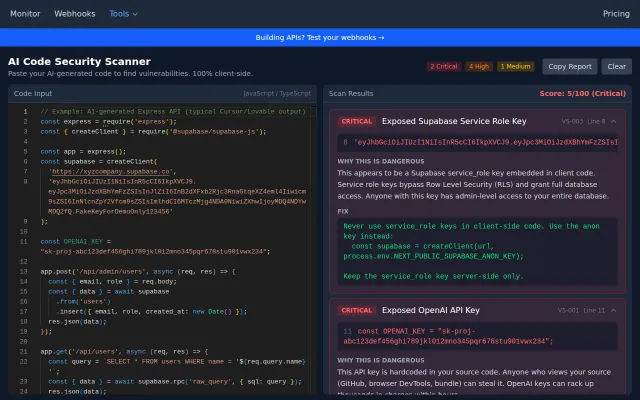
Client-side scanner catches hardcoded secrets in AI code—real problem, obvious solution.
Yet another DI library when Awilix and Inversify already exist.
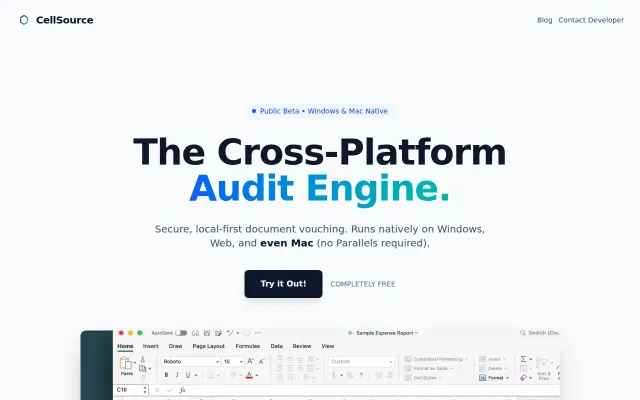
Mac Excel add-in replaces Parallels, not $1B monopolies—nice privacy angle.
AST-aware codebase search and onboarding beats grep, ships as local MCP server.
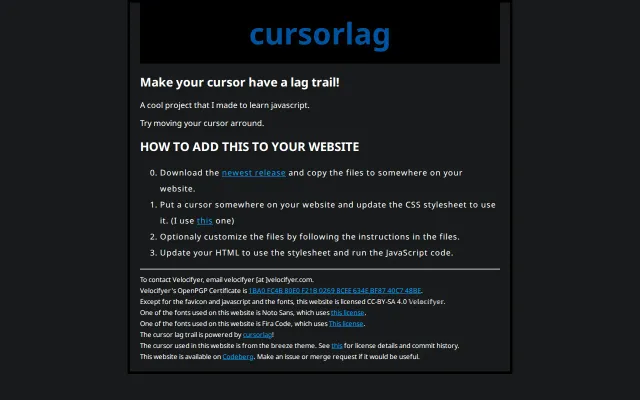
Lightweight JS snippet adds cursor trails when CSS animations already exist.