AI/ML●●Solid
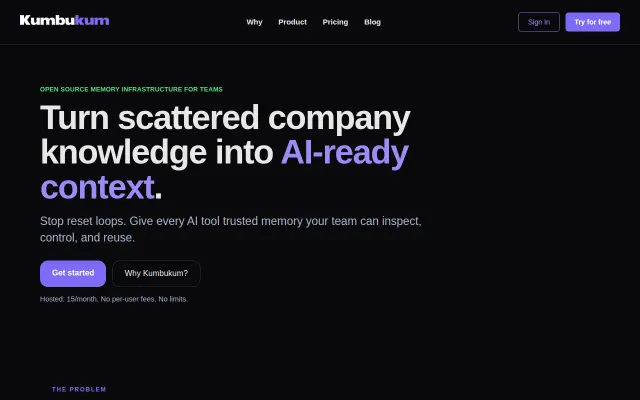
Kumbukum, open source memory infrastructure for teams
Shared MCP memory layer stops AI tools from resetting context every session.
Solve My ProblemSlick
nitai
121mo ago
Finally, shared memory across Claude Desktop and Cursor without cloud accounts.
Developers using multiple AI coding tools daily
Mem0 · LangChain Memory · Supermemory
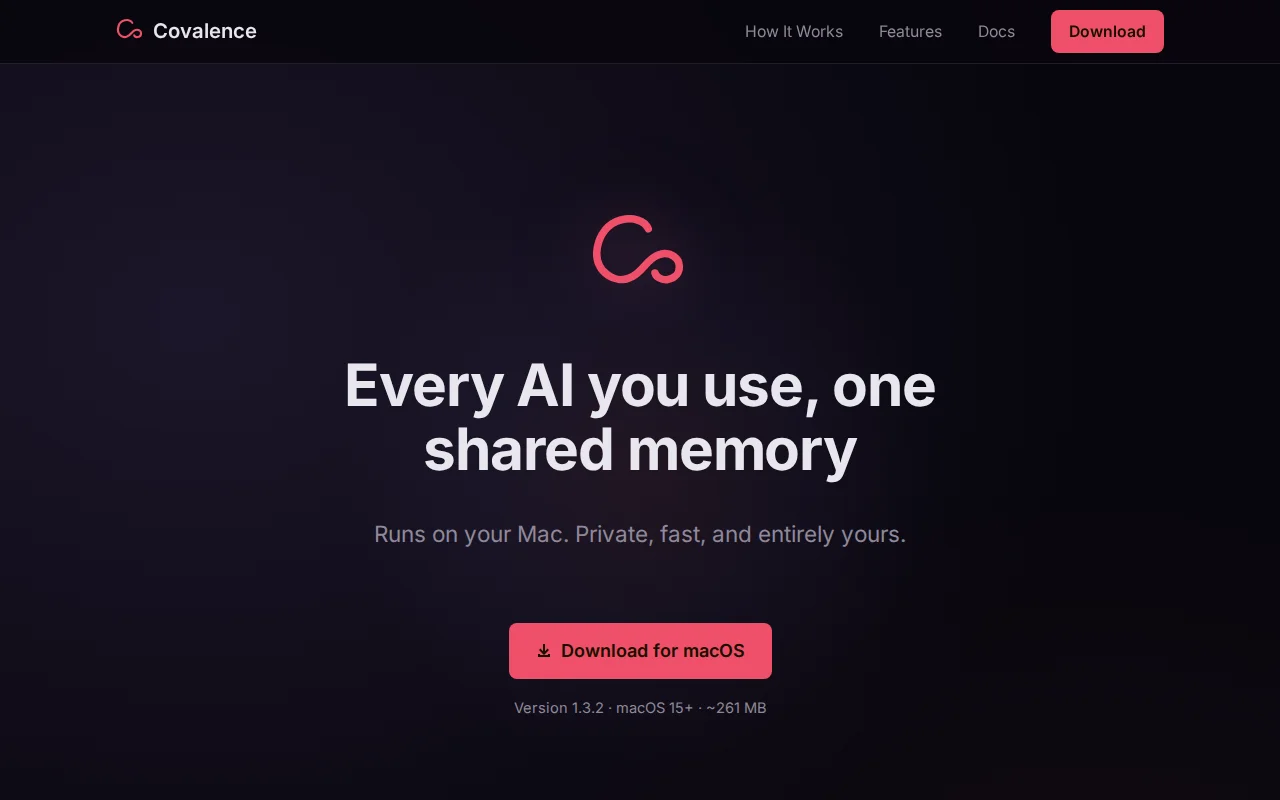
Most solutions I found required Docker, external databases, or cloud accounts - overkill for what's essentially a personal context store. So I built Covalence: a Mac app that bundles an MCP server and a local vector database into a single download. Any MCP client connects to it. Store a memory in Claude, retrieve it from Cursor. Same database, zero config.
The stack: SQLite + sqlite-vec, nomic-embed-text-v1.5 running on-device via CoreML (no API keys, no network calls). Hybrid BM25 + vector search. Everything lives in a single SQLite file. The hard part was concurrency. Multiple Claude sessions writing to the same MCP server would deadlock. SQLite in WAL mode with each MCP client as a separate process solved it - multiple clients read and write simultaneously without blocking. Embeddings run sub-second on Apple Silicon.
A few features that emerged from daily use:
Core Memories - pin facts the AI should always know (your stack, your preferences, standing instructions). They persist across every session and every client. Spaces - separate memory contexts for work, personal, or individual projects. No cross-contamination. Global hotkey capture - store something without switching away from whatever you're doing.
Free, no limits. macOS 15+, ~261MB (mostly the CoreML embedding model). https://covalence.app
Shared MCP memory layer stops AI tools from resetting context every session.
Finally remembers your architecture decisions between Claude Code sessions — CLAUDE.md couldn't do this.
Persistent memory for Cursor and Claude when every chat resets to zero.
Structured decision memory via MCP beats generic AI memory for actual codebase context.
Another AI memory platform when Mem, Rewind, and Superhuman already own this space.
Unifies AI assistant configs across 6 tools—no cloud, local-first, syncs skills and MCP servers.