Developer Tools●●Solid
Pappardelle, a TUI for Multi-Clauding
Tmux + Claude Code + lazygit orchestration—tight workflow, but Claude Code adoption is unproven.
Niche GemShip It
chardigio
103mo ago
Global agent visibility across tmux sessions beats juggling terminal windows.
Developers running multiple AI coding agents across local and remote machines
tmux · zellij · WezTerm
- OS-native copy/paste and search from any pane
- A bit more "UI" than just a status bar and border lines
- Persistent remote logins w/o the mental load of tmux-in-tmux
- Pane tabs, so any pane slot can serve multiple purposes
- Access to my running agents anywhere w/ minimal context switching
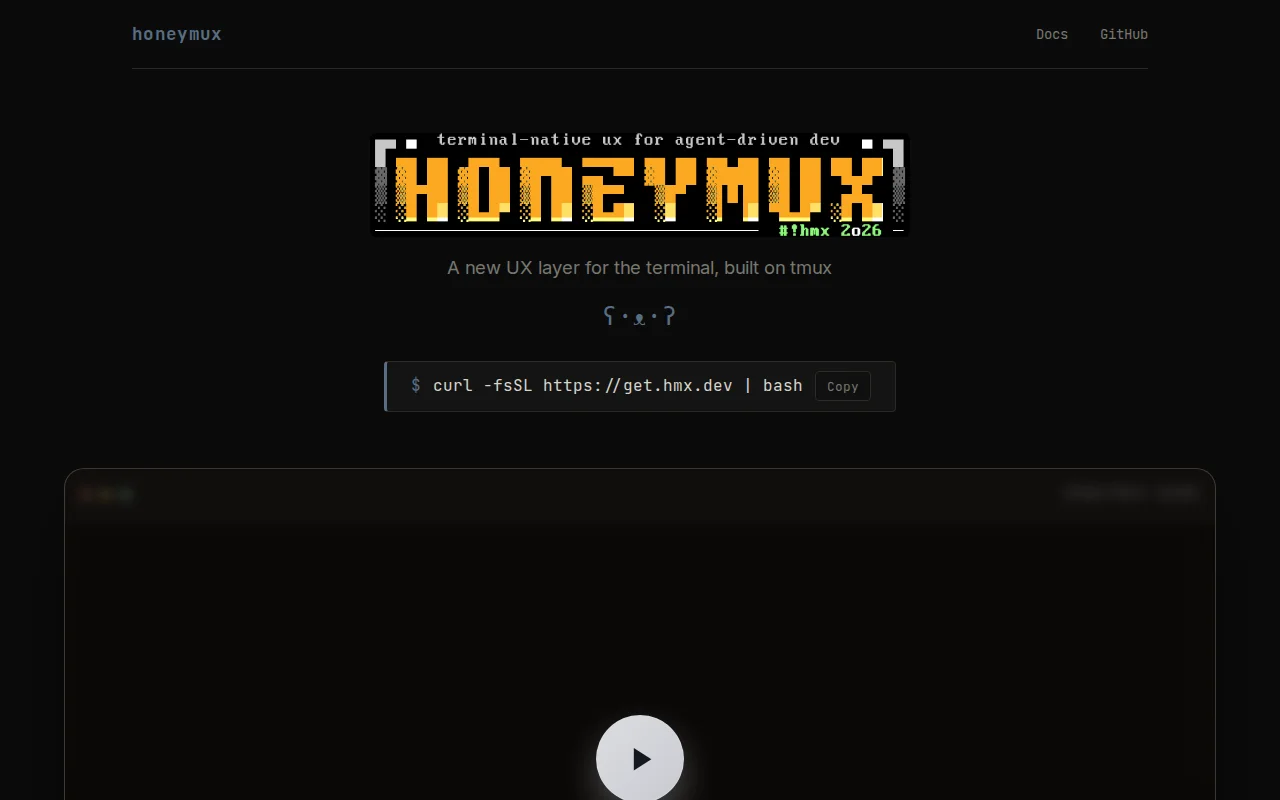
AFAIK, what I've built occupies a nascent design space: it's not a tmux plugin, and not a traditional terminal app, but an outer overlay layer built around tmux itself. Under the hood it uses tmux control mode, OpenTUI for rendering, libghostty for terminal emulation, and ghostty-opentui for parsing. Basically it adds a new UX layer situated between your emulator and multiplexer, providing a desktop-like environment.
With this architecture, one of the first features I built was global agent visibility and response: if an agent in another pane, window, or session needs attention, just hit a key and a floating overlay connected to that agent's PTY appears so you can respond inline. Or, set hot keys to approve, deny, or jump to the pane, without the full terminal interaction. Integrates with Claude Code, Codex, Gemini, and OpenCode. If you configure remote-backed panes (see below), it will monitor your remote agents as well!
The OS native search/select feature is called "buffer zoom" and works as follows: (a) runs capture-pane on the current pane, (b) disables mouse reporting, (c) temporarily switches out of alternate screen mode, and (d) populates the primary screen with the captured contents. You are then able to use the usual keyboard shortcuts or mouse to search and/or select without relying on tmux copy mode. Meanwhile, PTY output continues to be processed in the background. Hit any key to exit, which re-enables mouse reporting and returns you to the main application view.
Remote-backed panes work like this: (a) user configures an ssh target w/ public key auth, (b) a tmux instance is spawned at that server via an auto-managed background connection, and (c) a synchronized mirror of the local tmux layout is maintained at the remote. With this approach, any local pane can then be converted to a remote one with one click. The idea is to give the user a single combined local+remote workspace without having to manage nested tmux instances.
There are some smaller built-ins too: conversation search, layout profiles, pane screenshots, quick terminal, inactive pane dimming, and root-shell tinting.
This was fun to build and I'd love to hear your feedback and bug reports.
https://hmx.dev https://github.com/honeymux/honeymux
Thanks, -Aaron
Tmux + Claude Code + lazygit orchestration—tight workflow, but Claude Code adoption is unproven.
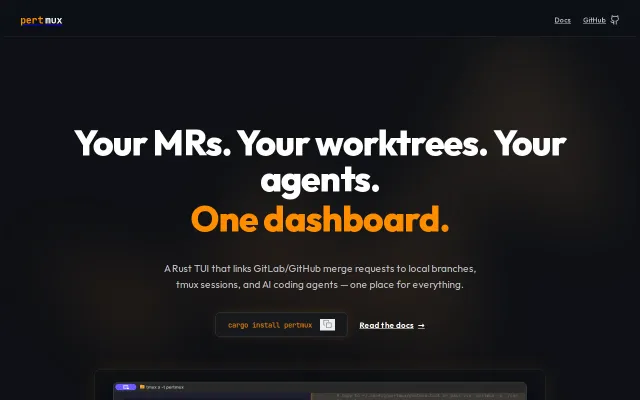
Tmux-powered TUI runs Claude, Aider, and Codex agents in parallel git worktrees.
Daemon keeps MR pipelines and agent status fresh without leaving your terminal.
Links MRs to worktrees and AI agents in one terminal dashboard — workmux but for the agent era.
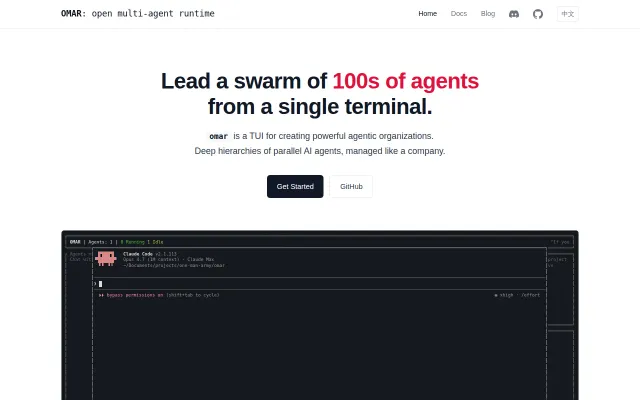
Tmux-based agent swarm manager for parallel AI workflows.
PTY screenshots and expect patterns let agents operate TUIs without human help.