AI/ML●Mid
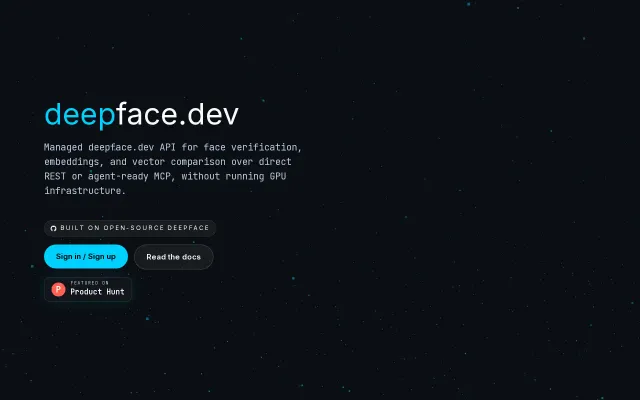
DeepFace Cloud – API for face recognition
Yet another managed ML API when AWS Rekognition and Google Vision already exist.
Ship It
serengil
7224d ago
Auto-confirm Windows Hello dialogs
Auto-clicks OK after face recognition—no more looking left then right.
Windows users with external monitors or multi-display setups
AutoHotkey · PowerToys · UI Automation tools
So I wrote a small Rust Windows service, Breeze, to do exactly that. When a Windows Hello credential dialog appears (Okta Verify, sudo-style prompts, and friends), it checks whether face recognition is the active method and, if so, clicks OK for you. PIN and fingerprint are left alone. The camera sees you, the dialog quietly closes, you keep working.
Matching uses AutomationId and ClassName rather than button text, so it works regardless of the Windows display language.
A few notes:
- ~2 MB single binary, no runtime deps - The service runs in Session 0 and spawns a helper into the user session via CreateProcessAsUser with an elevated token from WTSQueryUserToken - FocusChanged event -> locate "Credential Dialog Xaml Host" -> if a PasswordField is present, it's PIN mode, skip -> otherwise click OkButton - Does not work for UAC / Secure Desktop prompts. Windows blocks UI Automation there by design.
Install: cargo install breeze-wh && breeze-wh install. The second command auto-elevates, so no admin shell is needed.
https://github.com/evan-choi/breeze-wh
Feedback is very welcome, especially from anyone with a fingerprint reader. I only have a face camera, so that path is still untested.
Yet another managed ML API when AWS Rekognition and Google Vision already exist.
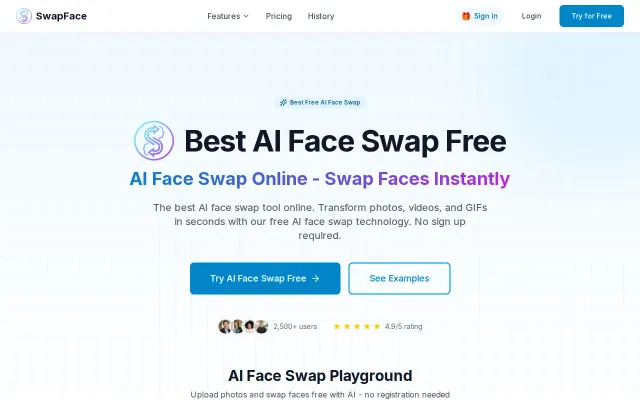
This is the kind of thing people will fire up for a laugh — real‑time swaps for live streams and videos with local processing (Apple Silicon + NVIDIA support) is the key selling point. The landing page copies familiar flows — upload, pick source/target, download — and the ‘no signup, local processing’ pitch is smart for privacy-minded users, but the space is crowded with mature open‑source alternatives (DeepFaceLab, Avatarify). If the app truly delivers low‑latency, HD swaps on consumer hardware it’s useful; otherwise it risks being another pretty front end over standard models.
Smart Dock hiding only when windows overlap, solving a decade-old macOS UX annoyance.
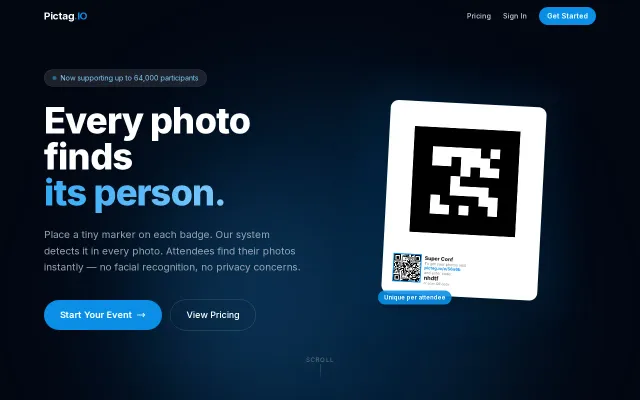
Privacy-first event photos using badge markers instead of facial recognition.
Yet another auto-deleter when Windows Storage Sense already does this free.
Face-gated decryption using TrueDepth sensors prevents unauthorized viewing and forwarding.