Developer Tools●●Solid
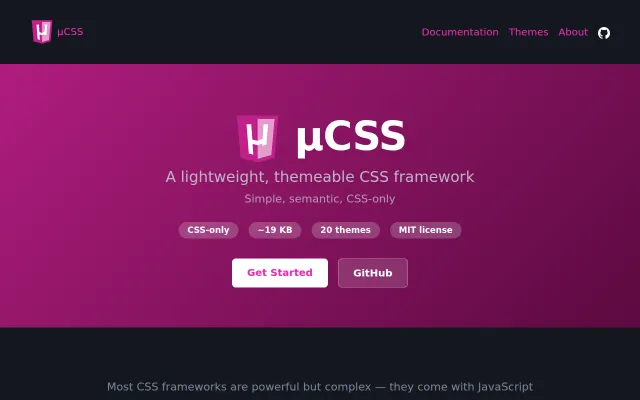
µCSS, a CSS framework with 17 components, 20 themes, no build required
Lightweight CSS framework between PicoCSS simplicity and Bootstrap complexity.
CozySolve My Problem
amaury_bouchard
343mo ago
Browser extension which makes it easer to follow comment threads on Hacker News across multiple visits, allows you to annotate and mute users, and other UI tweaks and mobile UX improvements
CSS variable extraction for HN theming when dark reader extensions already exist.
Hacker News power users and browser extension enthusiasts
Dark Reader · Stylus · Comments Owl for HN
After using them to implement a dark mode (and a pure black variant for OLED), plugging everything into my existing HN browser extension which already lets you apply custom CSS, and making it handle theme switching via attributes on <html>, custom styles and theming are now manageable using it. There are a few examples in the friendly release notes above, with screenshots and copy-pasteable CSS.
If you just want to grab the stylesheet which sets up the CSS variables and application rules to use in your own thing, it's here [1], but not _everything_ is themeable without a bit more work - in particular, I had to replace the HN <img src="y18.svg"> logo with an inline version of the SVG, so its fills can be controlled by CSS.
[1] https://github.com/insin/comments-owl-for-hacker-news/blob/m...
Lightweight CSS framework between PicoCSS simplicity and Bootstrap complexity.
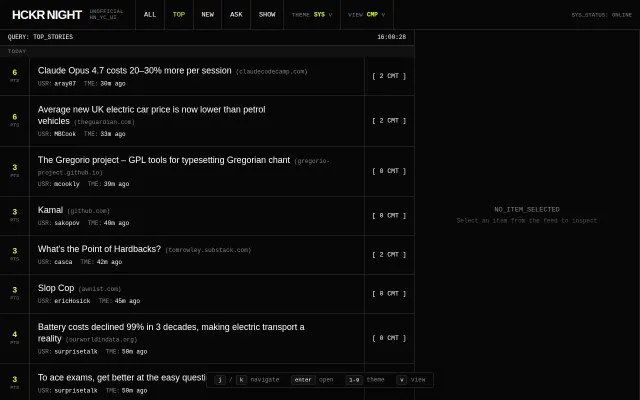
Terminal themes and density modes for HN when dozens of dark clients already exist.
Same-origin iframe trick keeps dark mode alive across HN navigations without extensions.
TOC preservation is nice, but PDF dark mode converters already exist everywhere.
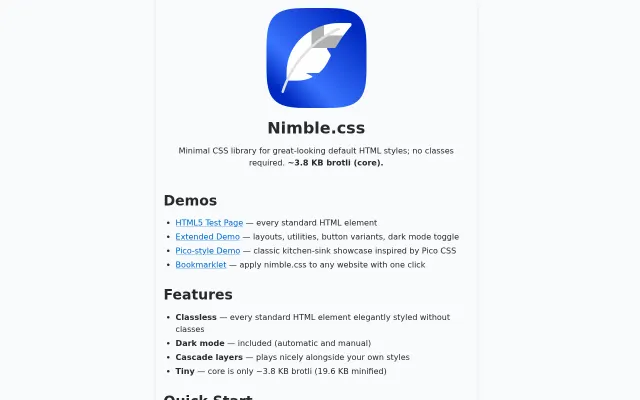
PicoCSS aesthetics at 3.8 KB with fewer variables and Open Props integration.
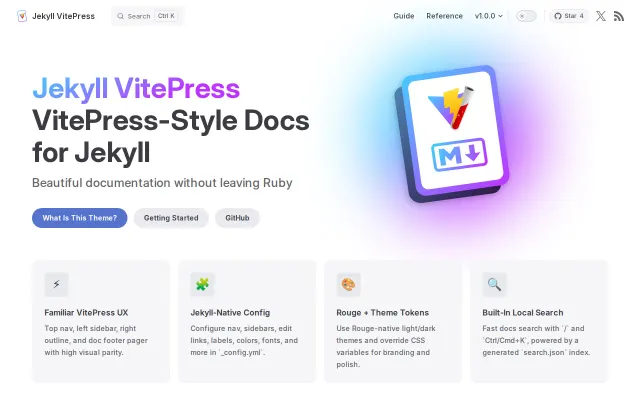
VitePress-style navigation and search for Jekyll sites without stack migration.