Developer Tools●Mid
Glacier – A zero-config macOS terminal I vibecoded in Rust
Yet another Rust terminal emulator, but the auto-tiling panes are actually nice.
CozyShip It
ArqueNova
221mo ago
Generate macOS app icons using AI.
Yet another AI image generator, just wrapped for .icns export.
Indie developers and engineers building macOS apps
IconJar · AppIcon.co · Midjourney
I could use the existing icon generators, but they are basically just image converters. You upload an existing image, and the tool generates the required icon sizes and formats from it.
But I don’t have an image, and I’m not a designer. Asking designers to create an icon is not always an option.
I wanted something that could help me actually create an icon. Something where I can describe an idea, iterate on it over several rounds, experiment with materials, lighting, composition, and gradually arrive at an icon that feels like a real native macOS app icon.
Since I’m an engineer, I built a small tool that allows generating a macOS app icon using AI. It’s completely free and open source, so other engineers building desktop apps for macOS can use it too.
The app lets you generate the app icons from prompts, refine them conversationally ("make it more metallic", "simplify the shape", "add glass effect", etc.), and export the final icon in the `*.icns` format (you can just put it into your macOS app bundle) along with a folder containing the icon in different dimensions.
There are no subscriptions, no watermarking, no credits system, and the source code is fully available on GitHub.
Note 1: the app requires an OpenAI API key. I tried to use local models to generate images, but none of them can produce images with quality similar to Nano Banana 2 or ChatGPT.
Note 2: the generation speed varies from several seconds to up to a minute. I don’t know hot to speed it up yet (maybe generate 1 variant instead of 3).
GitHub: https://github.com/TeamDev-IP/MoBrowser-App-Icon-Maker
Download (signed & notarized): https://github.com/TeamDev-IP/MoBrowser-App-Icon-Maker/relea...
Feel free to try it out. Happy to answer questions or discuss implementation details.
Yet another Rust terminal emulator, but the auto-tiling panes are actually nice.
It wires a simple but satisfying UX — drag-and-drop a .app into a 'Drop Your App Here' window and the app creates a rule folder, edits rule.conf, and applies default.icns/png automatically. The implementation leans on a filesystem watcher and menu‑bar controls (no Dock icon), which makes repeated theming and bulk updates trivial; it's not groundbreaking, but it's exactly the sort of small automation macOS tinkerers will love. The only real friction is that you build and run it in Xcode rather than a packaged release.
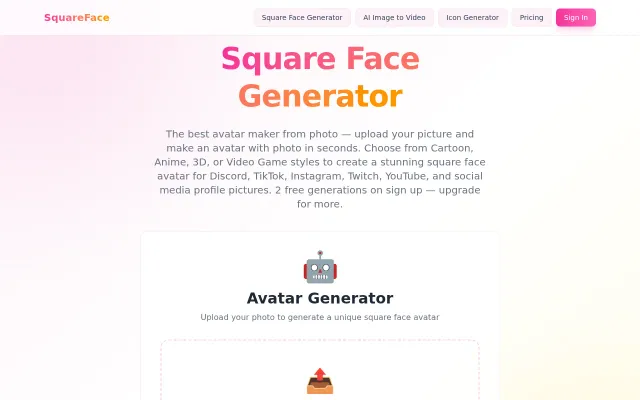
Commoditized AI avatar wrapper, but the Flash tool running on Ruffle is clever preservation.
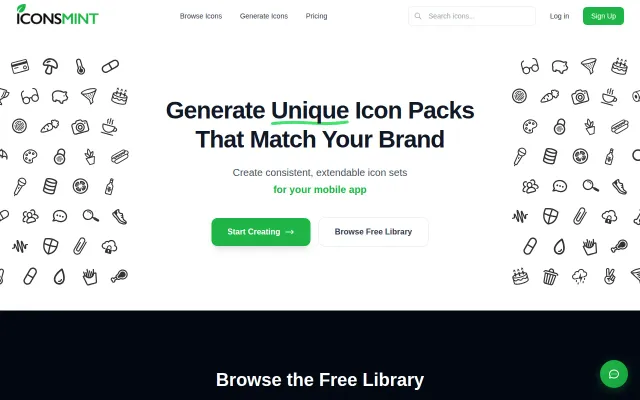
CSS-only hover animations on 3,640 icons with semantic effects — zero JS bundle impact.
Treats icons like a living design system — generate a full set, then request new icons that match the original style and stroke weight. Offers stroke-thickness controls, SVG/PNG/font exports and commercial licensing, which actually targets a recurring pain point for teams who hate mixing packs; the open question is how well the model handles complex or niche iconography and what the production limits are.
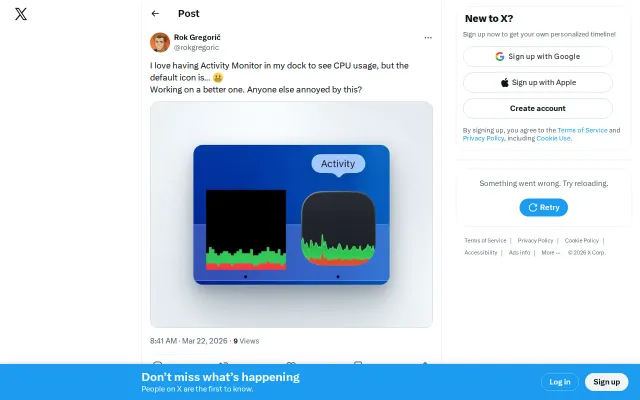
Nice visual polish, but it's just an icon — no functional improvement over the default.