Productivity●●Solid
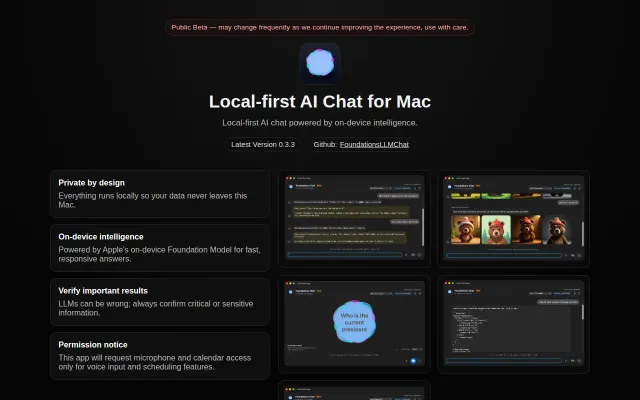
Foundations Chat, macOS AI chat built on Apple's local models
Apple's Foundation Model chat without downloading anything, but local-only LLMs for Mac are well-trodden.
CozyNiche GemShip It
coevcan
303mo ago
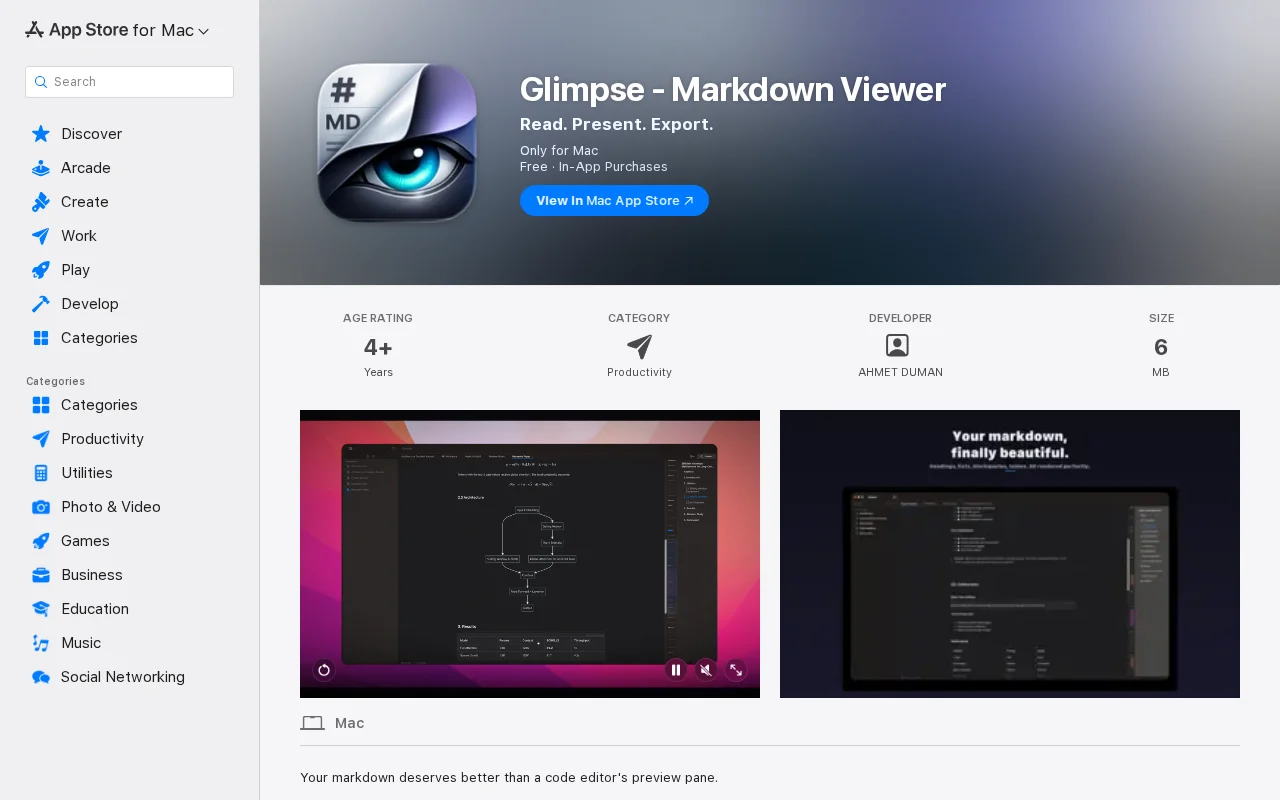
On-device Apple Intelligence summaries beat sending RFCs to the cloud.
Mac developers and technical writers
Obsidian · Marked 2 · Typora
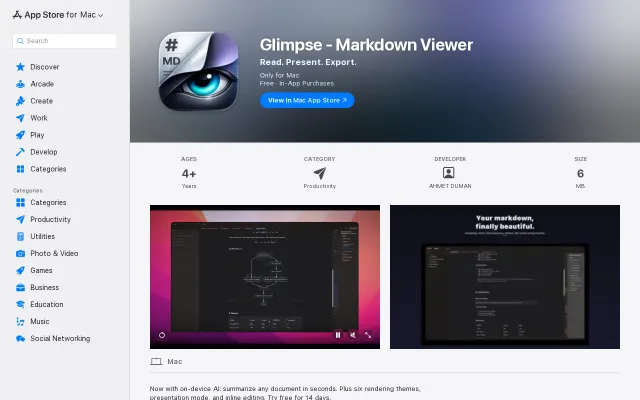
I read long markdown all day, mostly engineering docs and RFCs, and the existing options frustrated me. Electron apps felt slow. The fast native ones had no AI. The ones with AI wanted me to send a private spec to someone's cloud to get a summary. I wanted to open a 40-page doc and ask "what's actually new here" without it leaving my Mac.
Other things it does: double-click any rendered block to edit just that part of the source, file watching that doesn't fight you while you edit, presentation mode, KaTeX and Mermaid offline, and a QuickLook extension so .md files preview the same way in Finder.
Worth being upfront. AI needs macOS 26 because FoundationModels doesn't exist before it. The viewer and editor still work on older macOS, AI is just gated. Mac App Store only right now. 14 day free trial, then monthly or yearly subscription. I went with subscription because I want runway to keep shipping, but I'm honestly not sure it's the right model for a tool like this, so push back if it bugs you.
Apple's Foundation Model chat without downloading anything, but local-only LLMs for Mac are well-trodden.
Native Markdown viewer with Apple Intelligence summarization in a saturated market.
CLI wrapper for Apple's on-device LLM—neat hack, but Grammarly already does this.
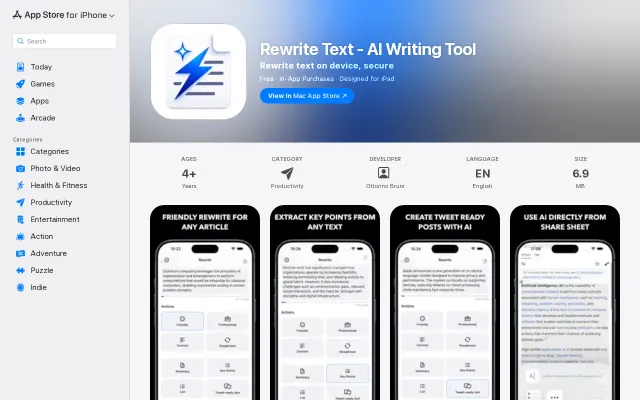
On-device writing AI via Apple Intelligence avoids cloud costs, but competitors already run offline.
Native Apple Foundation Models integration is neat, but Warp already owns this space.
Apple Intelligence in the browser, streaming from your Mac, nothing leaves network.