Developer Tools●Mid
Aliasme – A shell script to memorize your commands
CLI for managing shell aliases, but editing .zshrc directly is usually faster.
CozyShip It
Jintin
221mo ago
Bunsh - replace shell commands with bun scripts easily
Shell history manipulation for script iteration is genuinely clever DX.
Developers who write shell scripts and use Bun
rust-script · just · task
bunsh aims to bridge the cap. It's a little utility that drops you into $EDITOR and lets you write a script. When you finish, the script is executed and you can see the output in your shell. bunsh can also edit your shell history so that when you press ↑ you see `bunsh <some-script-you-were-working-on>`
It solves painpoint 1) and 2) from above by collapsing the typical `vim/hx <some-script>` and `node/python <some-script>` into just `bunsh` and then ↑ for each further iteration. Bun handles 3) because of its shell (https://bun.com/docs/runtime/shell) module, which lets you interoperate between shell commands and JS (so e.g., you can use cat)
CLI for managing shell aliases, but editing .zshrc directly is usually faster.
One-liner shell wrapper, but GitHub's full boilerplate page obscures actual functionality.
MIDI keyboard shell command mapper, genuinely novel input device repurposing for power users.
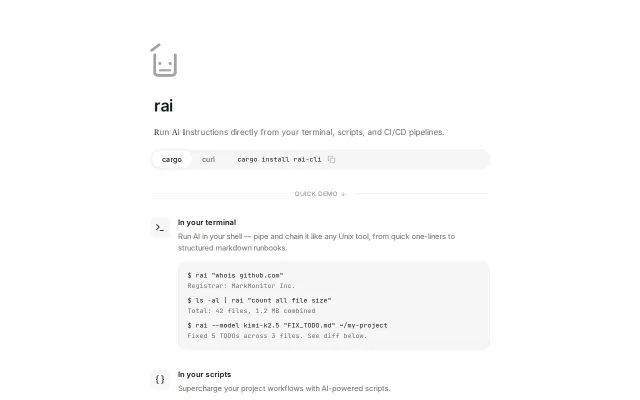
Unix-native AI for shell pipes and CI/CD; real guardrails, multi-provider, no lock-in.
Installs known tools like Starship and atuin, but dotfiles managers already do this.
Yet another Notion clone with AI menus when Blocknote already exists.