Productivity●Mid
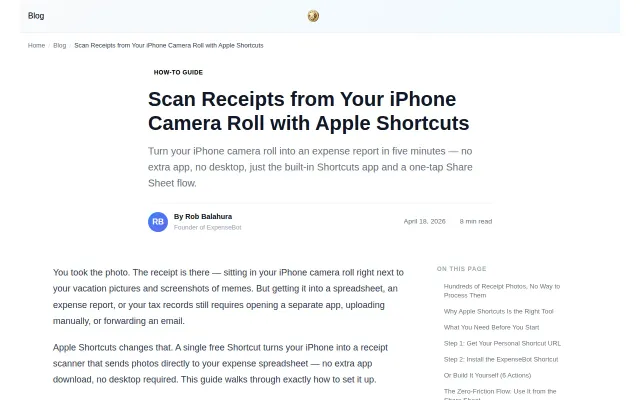
Free Apple Shortcut that scans receipts to a Google Sheet
Useful workflow for freelancers, but it's a blog post tutorial, not a shipped product.
Solve My Problem
balahura
201mo ago
Yet another receipt scanner when Expensify and Dext already dominate this space.
Freelancers, sole traders, small business owners
Expensify · Dext · Receipt Bank
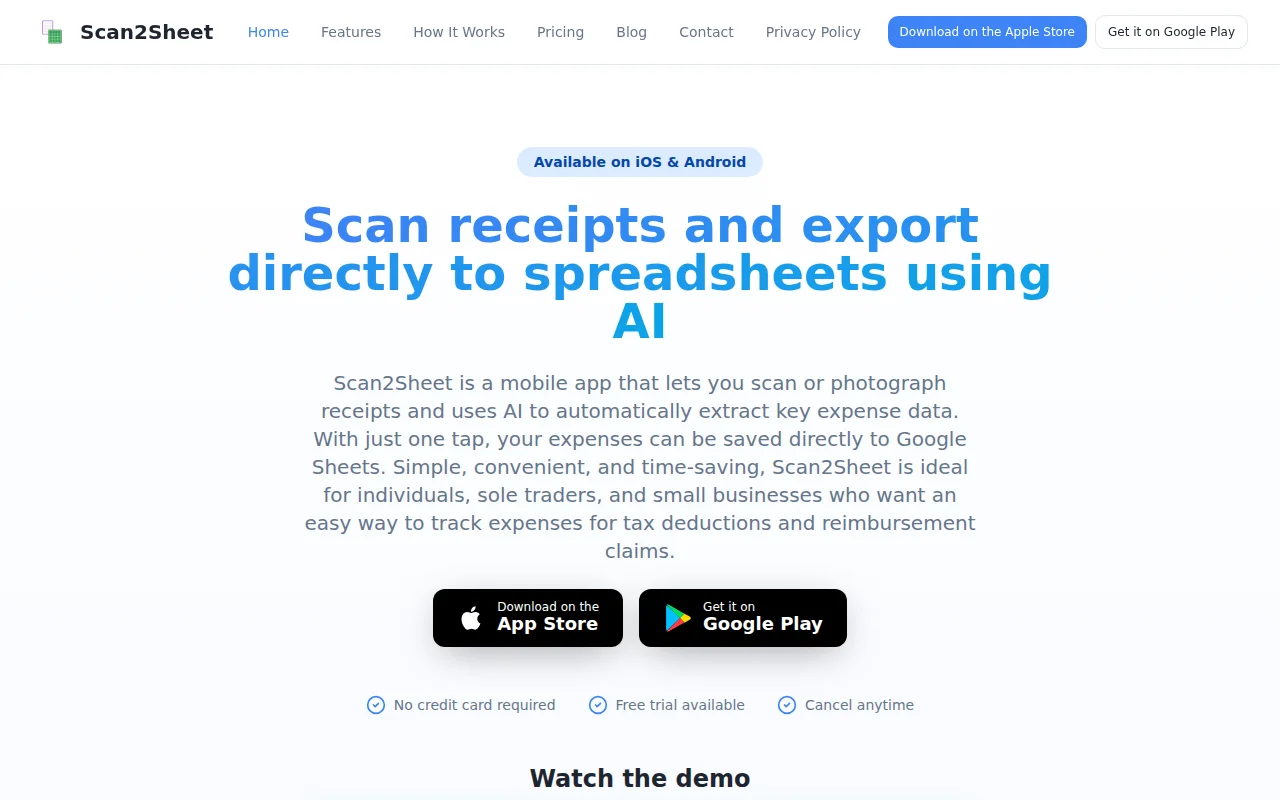
The idea for Scan2Sheet came from a problem I had myself: managing piles of paper receipts for tax deductions and expense tracking. Manually entering receipt data into spreadsheets is time-consuming, tedious, and prone to errors. On top of that, paper receipts can easily be lost, damaged, or overlooked.
With Scan2Sheet, simply take a photo of the receipt whenever making your purchases. In just a few clicks, the extracted expense data and a copy of the receipt image are automatically saved to your own Google Sheets document. There's minimal manual data entry, and no need to learn or manage another dashboard, database, or accounting system.
Here are the links to download:
- For IOS: https://apps.apple.com/us/app/scan2sheets/id6760991697
- For Android: https://play.google.com/store/apps/details?id=com.app.scan2s...
The product's landing page: https://www.scan2sheet.com/
I hope other people also find the app useful and I am happy to hear any thoughts and feedback.
Useful workflow for freelancers, but it's a blog post tutorial, not a shipped product.
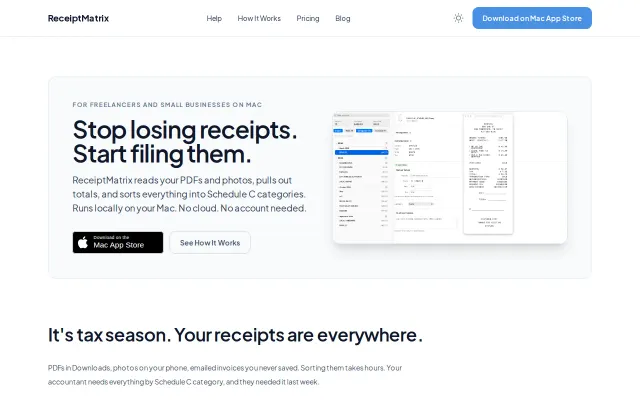
Local-only Mac receipt scanner for freelancers tired of QuickBooks subscriptions.
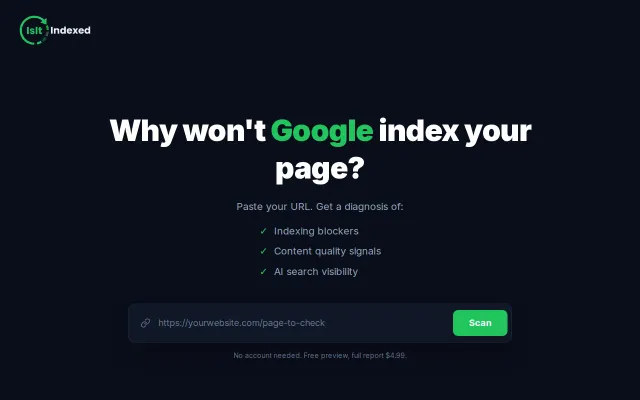
Checks if GPTBot and ClaudeBot are blocked before Google even sees your page.
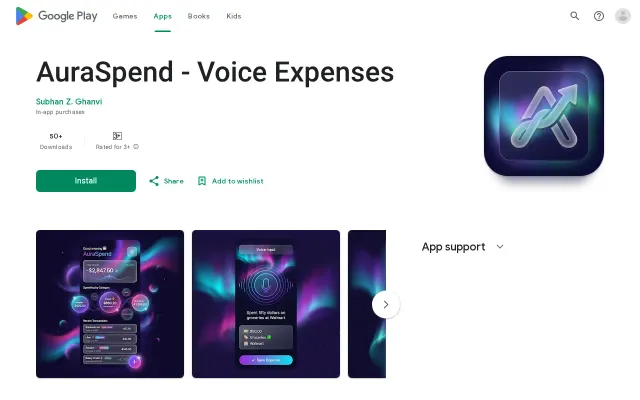
Voice-first expense entry with Gemini NLU, but expense tracking is solved by YNAB, Mint, Monarch.
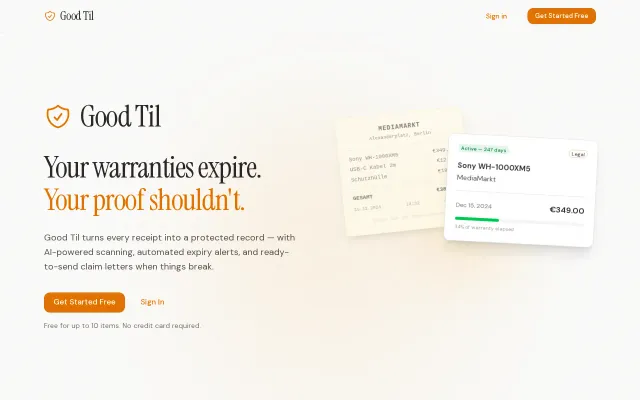
AI receipt scanning + auto-generated warranty claim letters citing local law—solves real consumer friction.
Fast ARP + subnet sweep network scanner with hardware identification in a clean TUI.