Developer Tools●Mid
PageBowl – Drop a page, get a Link
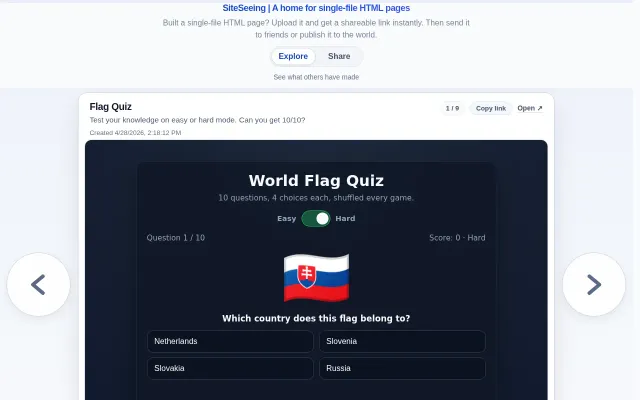
Yet another static host, but the 1-hour expiry and zero-signup flow are genuinely convenient.
Ship ItCozy
yuegui
201mo ago
Yet another static host when Netlify Drop and Vercel already do this free.
Developers sharing AI-generated HTML, internal presentation creators
Netlify Drop · Vercel · GitHub Pages
Then I saw Shopify's blog post about Quick (https://shopify.engineering/quick), an internal intranet with simple HTML page hosting and was inspired. I wasn't sure I could get buy-in to host it at my day job so I spent my own time coming up with Quickish. Now I can share all my beautiful presentations.
Originally I wanted it to be tied to Google Drive / Workspaces, you share the folder with quickish and put your HTML in, quickish hosts it while respecting the privacy of the folder (workspace only, etc). However, as I worked through building I realized I could make it easier to use and add that part in. Actually, it already works behind the scenes I just need to get the app verified.
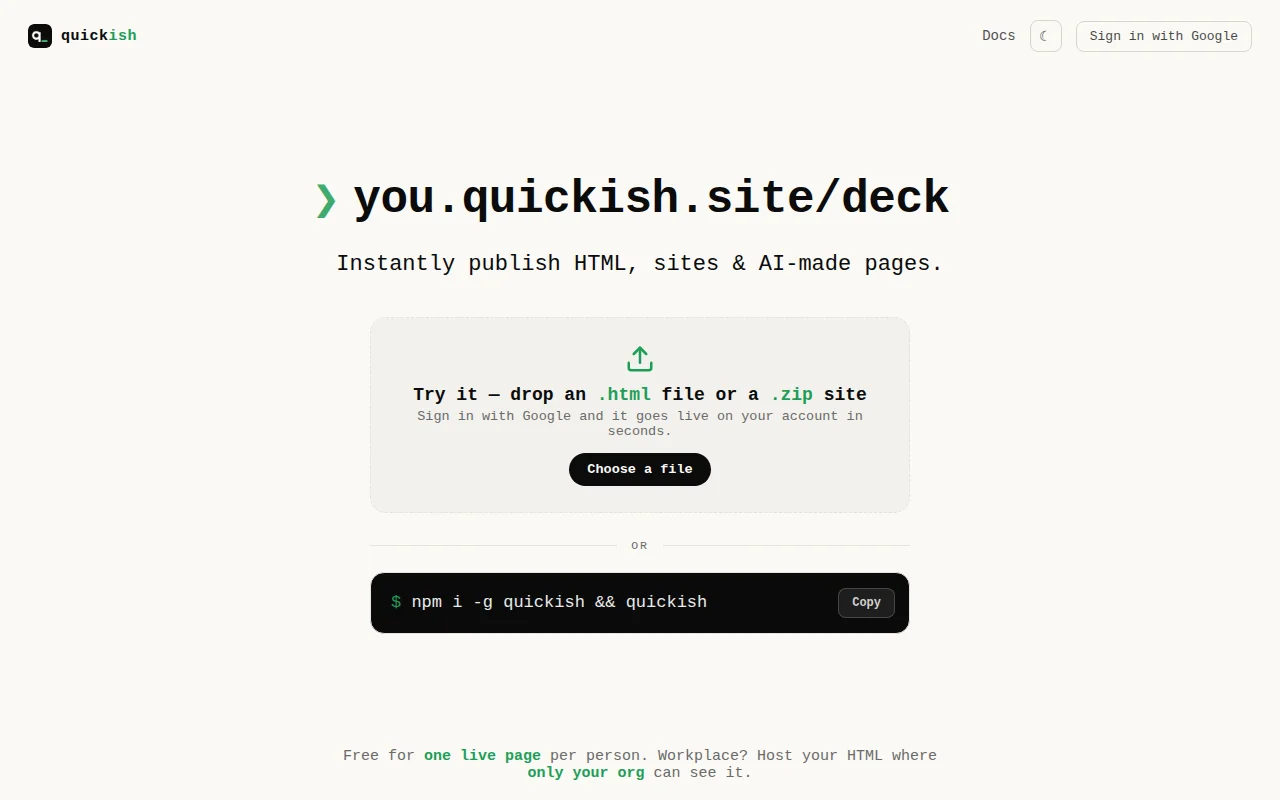
And now, you have what you see. Everyone gets 1 free live site at a time (you can push multiple, just your latest one via CLI or whichever you choose one the web UI is active at a time unless you opt for the cheap unlimited plan). Just run `npm i -g quickish && quickish` in a directory with your HTML file and that's it, one Google OAuth away from the page being live. You can keep them private and only invite other users (only google for now) as well.
If you use a work e-mail sites you publish are auto-gated to only people within your org. Again, only Google Accounts for now (more coming, OneDrive, Dropbox to start).
Pages do get access to JS DB scoped to your account / workplace which is fun (imo) - I am in the process of touching up the live pub-sub (think claude made live dashboard fed by API posts to your quickish db).
Hope you enjoy!
Yet another static host, but the 1-hour expiry and zero-signup flow are genuinely convenient.
Self-hosted Linktree clone that offers nothing new over LittleLink.
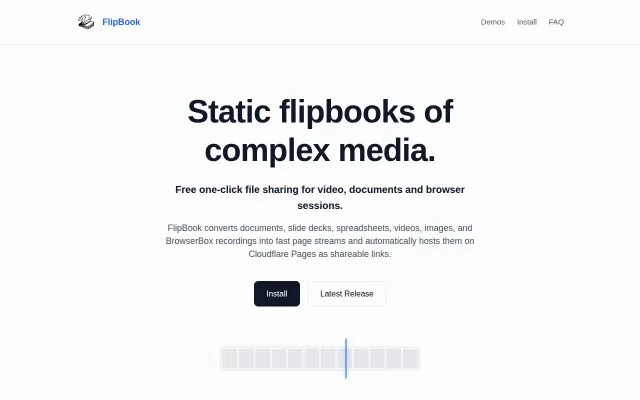
Converts videos and browser sessions into scrubbable static HTML artifacts on Cloudflare.
No-signup host for single-file HTML, but Netlify Drop and Tiiny.host already do this.
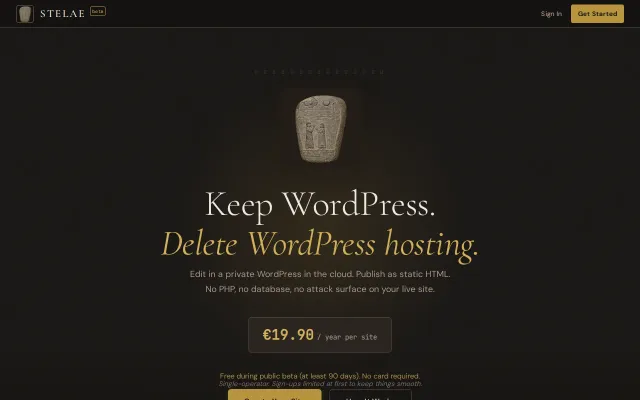
Static WordPress export that kills the database without forcing you to learn a new CMS.
Video-to-frames scrubbing beats standard players for archival precision.