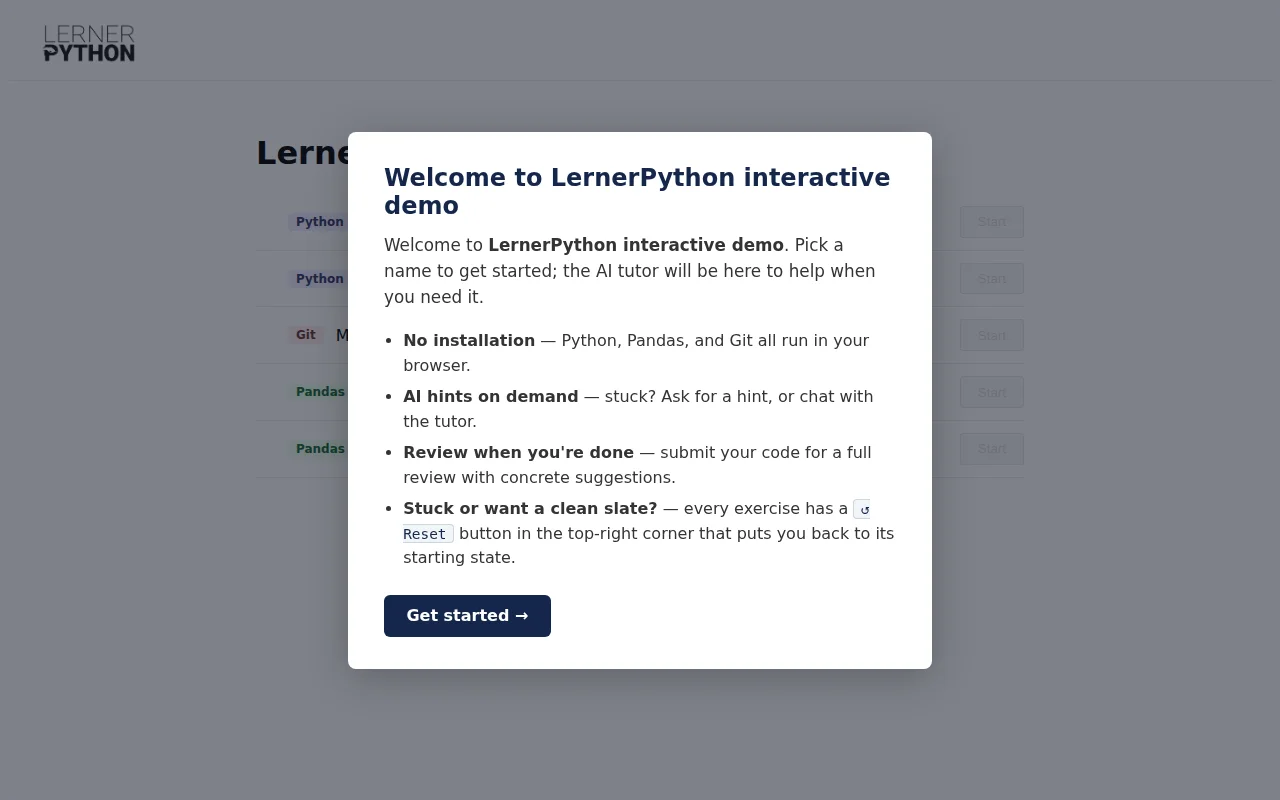
I've created an in-browser Python/Pandas/Git practice environment for my online learning platform and also for my corporate training classes. I'd be happy to discuss how I went about designing this, how I'm using it in my classes, and the architectural decisions I've made.
Most interesting, to me, is how much is running in the browser. Thanks to Svelte, Pyodide, isomorphic-git, LightningFS, and CodeMirror I'm able to provide a full environment for Python, Pandas, and Git.
I built much of this with Claude Code, and I'm happy to discuss how that went — what worked well and where I had to step in and make the calls myself.
I'm especially excited about the Git simulator: it shows the commit tree change as you run commands, plus an animated view of how files move between the working tree, the staging area, and HEAD.
The AI tutor, which uses Claude Haiku, was given my newsletters, classes, and exercises as inputs, along with a description of my pedagogical approach: instructors should give hints and feedback, but not reveal the answer.