Data●●Solid
DynamoSQL – I made a SQL query engine for DynamoDB
ANSI SQL on DynamoDB without ETL pipelines or data movement to Athena.
Solve My ProblemNiche GemSlick
cammasmith
103mo ago
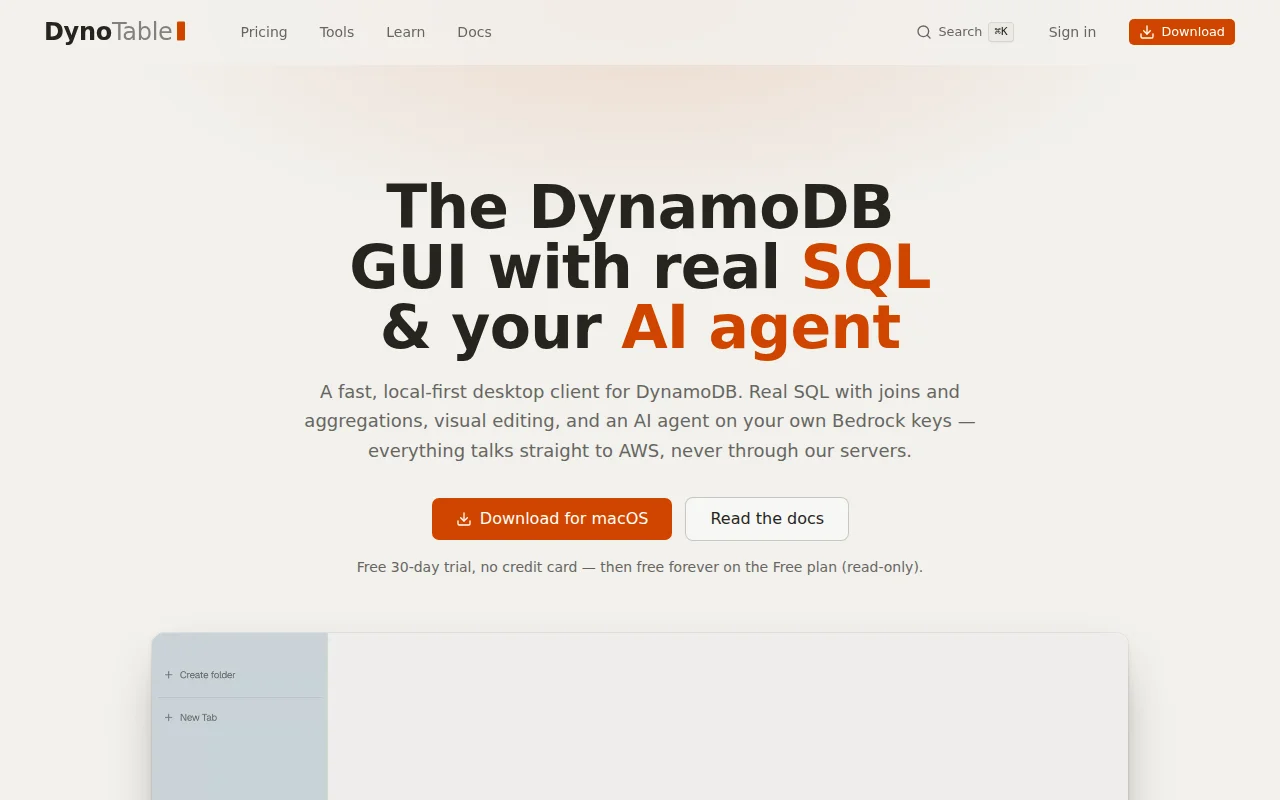
Real SQL joins on DynamoDB without ETL, beating Dynobase's stagnant dev cycle.
Backend engineers and full-stack developers using DynamoDB
Dynobase · NoSQL Workbench · TablePlus
DynoTable is a fast, keyboard first DynamoDB GUI desktop client for Mac, Windows and Linux.
Some of the features:
- SQL Workbench: you can run real SQL with joins and aggregations, on demand resolved from DynamoDB on the fly. Local engine works better than Athena connector and replaces all one-off scripts that I usually had to write.
- Smart Tables: Visual representation of joined tables, easy select tables, join them and store as a smart table, run filters on it
- Staged commits: you can do multiple edits in the table and commit them locally, then review all the changes, commit all or part of it to persist in DynamoDB, all changes are visible in the easy to read diff.
- Autocomplete: DynoTable will build a local index of your tables, field keys and values, full schema, this allows for autocomplete in SQL, PartiQL, filters, JSON editor and gives AI agent necessary context to be efficient
- AI agent on your AWS Bedrock: There is a fully featured AI agent that can do anything in the app - open tabs, filter, run SQL, create Smart tables, edit rows. Works well even with small models like Nova Lite 2. Agent cannot edit/delete items directly. All changes go through staged commit. It shows you the diff, you confirm to persist in DynamoDB. There is also Cursor like quick AI edits and shadow autocomplete for SQL and PartiQL, so you can ask agent to quickly fix your query and it will know what fields are available, what syntax is supported and what tables it can join. Everything runs on your AWS account with no server in the middle, you own the data.
- Built in MCP server: if you want to use Claude Code or Codex or Cursor as your AI agent, you also can, built in MCP exposes all the tools that local agent has so you have full control. Again, agent cannot modify data directly, it only has access to staged commit that requires your approval.
- Arc browser like sidebar, navigation, folders: one very common issue I had is when you need to copy some data from one item to another, you have to open item, copy data, but then you need to copy id of another item, so you need to dump the data to a scratch file and so on. In DynoTable this is solved by tabs. You can open both items as tabs in sidebar and just switch between them, or you can just ask AI agent to do the edits. It can see and live edit your open tab.
- Profile switching: also inspired by Arc browser: you can have multiple AWS profiles, assign color and icon to easily distinguish them. Switching is instant and all tabs and folders are stored per profile so you can have Prod and Dev profiles that don't interfere.
I designed the app with privacy in mind. Your data never lives the local app. The app only talks to your AWS Account. There is no backend at all (except for license check) and I only collect general anonymized metrics (opt in) and crash reports.
For team users there are shared queries and snippets and table indexes for fast autocomplete. All stored in your AWS S3 bucket.
The app has 30 days trial with all the features, no credit card required and a free forever read only plan, if you only need it for quick checks.
Subscription starts at 9$ per month.
Additional 30 days money back guarantee.
Here is quick demo video: https://youtu.be/u1Y9r6jt-zY?si=EmquNygH6Igdu93_
I'd appreciate your feedback. I heavily use the app myself and constantly improve it.
Thanks
ANSI SQL on DynamoDB without ETL pipelines or data movement to Athena.
91% accuracy vs 35% for MCP tool calls — SQL JOINs beat per-source API chaining.
Runs real SQL JOINs on DynamoDB by auto-selecting indexes, skipping the usual ETL pipeline.
Benchmark-proven database access for agents when MCP servers are multiplying everywhere.
Joins FRED, SEC 13F, and market prices in one SQL query without Python notebooks.
Pretty real estate editing suite, but Zillow, Redfin, and Matterport already own this.