Productivity●Mid
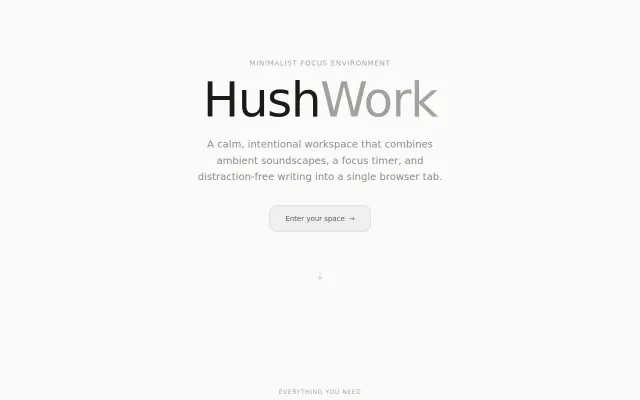
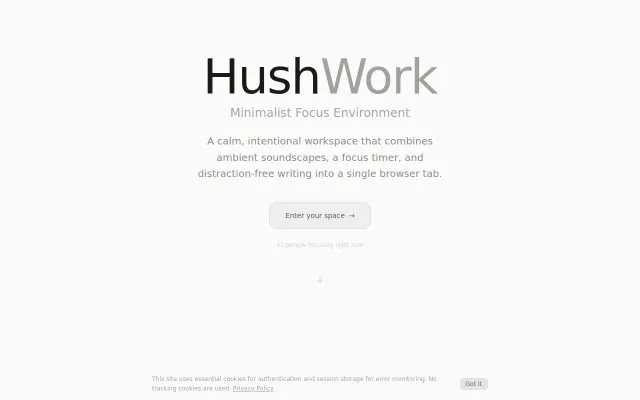
HushWork – A calm focus environment for focus in one tab
Pretty focus PWA, but Forest, Toggl Focus, and Bear already own this space.
CozyEye Candy
pgebski
113mo ago
Docs-as-code for writers: Git versioning and local AI without the Notion tax.
Writers and content creators who want version control and AI assistance without cloud lock-in; developers comfortable with Cursor/VS Code.
Obsidian (local Markdown + versioning) · iA Writer (distraction-free, Markdown-first) · Notion (AI assistant + document hierarchy)
The idea: software devs have an entire ecosystem—one command installs anything, everything builds on what others made. But when I sit down to write a note or a document, it's all proprietary. Word, Docs, Notion. Walled gardens.
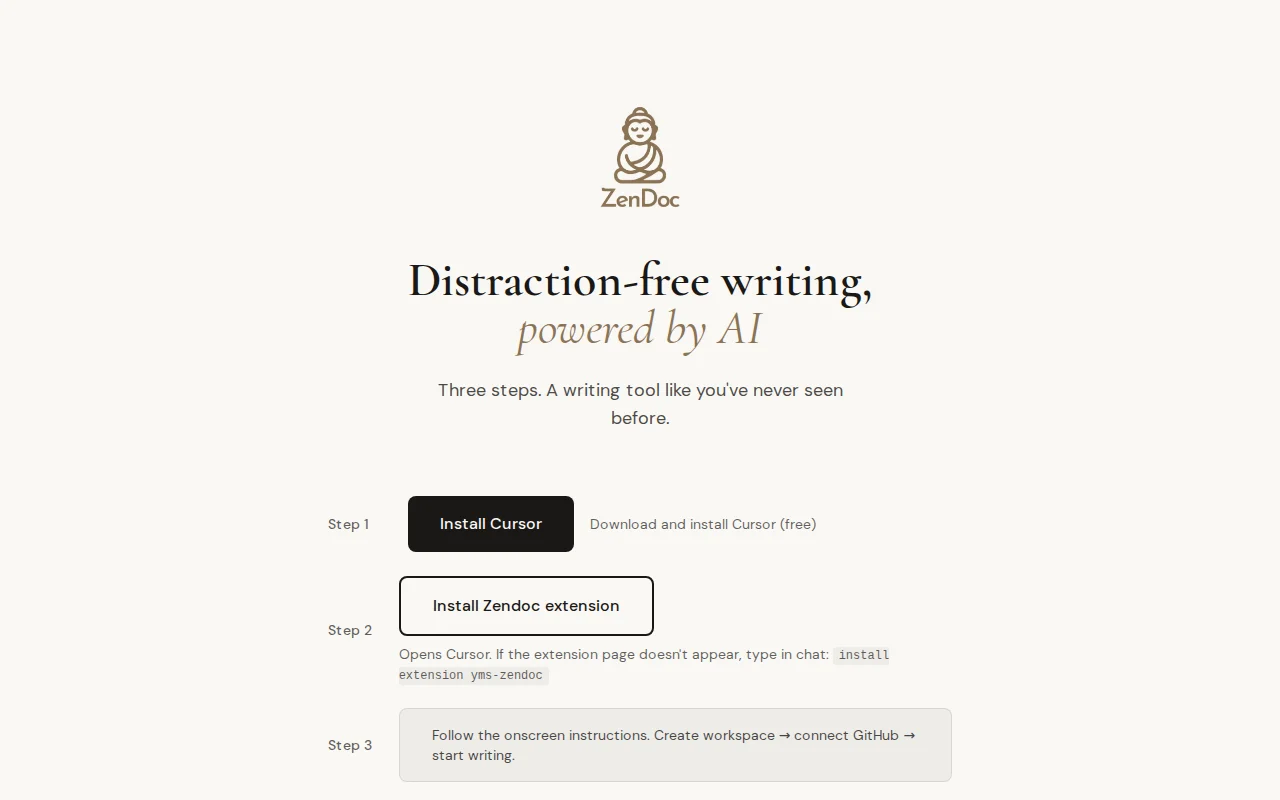
Zendoc brings the docs-as-code workflow to writers. Markdown files you own. Git versioning. An AI agent instructed to act like a librarian, not a coder. Project memory that persists ("add instruction: always use British spelling" — it remembers). All local. No upload-everything-to-the-cloud.
The hardest part was making it simple enough for non-technical users. Stripped UI. One wizard. Connect GitHub when prompted, enable GitDoc, done.
Open source. Would love feedback!
Pretty focus PWA, but Forest, Toggl Focus, and Bear already own this space.
Ambient sound + timer + editor for focused work, but Noisli and Focus@Will already own this.
Claude inside a Modal sandbox auto-generates devcontainer configs, but needs wider adoption.
Expert panel AI orchestration, but 2 GitHub stars says it all.
Copilot skill wrapping Google's writing course, but it's just a prompt config.
Physical NFC friction beats software-only blockers for breaking scroll habits.