Developer Tools●Mid
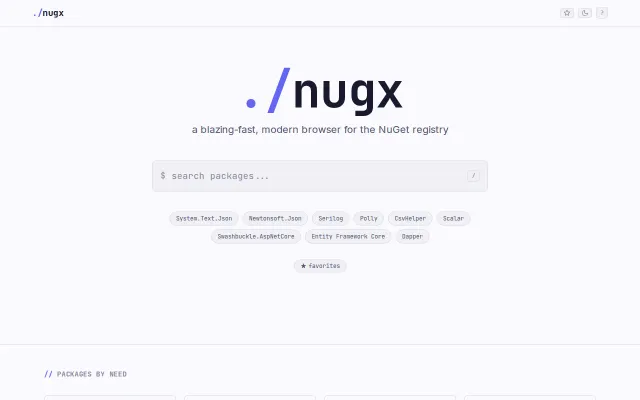
Nugx.org – A Fresh Nuget Experience
npmjs.dev for NuGet, but NuGet search hasn't been the pain point it was.
Eye Candy
plsft
443mo ago
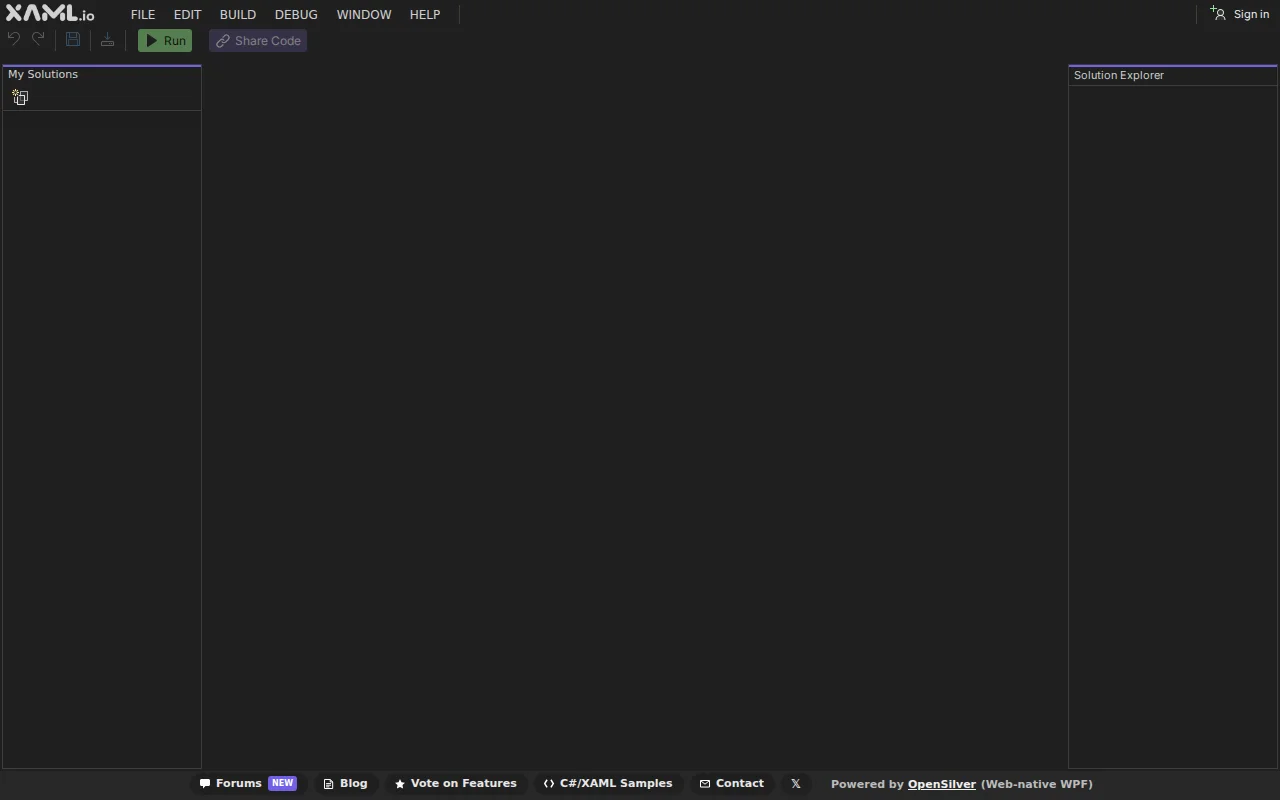
Run .NET and XAML in the browser, but it's a sharp niche and .NET adoption outside enterprise is narrow.
.NET / C# developers wanting to prototype or share WPF/XAML projects without local setup
Repl.it / Replit (code sharing/execution) · JetBrains Space Code (cloud IDE) · StackBlitz (browser-based IDE, but for JS/TS)
The link above opens a sample project using Newtonsoft.Json. Click Run to compile and execute it in your browser. You can edit the code, add NuGet packages, and share your project via a URL.
What's new in v0.6:
- NuGet package support (any library compatible with Blazor WebAssembly) - Code sharing via URL with GitHub-like forking and attribution - XAML autocompletion, AI error fixing, split editor views
The visual designer is the differentiator: 100+ drag-and-drop controls for building UIs. But the NuGet and sharing features work even if you ignore the designer entirely and just write C# code.
XAML.io is currently in tech preview. It's built on OpenSilver (https://opensilver.net), a from-scratch reimplementation of the WPF API (subset) using modern .NET, WebAssembly, and the browser DOM. It's open-source and has been in development for over 12 years (started as CSHTML5 in 2013, rebranded to OpenSilver in 2020).
Limitations: one project per solution, no C# IntelliSense yet (coming soon), no debugger yet, WPF compatibility improvements underway, desktop browsers recommended.
Full details and screenshots: https://blog.xaml.io/post/xaml-io-v0-6
Happy to answer questions about the architecture, WebAssembly compilation pipeline, or anything else.
npmjs.dev for NuGet, but NuGet search hasn't been the pain point it was.
New language, not framework: compiles to WASM with no virtual DOM, 40% smaller than Svelte.
Compile-time model capability validation beats runtime errors every time.
Embeddable .NET web framework sidestepping ASP.NET bloat, but alpha and underspecified.
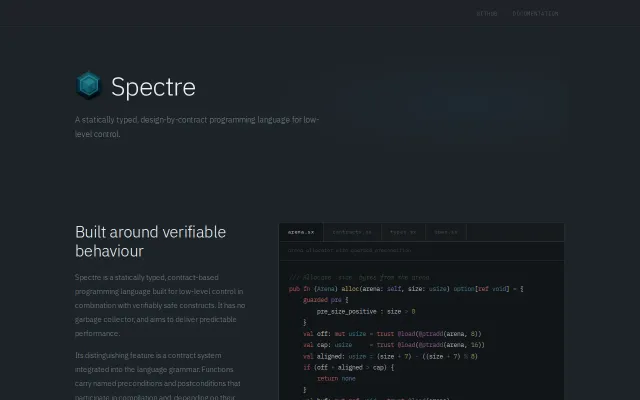
Design-by-contract baked into grammar for a no-GC systems language.
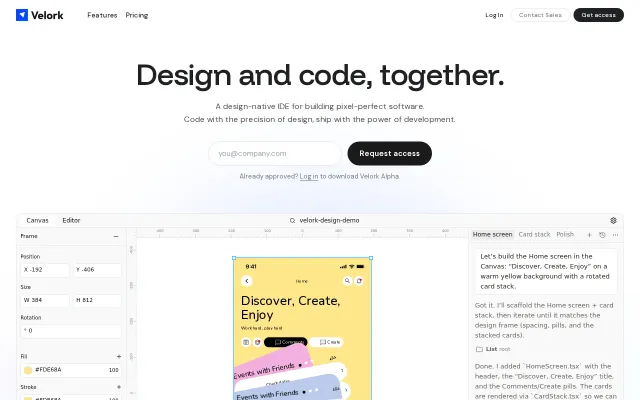
Design canvas inside VS Code beats Figma plugin export workflows.