Productivity●●Solid
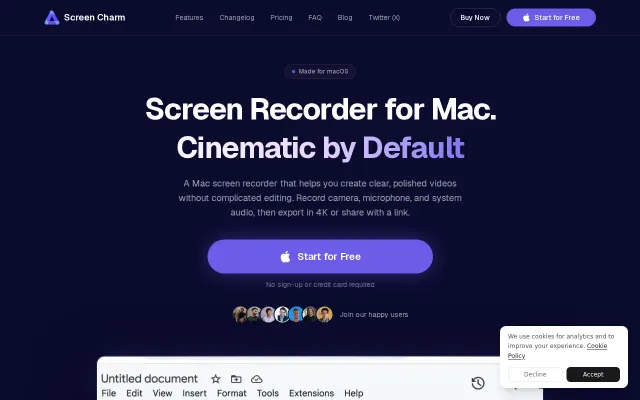
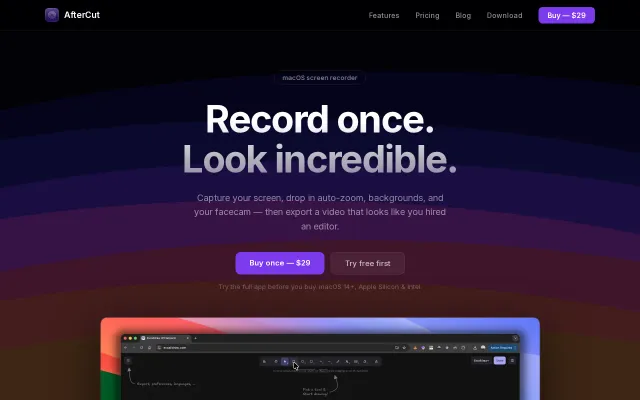
Mac screen recorder that adds zoom animations from click data
Click-driven zoom pipeline with outlier clamping beats manual editing in Loom or ScreenFlow.
SlickEye Candy
snazarov92
315d ago
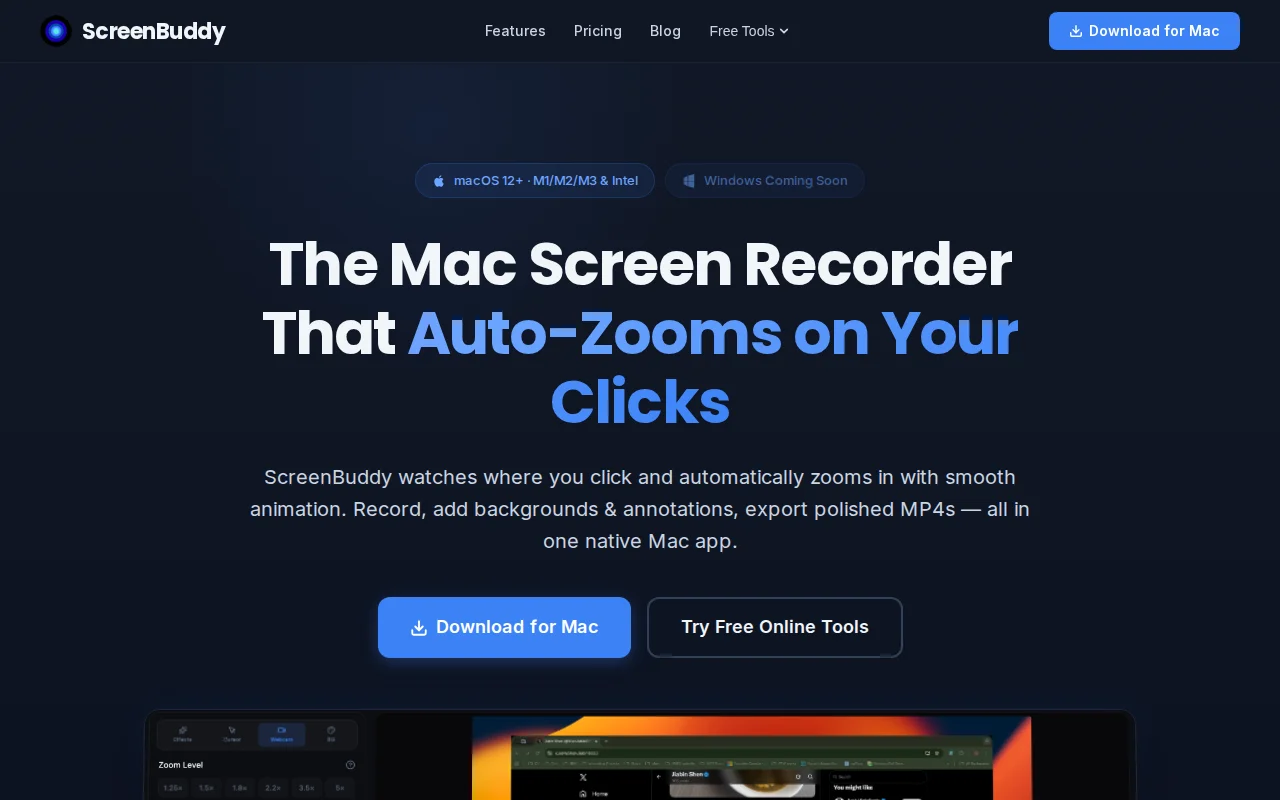
Auto-zoom on clicks saves manual keyframing, but Loom already owns this workflow.
Course creators, product managers, developer advocates, tutorial makers
Loom · ScreenFlow · Camtasia
Click-driven zoom pipeline with outlier clamping beats manual editing in Loom or ScreenFlow.
Loom alternative with auto-zoom, cursor clicks, and noise reduction—ships today on macOS.
Free Screen Studio alternative with cursor-tracking zooms and RNNoise cleanup built in.
Auto-zoom to cursor removes editing friction, but Camtasia and Loom already do this.
Smart Zoom and click/keystroke highlighting are sensible UX-first features that actually matter for tutorial makers — they reduce editing overhead. The one-time $29 license and native macOS build are the selling points here, but nothing on the page suggests a technical leap over ScreenFlow/other tools; it feels like a focused, friendlier alternative rather than a reinvention. Missing cross-platform support and more detail on multi-track audio or sharing workflows keep it from feeling essential.
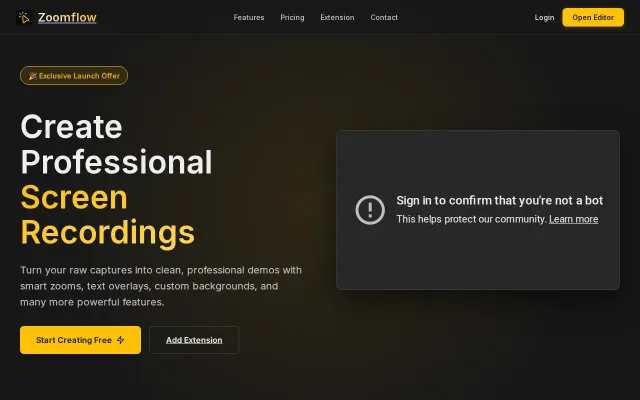
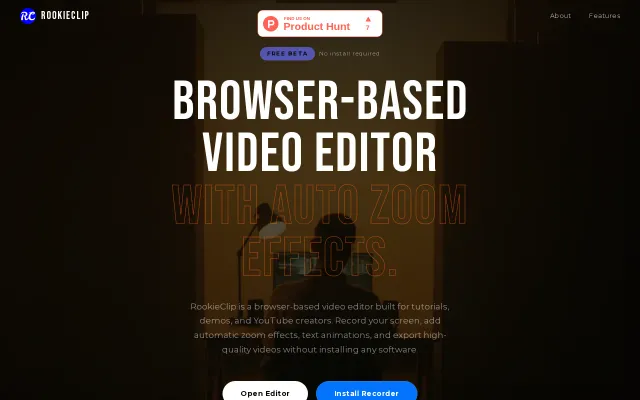
Browser-based screen recorder with AI-driven auto-zoom to replace heavy desktop software.