Developer Tools●●●Banger
I was tired of Loom so I built my own screen recorder
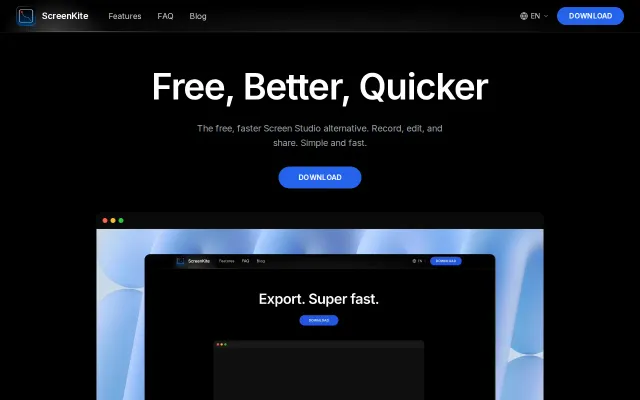
Free Screen Studio alternative with cursor-tracking zooms and RNNoise cleanup built in.
Solve My ProblemSlick
kundi
303mo ago
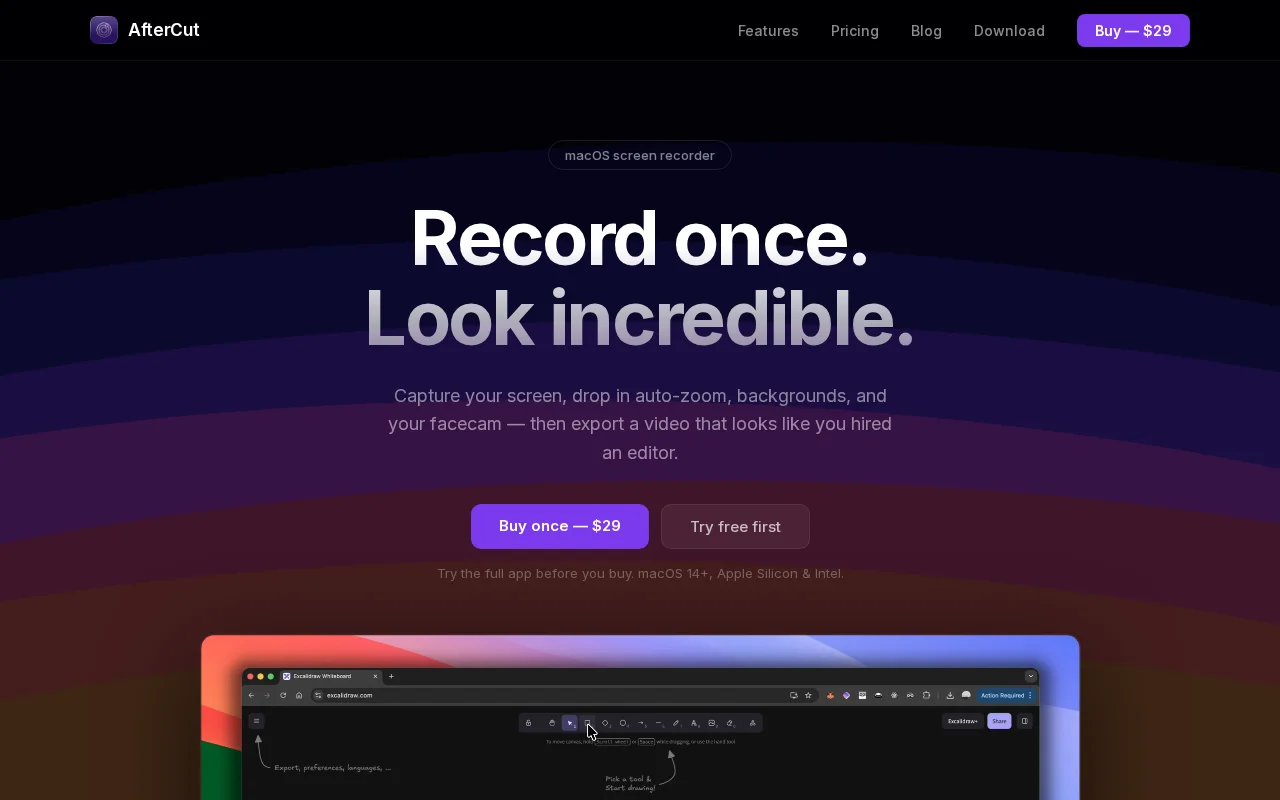
Smart Zoom and click/keystroke highlighting are sensible UX-first features that actually matter for tutorial makers — they reduce editing overhead. The one-time $29 license and native macOS build are the selling points here, but nothing on the page suggests a technical leap over ScreenFlow/other tools; it feels like a focused, friendlier alternative rather than a reinvention. Missing cross-platform support and more detail on multi-track audio or sharing workflows keep it from feeling essential.
Content creators, tutorial makers, developers and product teams who record demos and walkthroughs
Free Screen Studio alternative with cursor-tracking zooms and RNNoise cleanup built in.
macOS-native screen recorder with timeline editing, but Loom/ScreenFlow dominate this space.
Free Screen Studio clone with native code and faster export, but no proven performance claim yet.
Open-source ScreenStudio alternative running entirely in the browser with 3D camera moves.
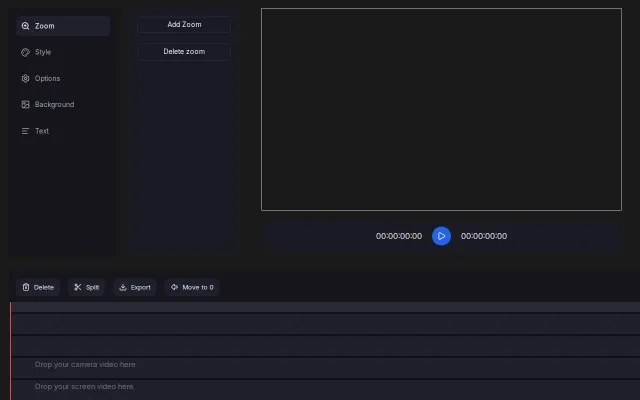
Interface leans into a focused workflow: separate tracks for camera/screen/images, an obvious 'Add Zoom' control, and timeline operations like Split / Move to 0 for fast edits. It looks engineered for creating tutorial-style zooms quickly, but it doesn't show advanced keyframing, audio tools, or anything that clearly outclasses established browser editors.
Loom alternative with auto-zoom, cursor clicks, and noise reduction—ships today on macOS.