Productivity●●Solid
Pooch PDF – Because Ctrl+P still prints cookie banners in 2026
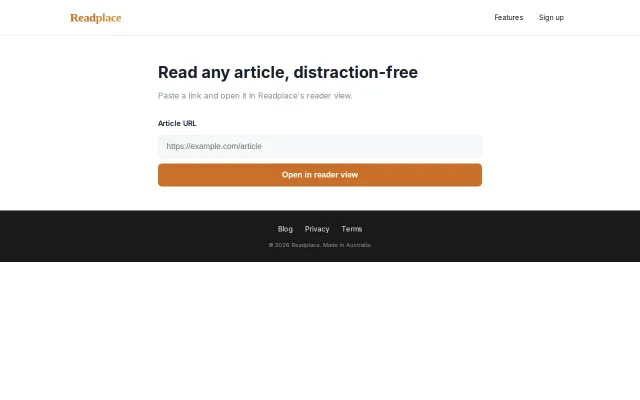
Reader mode + PDF export solves the Ctrl+P nightmare, but readability engines aren't novel.
Solve My ProblemShip It
membrshiperfect
113mo ago
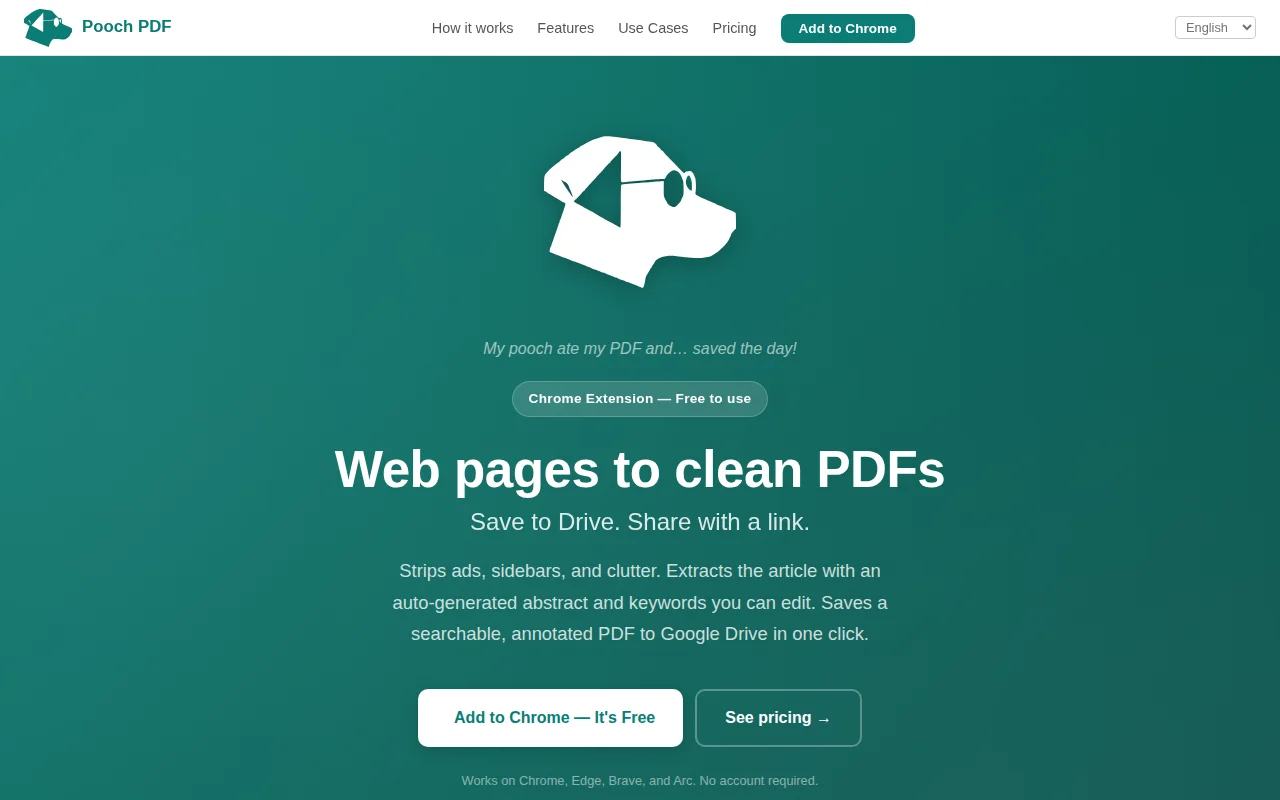
Reader-mode extraction to searchable PDFs in Google Drive, one click, zero signup.
Researchers, students, journalists, policy professionals who archive long-form content
Omnivore · Pocket · Matter
So I built Pooch PDF — a Chrome extension that extracts the article content, strips the clutter, and saves a clean PDF to Google Drive in one click. Searchable metadata, structured filenames, accessible on any device.
Three modes: - Quick PDF: faithful page capture - Clean PDF: reader-mode extraction (strips ads, navbars, cookie banners, sidebars) - Save to Drive: either mode → PDF → Google Drive with smart filename and AI-generated abstract
Everything runs client-side. No article content leaves the browser. Google Drive scope is drive.file (narrowest — can only see files the extension created).
Free tier: unlimited local PDFs, 60 Drive saves per 60-day cycle. Pro: $3/60 days.
CWS: https://chromewebstore.google.com/detail/pooch-pdf/hiikmbddi...
Happy to answer questions about the architecture, MV3 pain points, or Chrome Web Store review process.
Reader mode + PDF export solves the Ctrl+P nightmare, but readability engines aren't novel.
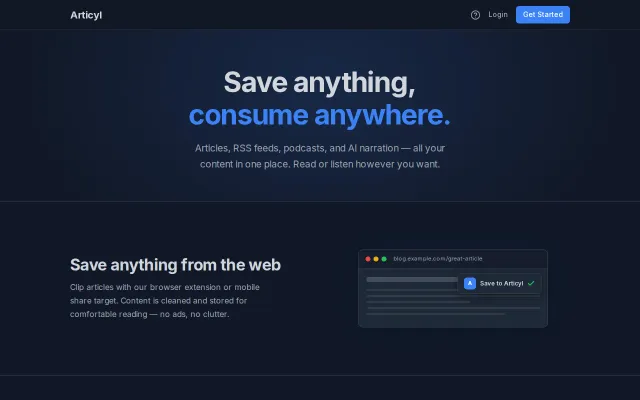
Kindle EPUB delivery solves the messy PDF problem that Pocket never fixed.
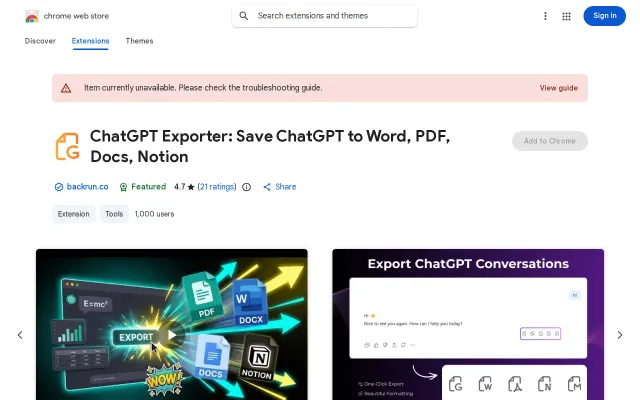
Yet another ChatGPT exporter in a sea of identical Chrome extensions.
Google TTS + Firecrawl + Haiku cleanup is solid execution, but text-to-speech is crowded.
Another TTS wrapper competing with Speechify and NaturalReader.
OCR for PDFs is useful, but Adobe and Google Drive already do this for free.