Developer Tools●Mid
Pathr – Right-click any folder in Explorer to add it to PATH
Nice Explorer integration, but Rapid Environment Editor already does PATH management.
Cozy
w3abhishek
203mo ago
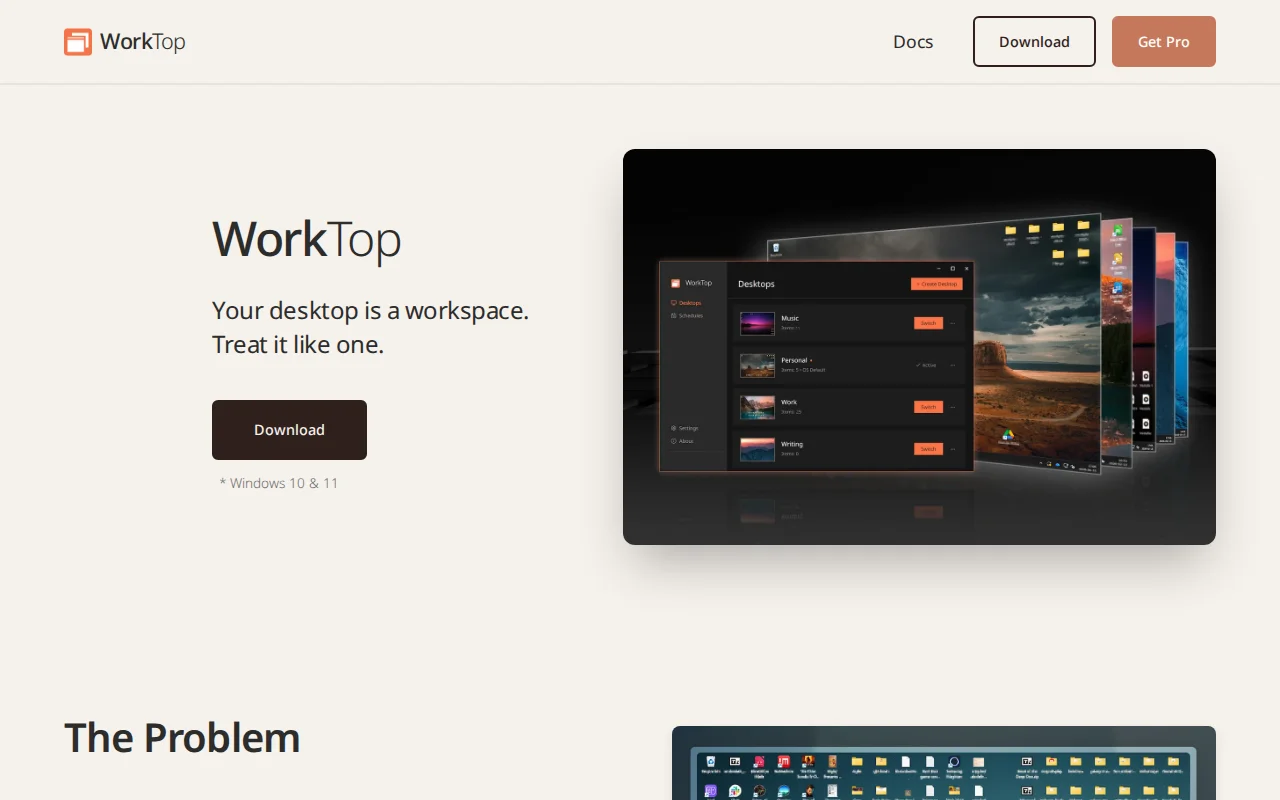
Finally separates desktop files per virtual workspace on Windows without manual folder hopping.
Windows power users who live out of their desktop folder
Stardock Fences · Windows Virtual Desktops
Windows built-in feature "Multiple Desktops" is rather ambiguously named given the fact that it is just a virtual desktop implementation, you don't get multiple actual desktops with their own files, folders, and shortcuts. Something I have personally wanted for years, since my desktop always ends up accumulating files and I prefer spatial organization over deep folder structures anyway.
WorkTop gives you separate desktops with different linked desktop folders. Meaning you can have different files on different desktops. Either because you too happen to get a messy desktop, or maybe you want a different desktop per work mode or project. Switching can be done via the tray, right clicking the desktop, or most easily via a hotkey (default is alt+w) just like you'd cycle apps with alt+tab.
The app uses the built-in folder redirection functionality already present in Windows to swap out the active desktop and tracks individual desktop layouts, and makes sure the clipboard and open explorer windows stay current when switching. If you use the virtual desktop functionality in Windows, you can link WorkTop to switch files when you switch your virtual workspace.
WorkTop is freemium software, the free version lets you have 3 managed desktops (OS default + 2), while the pro version ($14.99 one-time) lets you have unlimited desktops, per desktop wallpaper, and scheduled switching.
I am working on Actions right now, which will let you run arbitrary commands on switch to trigger other apps (like Rainmeter for example, to switch layout). This should be ready for release soon.
Happy to talk about the technical stuff (Its written in Rust so Windows API integration was interesting) or any questions about functionality.
Nice Explorer integration, but Rapid Environment Editor already does PATH management.
Windows terminal helper that converts clipboard images to file paths automatically.
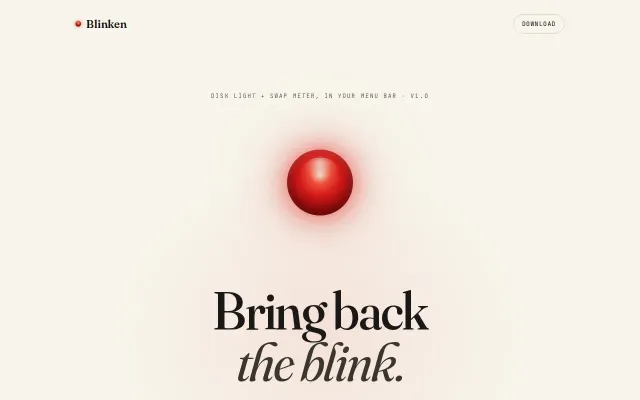
Nostalgic HDD LED recreated in software, but iStat Menus already does this with more features.
Smart Dock hiding only when windows overlap, solving a decade-old macOS UX annoyance.
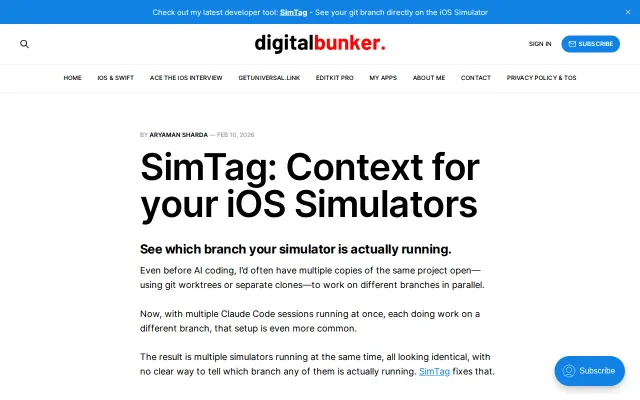
Branch context overlay for iOS Simulator; solves real pain for parallel workflows.
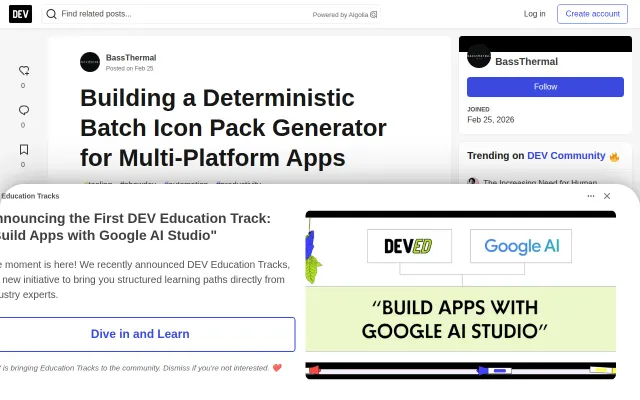
Batch icon packing for multi-platform apps, but Figma plugins and web tools already do this.